34
http://www.tyan.com
2.1.2 Installing the CPU, Heat sink and Air Duct
Follow the steps below on installing the processor, heatsink and air duct.
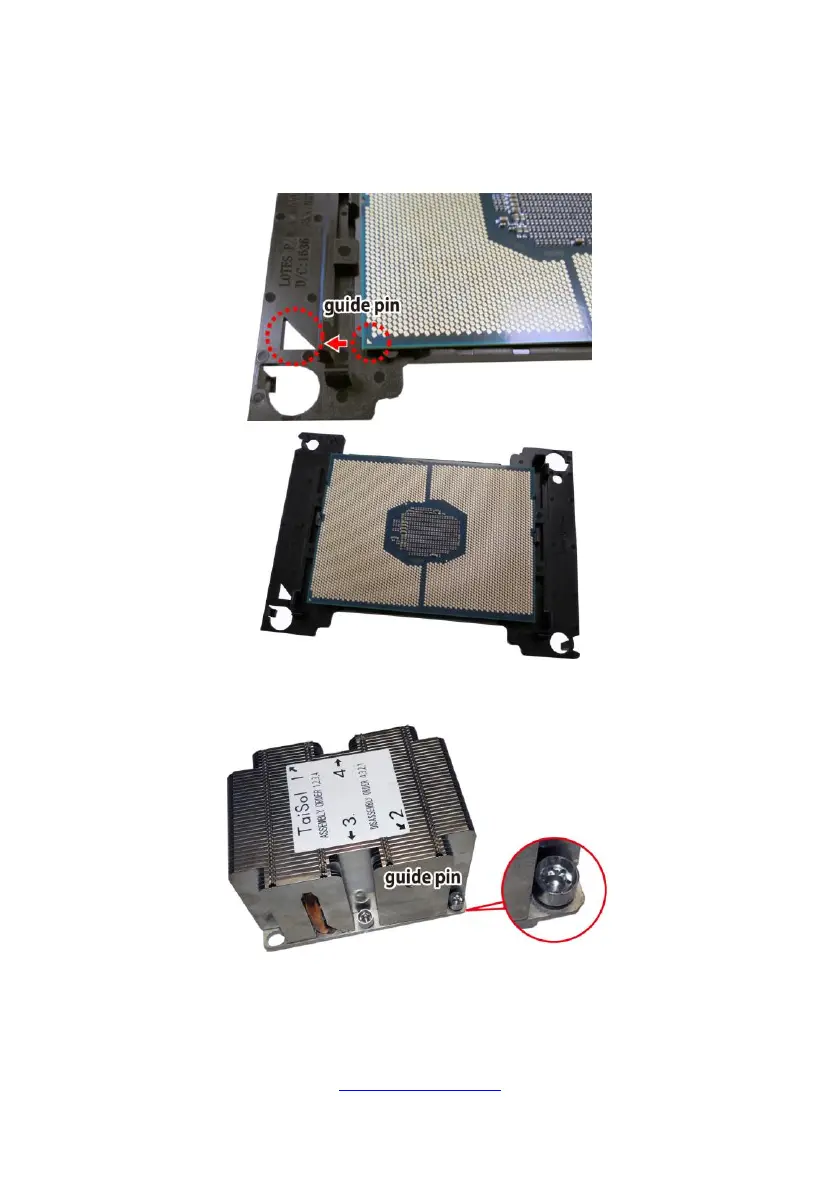
1. Align and install the processor on the carrier.
2. Carefully flip the heatsink. Then install the carrier assembly on the bottom of
the heatsink and make sure the guide pin is located in the correct direction.



 To Next Page