49
http://www.tyan.com
2.1.6 Installing Hard Drives
The FT83-B7119 supports 100 3.5”/2.5” Hard Drives. Follow these instructions
to install a hard drive.
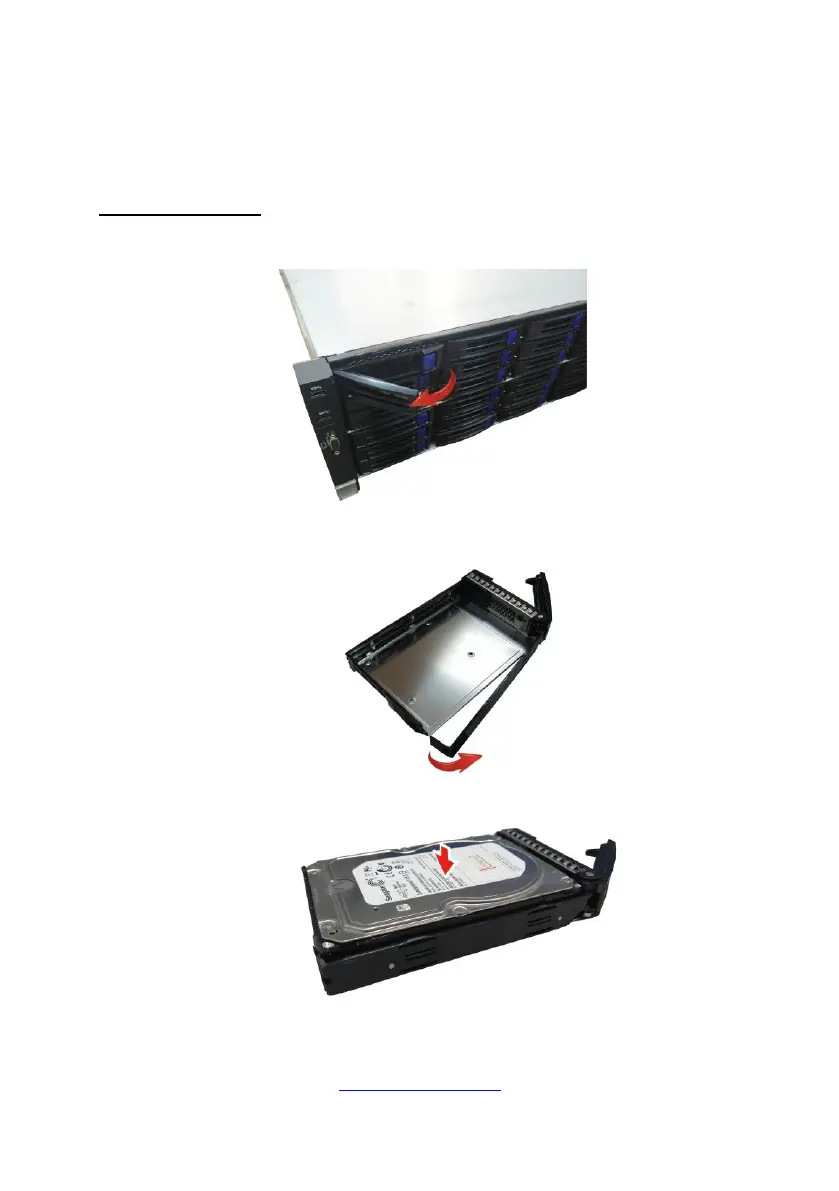
Installing 3.5” HDD
1. Press Locking lever to release the 3.5”/2.5” HDD tray.
2. Pull the 3.5”/2.5” HDD tray out of the chassis.
3. Place a 3.5” hard drive into the drive tray.
4. Reinsert the HDD tray into the chassis.



 To Next Page