59
http://www.tyan.com
3.6 Replacing the USB Board
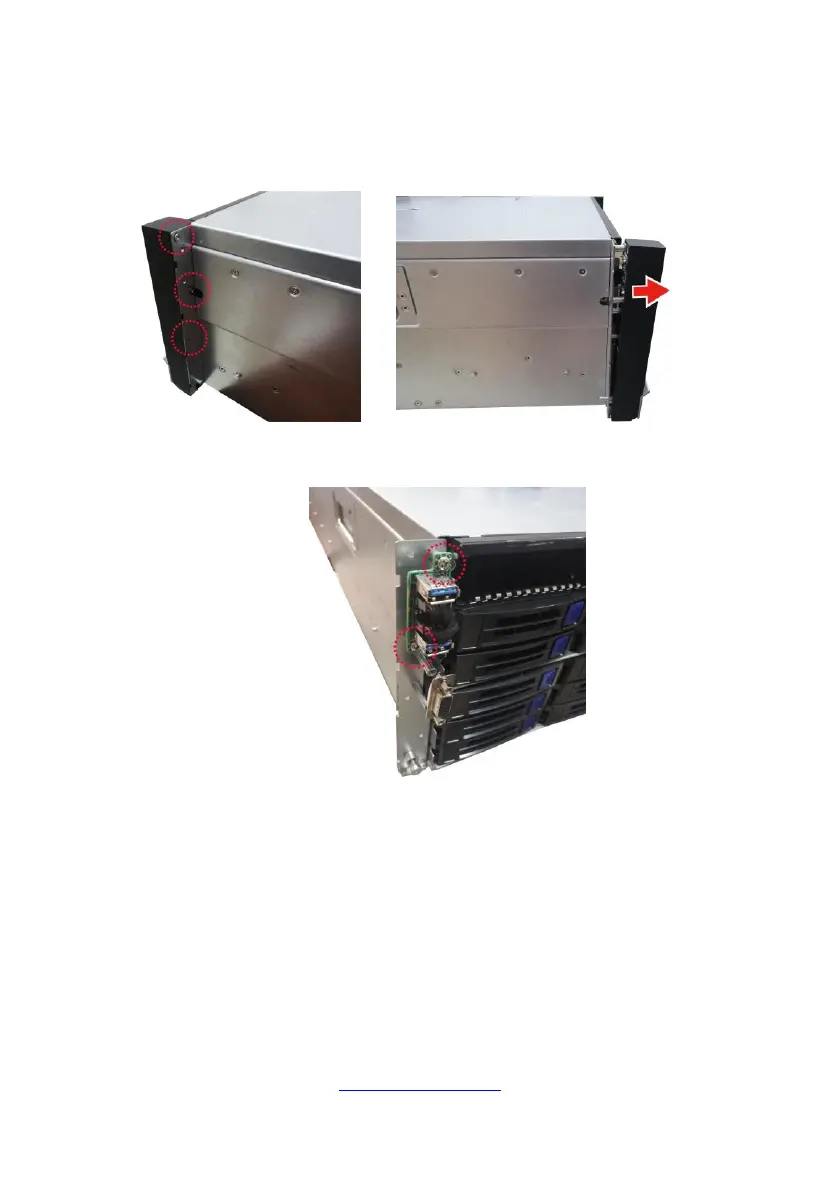
Follow these instructions to replace the M1717T65-USB USB Board.
1. Unscrew to remove the front panel board module.
2. Loosen three screws to take out the front panel board. Loosen two screws
to take out the front panel board.
3. Follow the steps described earlier in reverse order to reinstall the front panel
board module.



 To Next Page