C2. Cura mouse interface
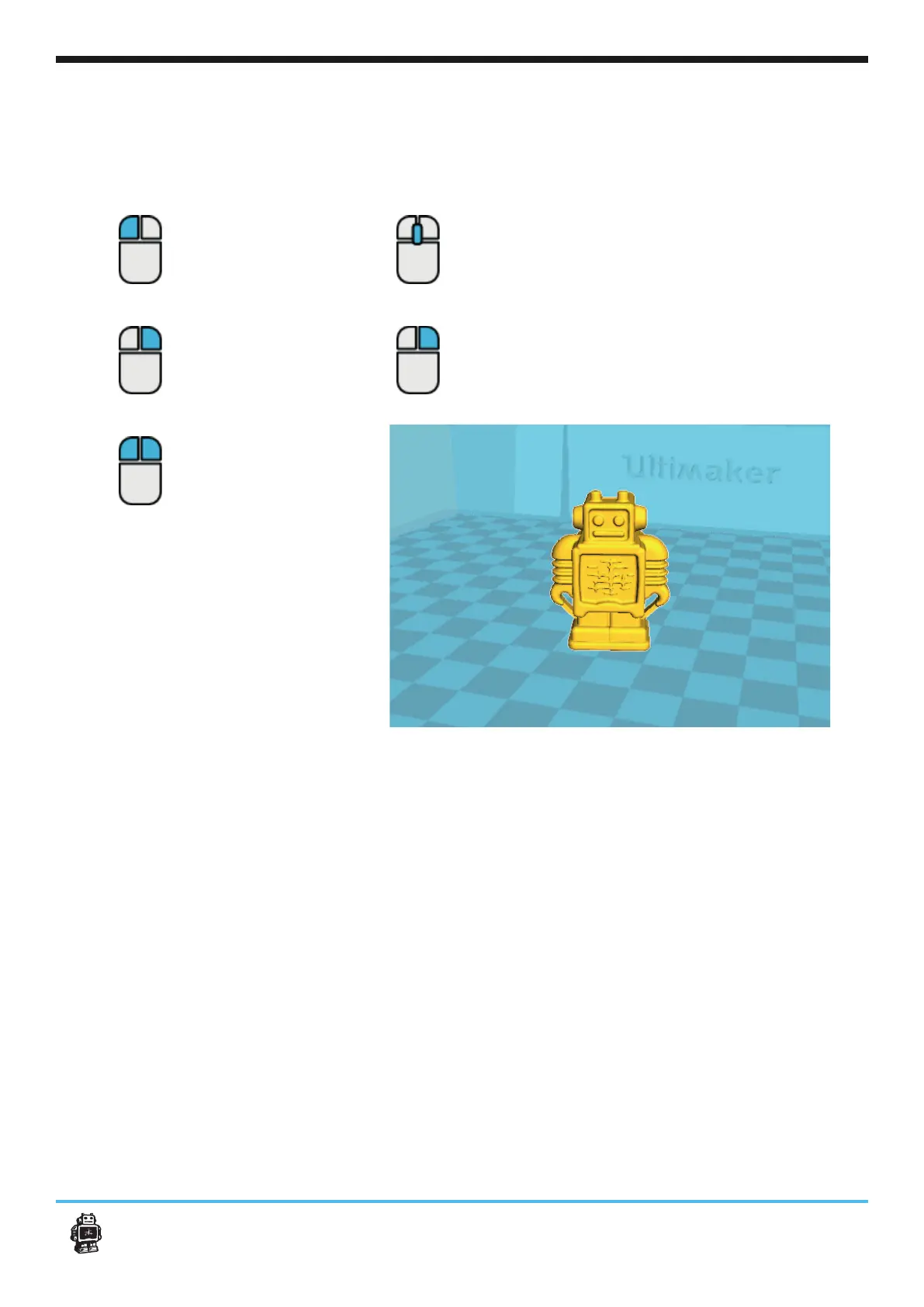
The following mouse actions are used to work, navigate and view the 3D model:
Leftmouse button
the mouse to drag
Rightmouse button
Hold and move the mouse to
rotate the viewpoint around
the 3D model.
Right and left mouse
button
Hold and move the mouse to
Scrollwheel button
in or out.
Rightmouse button +
Shift
Hold and move the mouse to
pan the 3D view.
+
17
C2. Cura mouse interface












 To Next Page