E2. The build plate
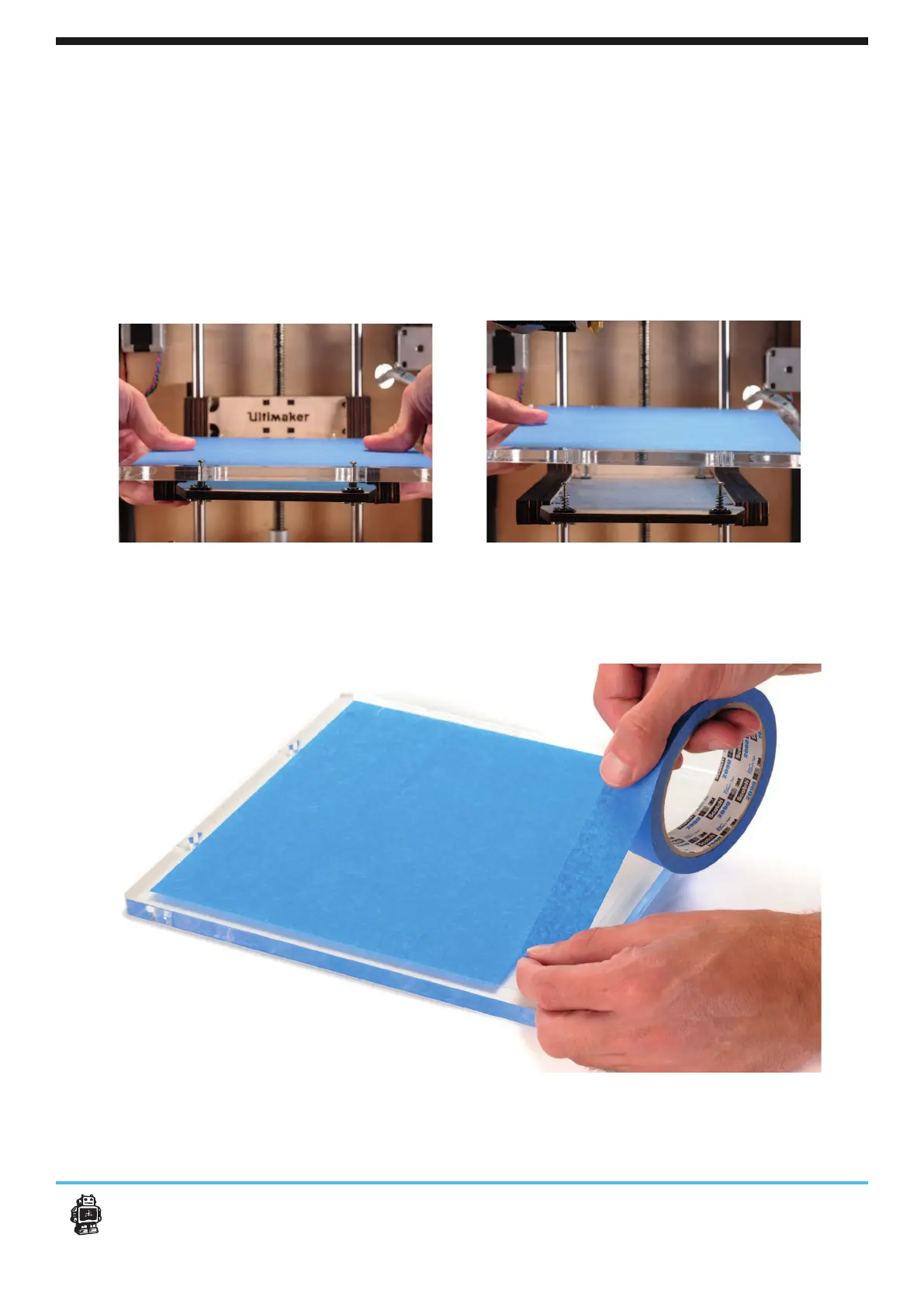
After a lot of printing, The blue tape can get torn or worn down. This can cause an
uneven print surface and it is recommended to replace it once a while.
1.
your hands on a hot printhead.
2. Now carefully push-slide the plexiglass plate out of its clamp system.
3.
push-slide the plate back.
28E2. The build plate Maintenance for your Ultimaker Original
4. After removeing the buildplate re-check if the calibration is still right.
Note: If you have a Heated Bed installed go to E3












 To Next Page