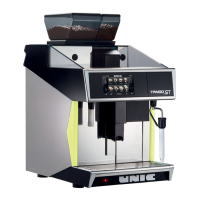
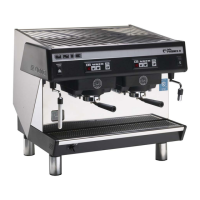
2 – POSSIBILITY TO EQUIP A TANGO WITH ONE OR TWO COINERS
In this purpose, a new configuration has been added to the main menu.
According to the number of groups and the type of functioning requested, it is necessary to program the
corresponding code. The code 00 is given to the standard machine without coiner.
Operational way :
a) Choose in the MENU the configuration "coiner"
b) Push on PRO during 3 sec
c) Push on PRO and select the code requested using the touch + / -
N. COINER 00
> + / - PRO >> MENU
TANGO WITHOUT COINER
N. COINER 01
> + / - PRO >> MENU
TANGO 1 GROUP - 1 COINER
CYCLE STARTING BY SELECTION OF ONE TOUCH
N. COINER 02
> + / - PRO >> MENU
TANGO 2 GROUPS - 2 COINERS
CYCLE STARTING BY SELECTION OF ONE TOUCH
N. COINER 03
> + / - PRO >> MENU
TANGO 1 GROUP - 1 COINER
CYCLE STARTING STRAIGHTLY BY TOKEN
N. COINER 04
> + / - PRO >> MENU
TANGO 2 GROUPS - 2 COINERS
CYCLE STARTING STRAIGHTLY BY TOKEN
d) Confirm with the touch MENU
Note
:
- The machine must be configured in self mode for coiners versions (bridges JP1 et CN7 )
- The pins 2 and 3 of connector CN5 of the interface card keyboard Ref.45325 must be bridged.
E – 4
CN-7 (réf : FR 8036) JP1 (réf :CN 694)
BRIDGE ON CN5
(réf :CN 694)
COINER
> + / - > PRO3 >> MENU



 To Next Page