Getting Started
Urovo Technology Co., Ltd. Tle:400 888 6989 Fax:+86 755 86186290 Website:www.urovo.com
Turn On/Off RT40
Turn On
1. In the shutdown of long press the "power key";
2. When RT40 goes into startup mode, it vibrates;
3. Release the "Power Key" and wait until RT40 finish booting.
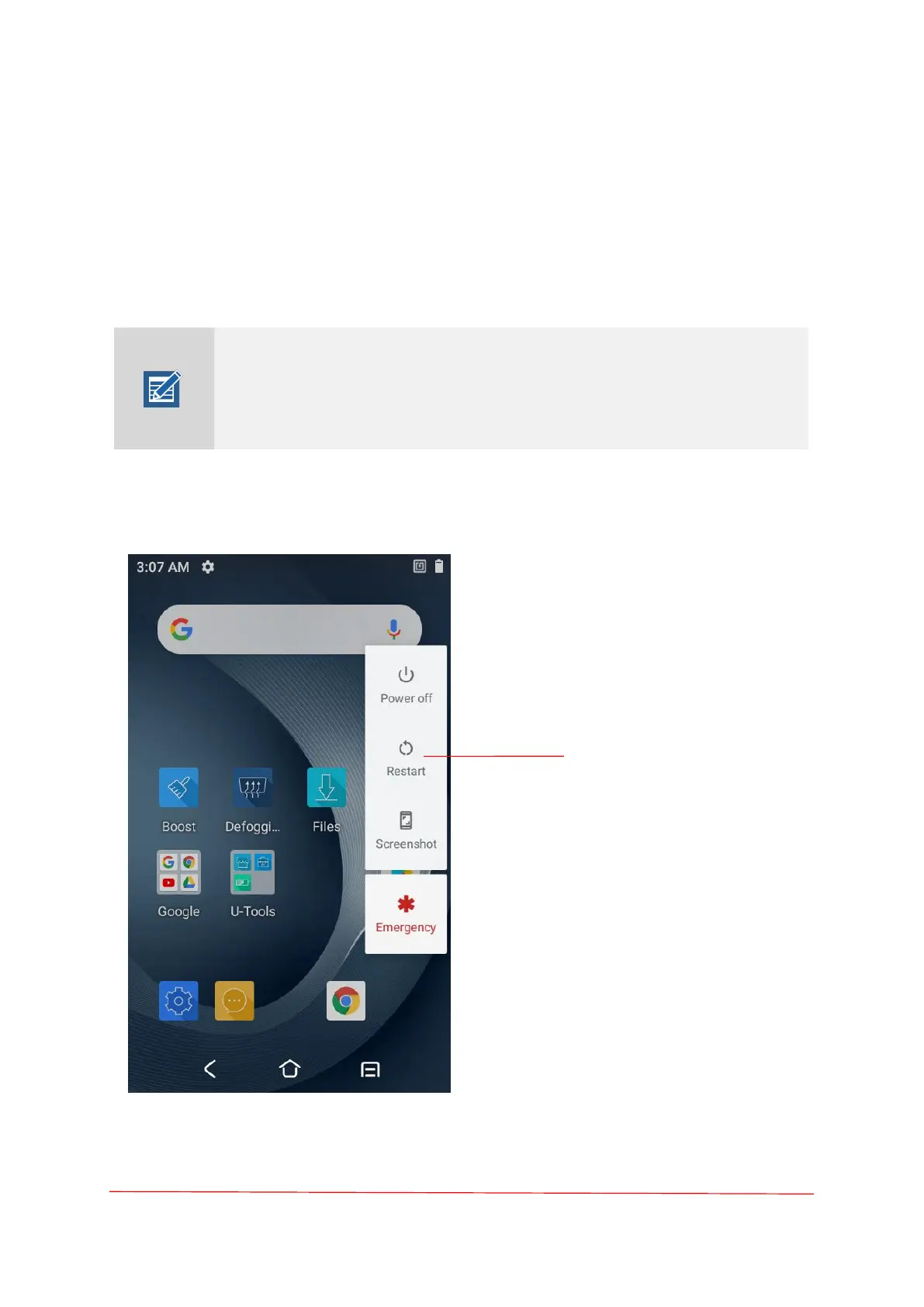
Turn Off
Press the power button for a long time in the power-on state until the shutdown
prompt appears. Click "Power off".
If you cannot turn on your RT40, try the below steps:
1. To turn on RT40, the battery needs to be charged certain level, Please
charge first;
2. Press and hold the "power key" for over 10 seconds to force reboot.



 To Next Page