Device Setting
Urovo Technology Co., Ltd. Tle:400 888 6989 Fax:+86 755 86186290 Website:www.urovo.com
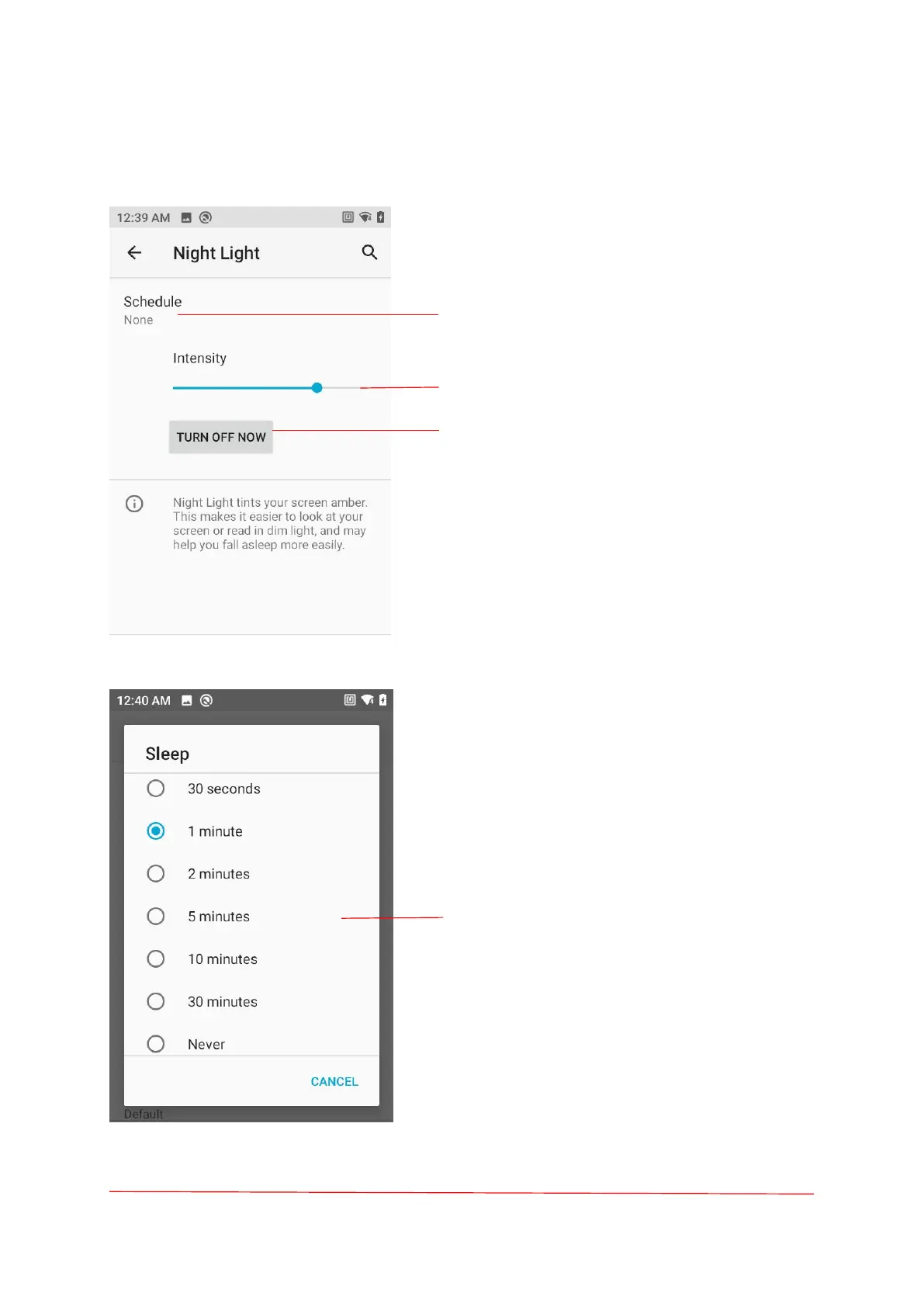
Night Light+Sleep
Night Light
Adjust the screen color that makes it easier to
look at your screen or read in din light.
Turn on night mode regularly (None, Turns on
at the custom time, Turns on from sunset to
sunrise).
Sliding dots, set the screen color concentration.
Touch turn on/off Night Light.
User may make RT40 sleep if not using it for a
moment. As RT40 is in the sleep status, the user
may directly press the power key to wake up
the screen and unlock to back to the program
interface. To make RT40 sleep, press the power
key to turn off the screen or set sleep time.
please follow below:
Select a sleep time.



 To Next Page