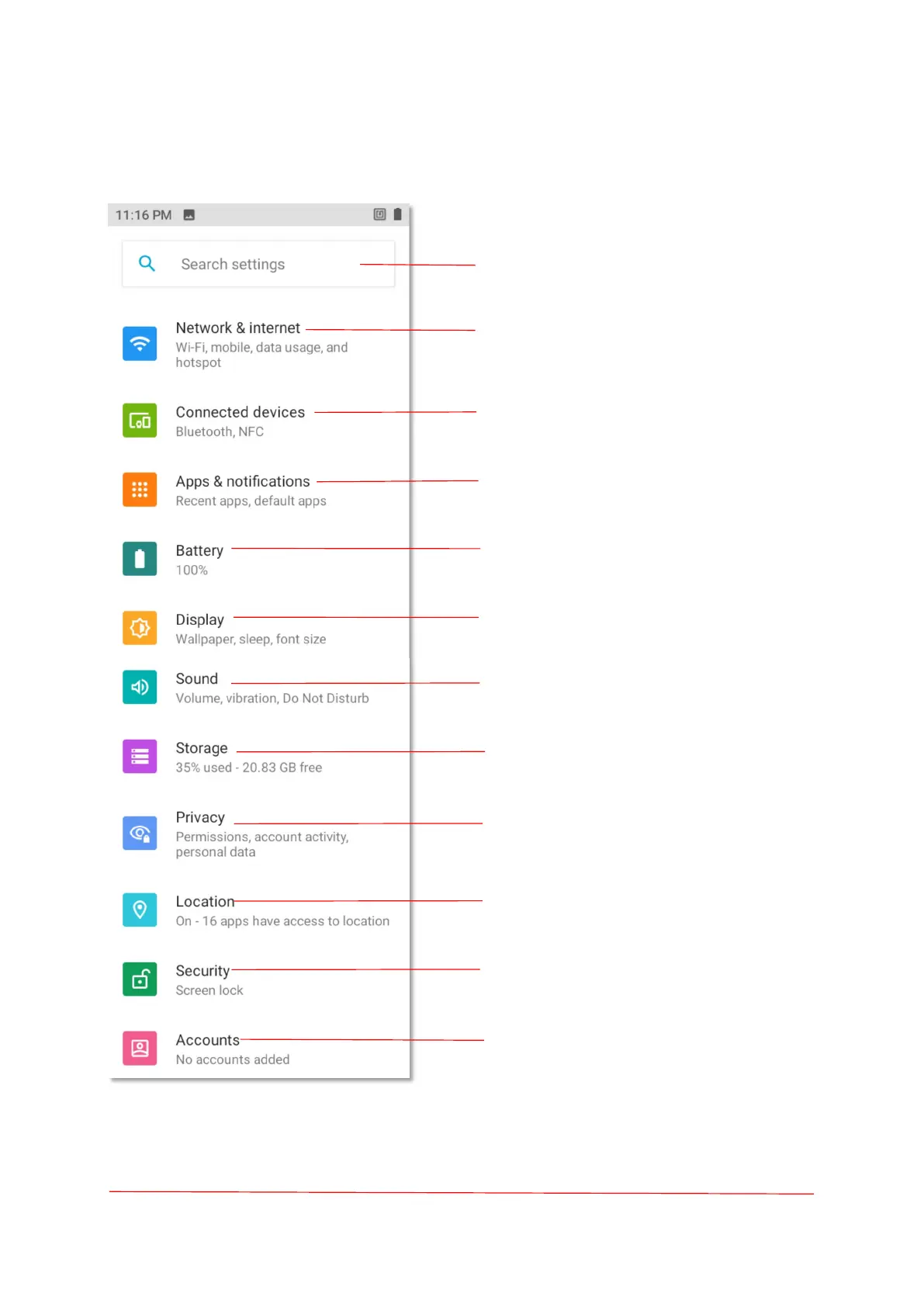
Enter keywords to find Settings.
Wireless network setup (Wi-Fi,
Mobile network,Data usage, hotspot).
Bluetooth, NFC.
App Settings (Permissions, default apps).
Battery Settings (Battery percentage,
Battery Saver).
Display Settings(Wallpaper,sleep,font,
Size).
Sound(Volume, vibration, Do not disturb).
Storage (Storage manager).
Privacy permission, account activity,
personal data.
Recent location request, Location
permissions for Apps.
Security (Screen lock).
Accounts (Accounts for owner).



 To Next Page