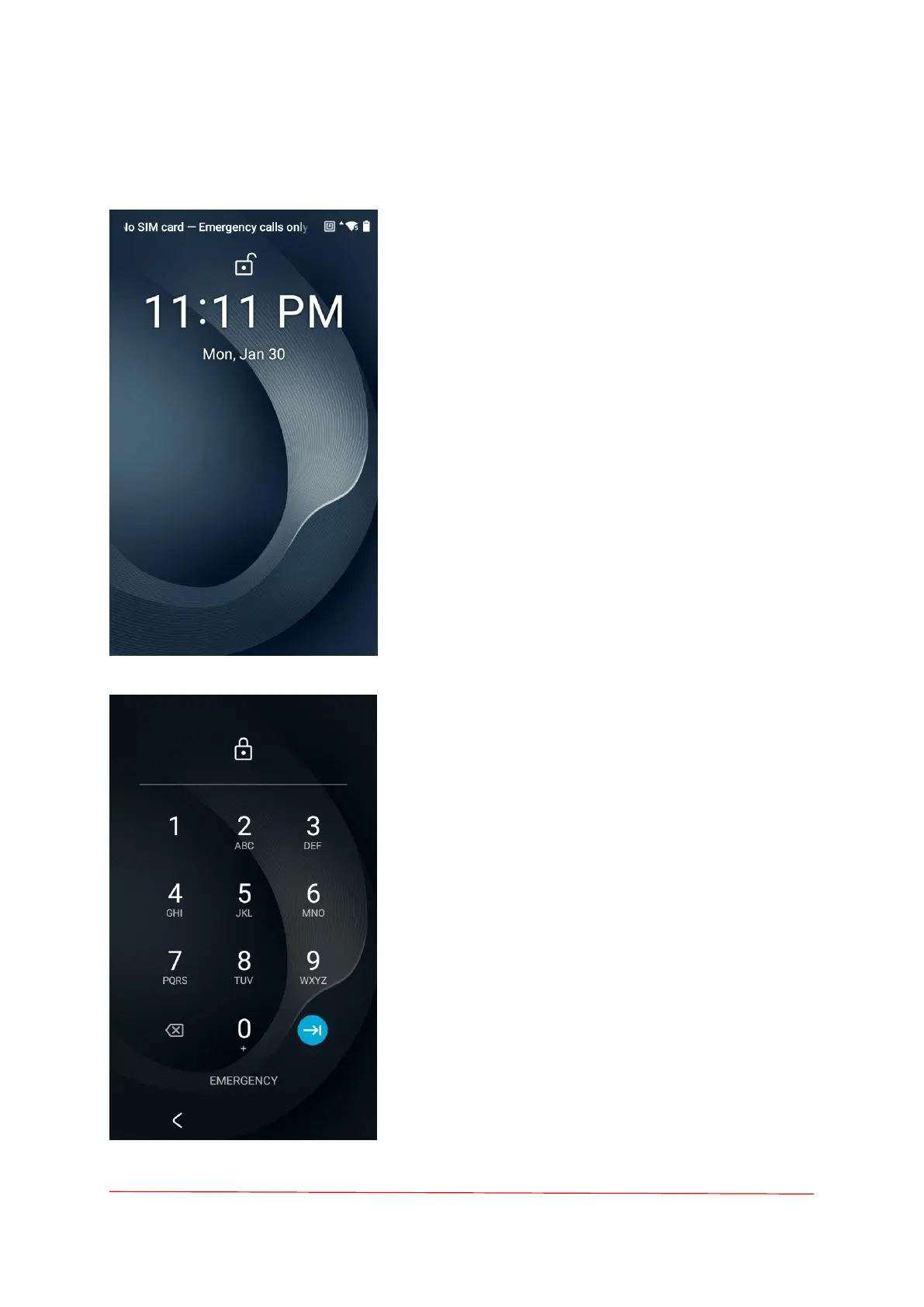
Lock Screen
Use the Lock screen to protect access to data
on the device. Some email accounts require
locking the screen.
When locked, a pattern, PIN, or password is
required to unlock the device. Press the Power
button to lock the screen. The device also locks
after a pre-defined time-out.Press and release the
Power button to wake the device. The Lock screen
displays.
Swipe the screen up to unlock. If the Pattern
screen unlock feature is enabled, the Pattern
screen appears instead of the Lock screen. If the
PIN or Password screen unlock feature is enabled,
enter the PIN or password after unlocking the
screen.
PIN Screen
If the user enters the PIN, password or
pattern incorrectly five times, they must wait 30
seconds before trying again.
If the user forgets the PIN, password or
pattern contact the system administrator.



 To Next Page