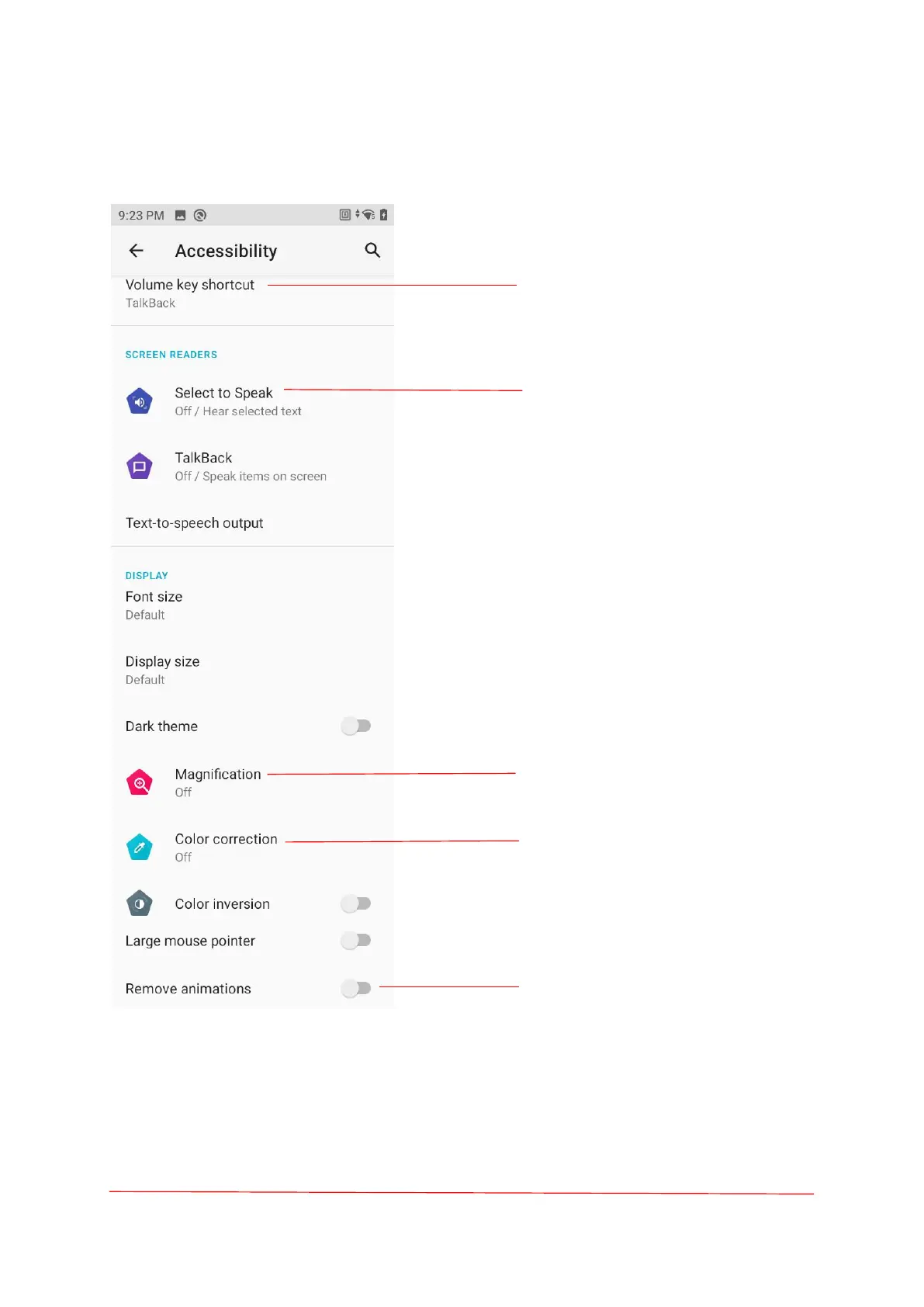
Use the volume key as a shortcut
to enable accessibility.
When "Select to speak" is on, you
can tap specific items on your
screen to hear them read aloud.
Text-to-speech output—Preferred
engine.
Magnify with triple-tap;
Magnify with shortcut.
Color correction-correction mode:
Deuteranomaly (red-green);
Protanomaly (red-green);
Tritanomaly (blue-yellow).
There is no animation when the
page is switched.



 To Next Page