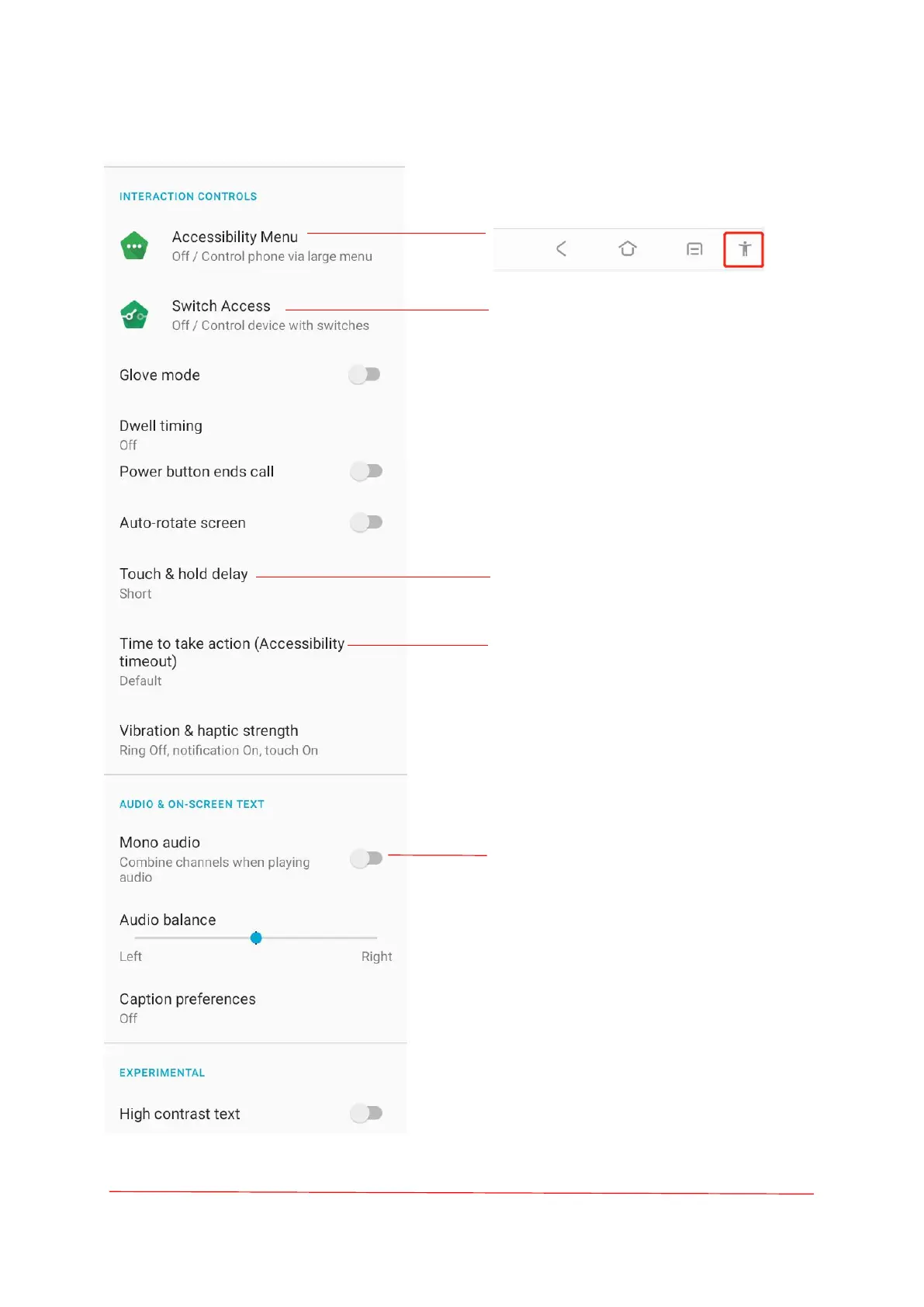
The Accessibility Menu provides a large
on-screen menu to control your device.
Switch Access lets people with motor
impairments controls device and
tablets using one or more switches.
Short; Medium; Long.
Choose how long to show massages
that ask you to take action, but are
visible only temporarily.
Ring vibration; Notification vibration;
Touch feedback.



 To Next Page