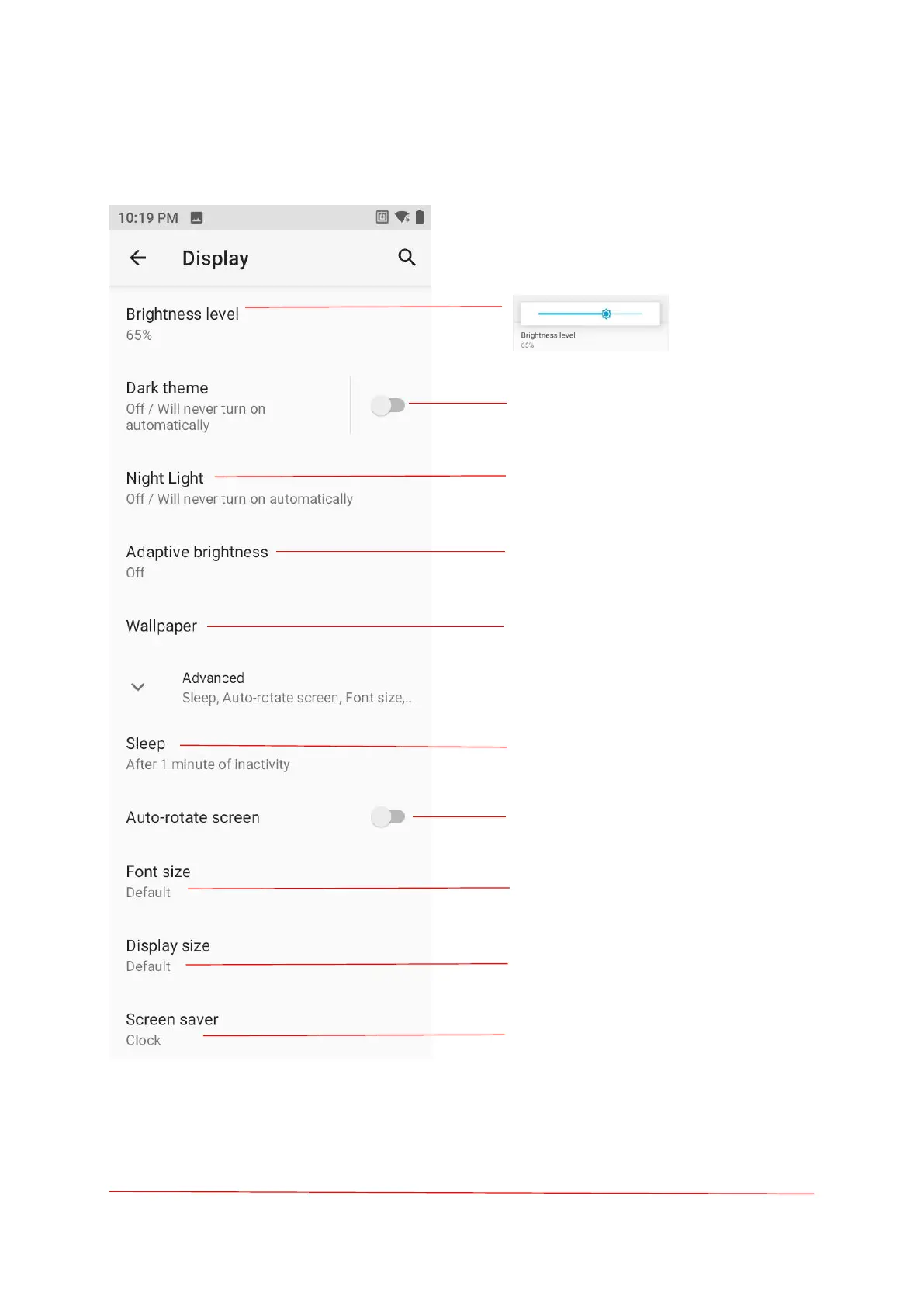
Turn on the Dark theme.
Night light tints your screen amber.
Screen brightness adjusts to the
environment.
Change the screen background and
decorate the phone screen.
When you don't use your phone for a
long time, it will automatically go into
sleep mode.
Click to turn on the automatic rotation
screen.
Adjust the text font size on the screen
Screen saver Settings.
Make the items on your screen smaller
or larger.
Screen saver settings.



 To Next Page