38
Erasing Single Transmitter from Receiver Memory:
The dipswitch settings of the transmitter to be deleted must be known. If known follow the steps below.
1. Set the dipswitches in a transmitter to match the switch settings of the transmitter code to delete.
2. Press and hold the left transmitter button.
3. On the receiver, push the P1 push-button until the green LD light comes on. Then release both.
4. Press and hold the right transmitter button.
5. On the receiver, push the P2 push-button until the green LD light comes on. Then release both.
6. Transmitter is now erased from receiver memory.
Erasing all Transmitters from Receiver Memory:
1. Press the P2 button on the receiver until the green LD light comes on. Then release P2 button.
2. While LD light is on press the P1 and P2 buttons simultaneously and hold until the green LD light
begins to blink slowly. It should blink 4 times then all transmitter codes are erased.
Install Safety Signs
Install the 2 warning placards in the gate area where they
are visible from the inside and outside of the gate. These
are required per UL 325 to make persons aware of the
possible danger of an automated gate.
Emergency Manual Release
NOTE: Before detaching actuator arm from gate, turn DS1 dipswitch 3 and 4 to the OFF position
(page 29). This will keep the actuator from operating while arm is disconnected from the
gate.
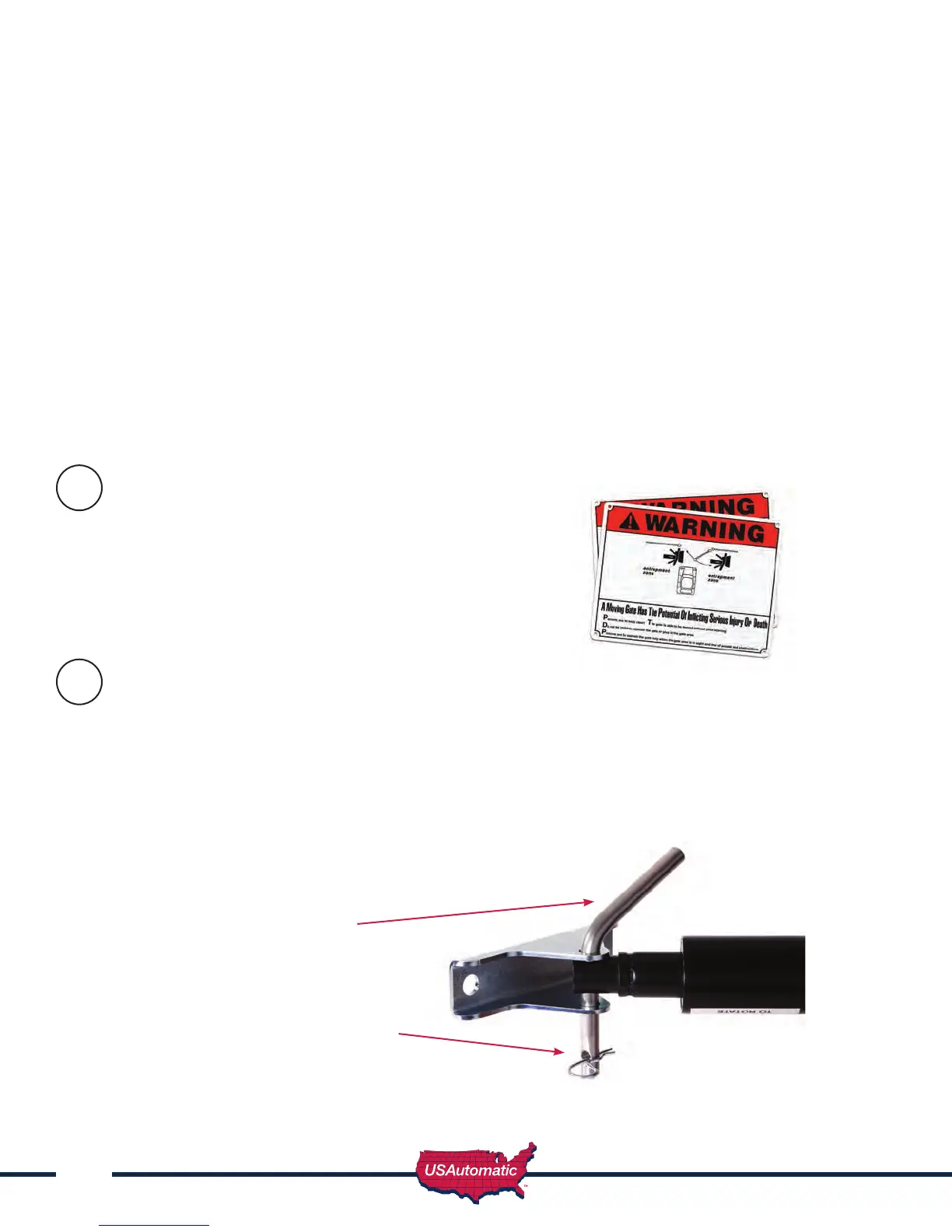
Remove the manual release pin at the gate bracket and open the gate by hand. Secure the gate
before attempting to pass through.
26
27
Manual Release Pin
Secure in place with pull clip
or with #2 lock. Release pin is
predrilled for this purpose.



 To Next Page