40
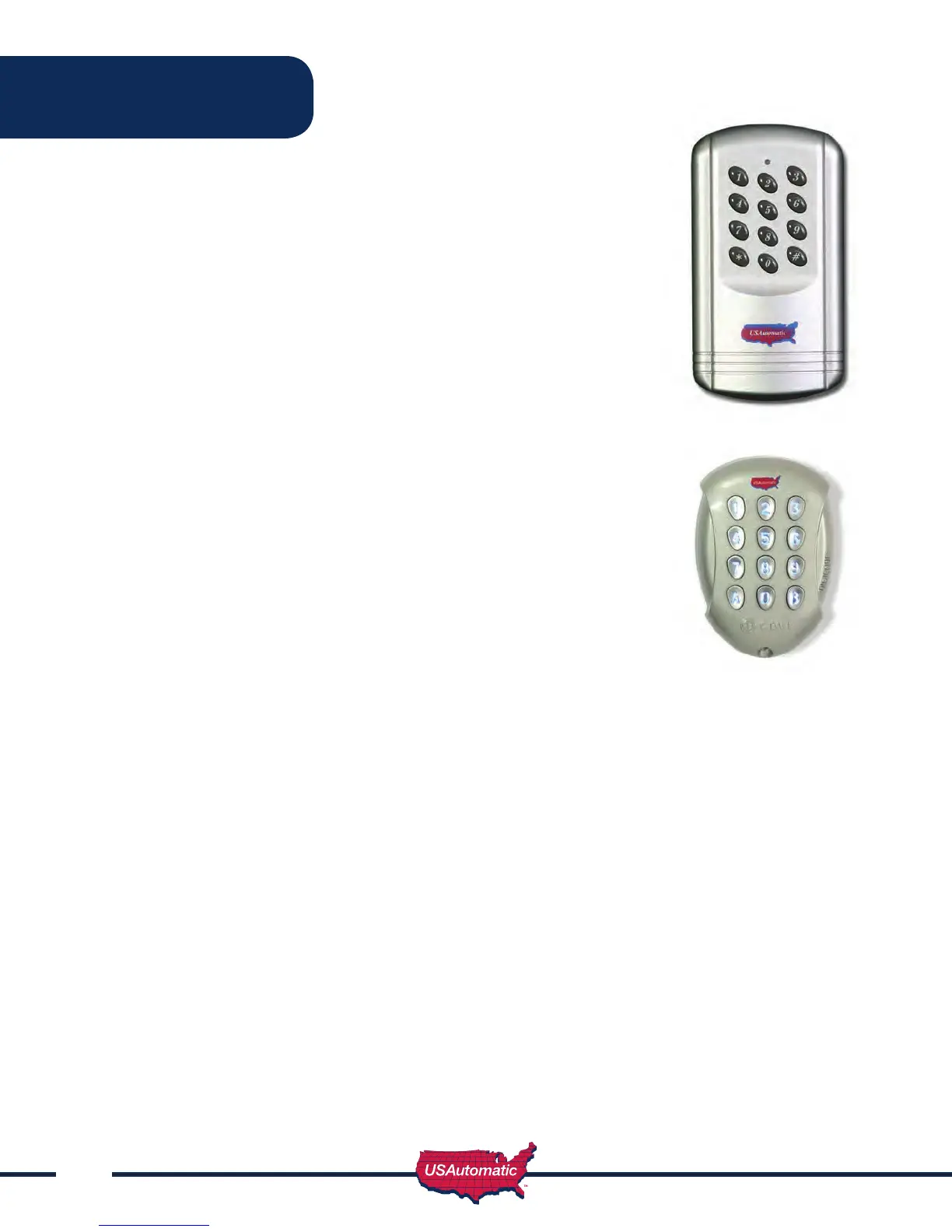
Wireless Keypad PUK code__________
Part Number 050500
Metal Wireless Keypad PUK code__________
Part Number 050550
This tamper-resistant, weatherproof, programmable Wireless Keypad can
be mounted outside your gate and offer convenient access without having
to carry a transmitter.
Terms to understand:
Access Code – The 2 to 5-digit code used to open the gate (24 unique codes
are possible). If access code is less than 5 digits it requires the # sign
after code is entered. Example: “2 #.” If code is 5 digits the # sign is not
required.
On the metal keypad, A and B replace * and #.
Master Password – The 5-digit code used to access programming features.
Factory default is “11111”. This should be changed for security reasons.
NOT USED TO OPEN GATE.
Relay 1 – The receiver has 2 relays. P1 (relay 1) is pre-wired to the J1
connector to open and close the gate.
Relay 2 – The receiver has 2 relays. P2 (relay 2) is pre-wired to the “Open/
Free Exit” on J1 connector to OPEN only.
Keypad Security Code (Dip Switch Code) – This code makes your keypad
unique to your installation. Keypad does not have dip switches like the
transmitter; instead it has virtual dip switches which must be programmed.
PUK Code – “Password Unblocking Key.” The PUK code is located inside the
keypad and is needed when the master password has been lost. Record in space above for future
reference. Must be 5 digits long.
“ * ” Key – located on the keypad is used to cancel last command entered.
Red Light Blinks – When blinking, the keypad is sending a signal to the receiver. Valid access code was
entered.
Metal Keypad - 5 Key Flashes Blue
Note: Do not install keypad until “Learning Keypad to Receiver” has been completed.
Programming Wireless Keypad
NOTE: The Master Password is NOT an access code. This is a MASTER programming code used
to access the programming of the keypad. It is not used to open the gate.
Programming New Master Password: Once created record here for reference __________
1. Enter the Master Password “11111”.
2. Enter “8” If correct, 2 short beeps (if 1 long beep is heard, start over with step 1).
3. Enter the Master Password (up to 5 digits), if less than 5 digits, “#” is required.
4. Enter “8”
5. Enter the Master Password again to verify.
6. Press “8” If correct, 2 short beeps - New Master Password is set (If 1 long beep is heard, start over
with step 1).
Accessories



 To Next Page