41
Programming Master Password Back to Factory Default: (11111)
1. Enter “11111”.
2. Press “8” (long beep).
3. Enter PUK code. (PUK must be 5 digits).
4. Press “8”.
5. Enter PUK code to conrm.
6. Press “8” (2 beeps) Master password reset complete.
Programming the Keypad for Operation
Create Access Code: (Code you use to operate the gate)
1. Enter the Master Password “11111”.
2. Enter “9” If correct, 2 short beeps (if 1 long beep is heard, start over with step 1).
3. Enter the new Access Code (up to 5 digits), if less than 5 digits, “#” is required.
4. Enter “9”
5. Enter the new Access Code again to verify.
6. Enter “1” or “2” representing the relay (relay 1 or 2 in the receiver) you want to control.
1 = OPEN/CLOSE 2 = OPEN ONLY
7. If correct, 2 short beeps (if 1 long beep is heard, start over with step 1).
Changing Keypad Security Code:
This keypad has a virtual dipswitch used to create your Security Code. The virtual dipswitch contains
nine 3-position switches. To ensure neighboring keypads do not interfere with each other, the virtual
switches should be positioned in a random pattern, using the following procedure.
Example of random positioning of the virtual dipswitches to create a Security Code is shown
below. To enter the Security Code, enter the dipswitch number, followed by the dipswitch
position character.
The Security Code would be entered as: 1# 20 3* 4* 5# 6* 7# 80 9*
Dipswitch
Position
Switch
1
Switch
2
Switch
3
Switch
4
Switch
5
Switch
6
Switch
7
Switch
8
Switch
9
# X X X
0 X X
* X X X X
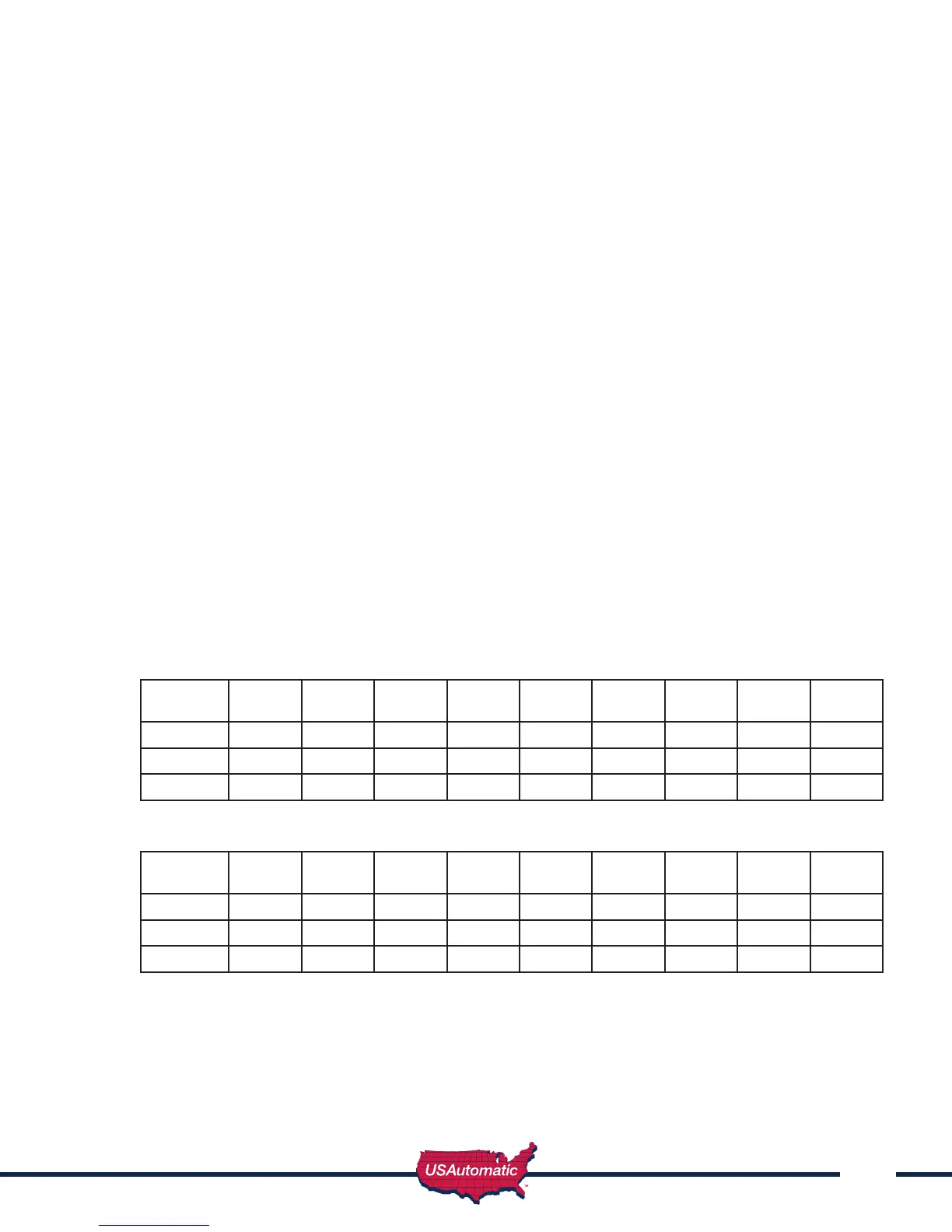
Use table below to create your random security code and follow steps below to program your keypad.
Dipswitch
Position
Switch
1
Switch
2
Switch
3
Switch
4
Switch
5
Switch
6
Switch
7
Switch
8
Switch
9
#
0
*
1. Enter the Master Password.
2. Enter “6” If correct, 2 short beeps (if 1 long beep is heard, start over with step 1).
3. Enter the Security Code created in the previous table. If correct, 2 short beeps after each
switch number and switch position combination is entered.
4. Enter “#”
5. Enter “6”
6. If correct, 2 short beeps (if 1 long beep is heard, start over with step 1).



 To Next Page