EasyManua.ls Logo

VAT 612 Series - User Manual

Default Icon
116 pages
Print Icon
To Next Page IconTo Next Page
Loading...
Installation, Operating &
Maintenance Instructions
605262EE Edition 2018-08-20
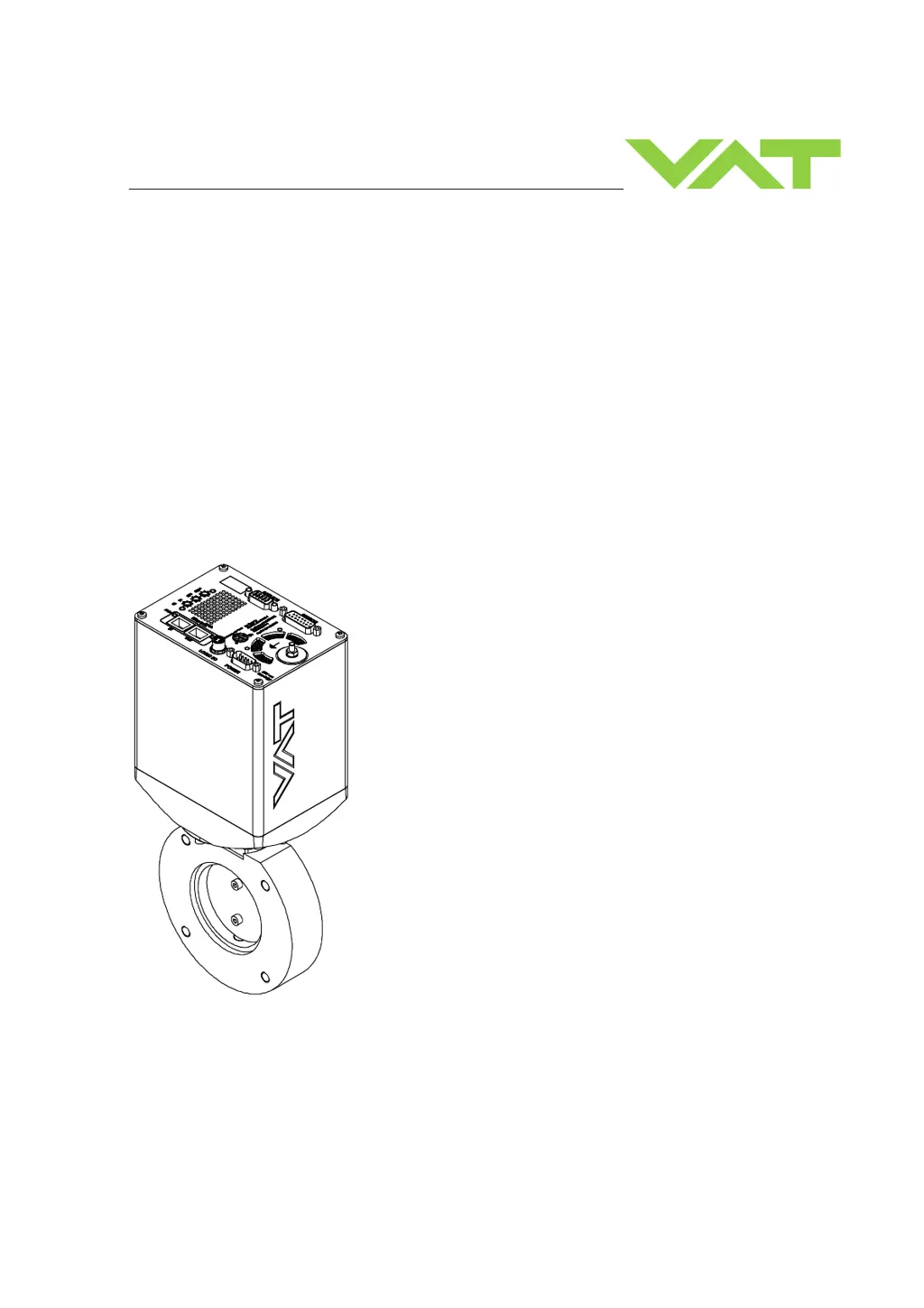
Butterfly Pressure Control Valve
with EtherCAT interface
Series 612
DN 63-250 mm (I.D. 2.5“- 10")
This manual is valid for the following product ordering numbers:
Configured with firmware: 600P.1G.00.03…07…08,
600P.1G.27.00,
600P.1H.00.01
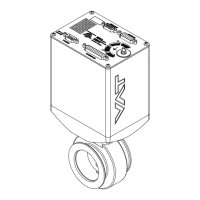
Sample picture

Table of Contents

Questions and Answers

  • J
    Jordan WoodAug 31, 2025
    Why pressure reading is wrong on VAT 612?
    • K
      Kirk HoffmanAug 31, 2025
      To fix a pressure reading that is wrong or negative on your VAT Control Unit, check the electrical connections, verify the valve version and configuration, perform ZERO after reaching base pressure, and verify the sensor supply voltage. The issue may stem from unconnected sensors, an incorrect sensor version, an unperformed ZERO, or insufficient sensor power.
  • G
    garzajacquelineAug 25, 2025
    Why is the VAT 612 pressure reading wrong or negative?
    • R
      Robert LucasAug 25, 2025
      If the pressure reading on your VAT Control Unit is incorrect or negative, check the sensor connections according to the electrical connection guidelines. For a 2-sensor version, verify the configuration. Perform ZERO after reaching the base pressure, and ensure the sensor power supply provides sufficient power.
  • G
    George StanleySep 23, 2025
    What to do if the VAT Control Unit display shows «E 20» (fatal error - limit stop of valve unit not detected)?
    • B
      braunlauraSep 23, 2025
      If the VAT Control Unit display shows «E 20», it indicates a fatal error where the limit stop of the valve unit is not detected. This could be due to a clamp coupling screw that is not fastened. Tighten the screw, referring to chapter «Maintenance» for details.
  • K
    Kyle PhillipsSep 5, 2025
    What does it mean if VAT 612 Control Unit display shows «E 40» and position is 009999?
    • K
      Kristen LeeSep 5, 2025
      If the display shows «E 40» and the position is 009999, it indicates a fatal error where a motor driver failure has been detected. To resolve this: - Replace the control and actuating unit according to «Maintenance procedure».
  • J
    jennifer00Sep 10, 2025
    Why does ZERO not work on my VAT 612?
    • M
      Michael PaceSep 10, 2025
      If the VAT Control Unit ZERO does not work, OPEN the VALVE and bring the chamber to base pressure before performing ZERO. If ZERO is disabled, enable it, referring to «Valve configuration» for details.
  • C
    Casey EvansSep 3, 2025
    Why VAT Control Unit CLOSE VALVE does not work?
    • E
      Elizabeth RichardsonSep 3, 2025
      If the CLOSE VALVE function isn't working, it might be because safety mode is active or maintenance mode is active. To solve this: - Provide power to the motor to allow for operation. - Refer to “Display shows «M C»” in this table.
  • M
    Maria HernandezAug 29, 2025
    Why PRESSURE CONTROL does not work on VAT Control Unit?
    • H
      haleylauraAug 29, 2025
      To resolve the issue of PRESSURE CONTROL not working on your VAT Control Unit, ensure that power is supplied to the motor. Select PRESSURE CONTROL mode and perform LEARN. The problem may be due to safety mode being active, PRESSURE CONTROL not being selected, or LEARN not being completed.
  • L
    Lisa SalasSep 12, 2025
    Why is the VAT Control Unit PRESSURE CONTROL not optimal?
    • B
      Brian ChavezSep 12, 2025
      PRESSURE CONTROL might not be optimal due to several reasons. Perform the setup procedure completely. Ensure that you have performed LEARN and ZERO before LEARN. If LEARN was interrupted, repeat it with stable gas flow. Tune the valve for your application. Use a sensor with a suitable range, ensuring the controlled pressure is between 3% and 98% of the sensor's full scale. Also, make sure a shielded sensor cable is used to minimize noise.
  • E
    Eileen DodsonSep 7, 2025
    What to do if VAT 612 display shows «E 40»?
    • L
      lshortSep 8, 2025
      If the display shows «E 40» on your VAT Control Unit, indicating a fatal error related to motor driver failure, replace the control and actuating unit according to «Maintenance procedure».
  • M
    Michelle BaileyAug 27, 2025
    What does error E21 mean on VAT 612 Control Unit display?
    • S
      scamachoAug 27, 2025
      If your VAT Control Unit displays 'E 21' and the position '009999' (fatal error - rotation angle of valve plate limited during power up), check if the valve plate is centric adjusted, if the valve unit is heavily contaminated or if the valve plate is mechanically obstructed. Adjust the valve plate according to the maintenance procedure, clean the valve unit, and resolve any obstructions. Reset the control unit by cycling the power off and on, or send a reset command locally via the service port with CV/CPA/Service Box2.

Summary

Product Description and Technical Data

Safety Precautions

Compulsory Reading and Danger Levels

Emphasizes safety reading and defines danger levels (DANGER, WARNING, CAUTION, NOTICE).

Design and Functionality

Pressure Control System Overview

Details the pressure control system, including components and operational modes.

Installation and Connection Procedures

Detailed Installation Steps

Outlines the step-by-step procedure for installing the valve, including connections and grounding.

Electrical Connection Guidelines

Presents critical notices regarding wrong connections and burned connector pins.

+24 VDC Sensor Wiring

Details wiring for +24 VDC sensors via the controller, including connector information.

±15 VDC Sensor Wiring (No SPS)

Details wiring for ±15 VDC sensors without an optional SPS module.

±15 VDC Sensor Wiring (With SPS)

Details wiring for ±15 VDC sensors with an optional SPS module.

EtherCAT Interface Connection

Explains the EtherCAT interface connection, including network and cable specifications.

Initial Operation and Configuration

Initial Setup Steps Overview

Outlines the setup steps required for the valve to perform pressure control.

Sensor ZERO Calibration

Explains the ZERO function for compensating sensor offset voltage to zero pressure.

Adaptive LEARN Procedure

Describes the LEARN routine for adapting the PID controller to vacuum system characteristics.

Pressure Control Configuration Selection

Guides the selection of pressure control configurations based on gas flow availability.

Pressure Controller Setup

Explains how to set up the pressure controller using CPA software or EtherCAT.

Tuning Control Performance

Adaptive Controller Tuning

Details tuning procedures for adaptive pressure controllers, including gain factor and sensor delay.

Gain Factor Adjustment

Explains how to adjust the gain factor to affect stability and response time.

Sensor Delay Adjustment

Describes adjusting sensor delay to improve stability, noting it can slow control response.

Setpoint Ramp Adjustment

Explains how to adjust setpoint ramp time to improve pressure response, especially during decreases.

Valve Speed Adjustment

Details adjusting valve speed for optimal pressure and position control response.

Fixed PI Controller Tuning

Guides tuning pressure control performance for fixed PI controllers.

Optimizing P and I Gains (PI)

Explains how to optimize P gain and I gain for PI controller mode based on system characteristics.

Soft Pump Controller Tuning

Details tuning pressure control performance for soft pump controllers.

Optimizing P Gain (Soft Pump)

Explains how to adjust the P gain for pressure ramps during pump down.

Valve Operation

Pressure Control Operation

Guides on preparing for pressure control, tuning performance, and using the PID controller.

Troubleshooting

Maintenance Procedures

Repairs

Dismounting, Storage, and Handling

Spare Parts and Accessories

VAT 612 Series Specifications

General IconGeneral
Input Voltage24 VDC
Output Voltage24 VDC
Current Rating10 A
Operating Temperature-20°C to +60°C
Protection ClassIP20
SeriesVAT 612

Related product manuals