9. Installing Software
Green X / X18
(Model: PHT-75CHS) Installation Manual 101
9.4 Installing the InstallShield
Follow the steps below to install the InstallShield:
1. Turn on the PC and the equipment.
2. Insert the USB drive into the USB connector. Before inserting the USB drive,
conduct a virus scan on your PC.
The USB drive provided contains the InstallShield installation
information. Before starting the installation, please check if
the serial number file (e.g., 047-011752.txt) is correct.
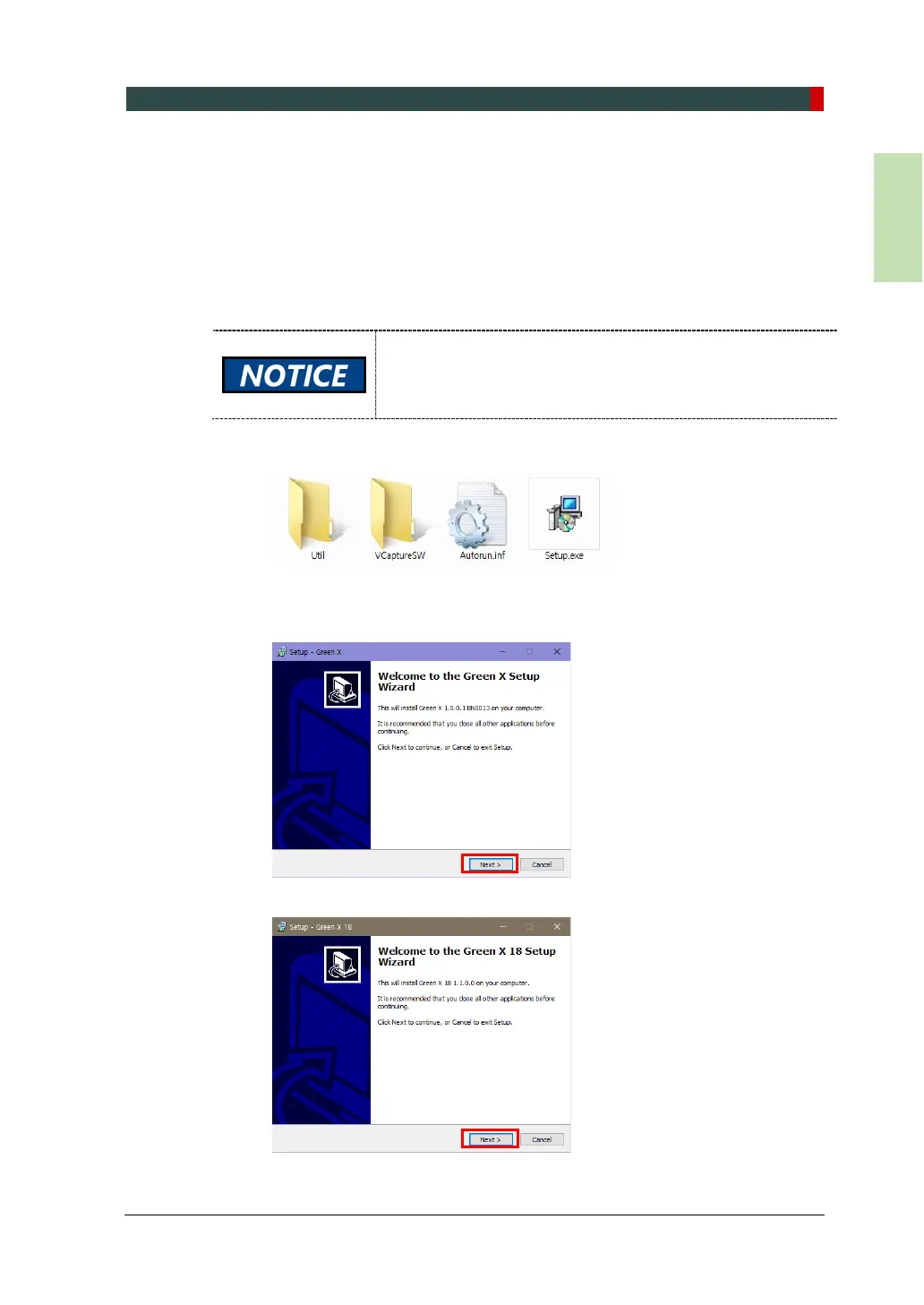
3. Go to the InstallShield folder and click Setup.exe.
4. When the Setup dialog appears, click Next.



 To Next Page