9. Installing Software
106 Green X / X18 (Model: PHT-75CHS) Installation Manual
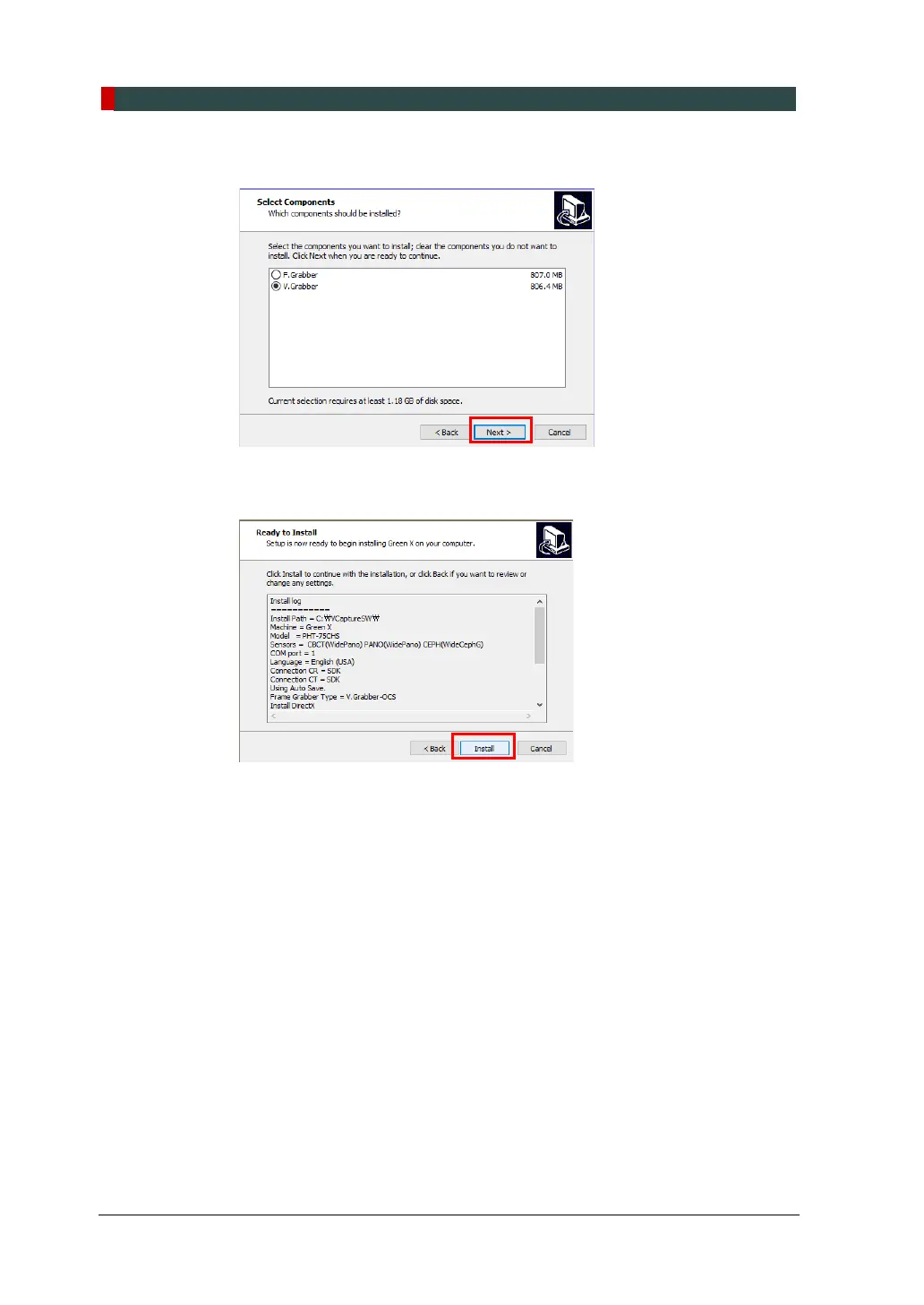
15. Select the component you want to install on your PC.
16. Confirm all information displayed in the Ready to Install window. If necessary,
click Back to return to and change the previous selection.
When all information is confirmed, click Install.



 To Next Page