9. Installing Software
Green X / X18
(Model: PHT-75CHS) Installation Manual 119
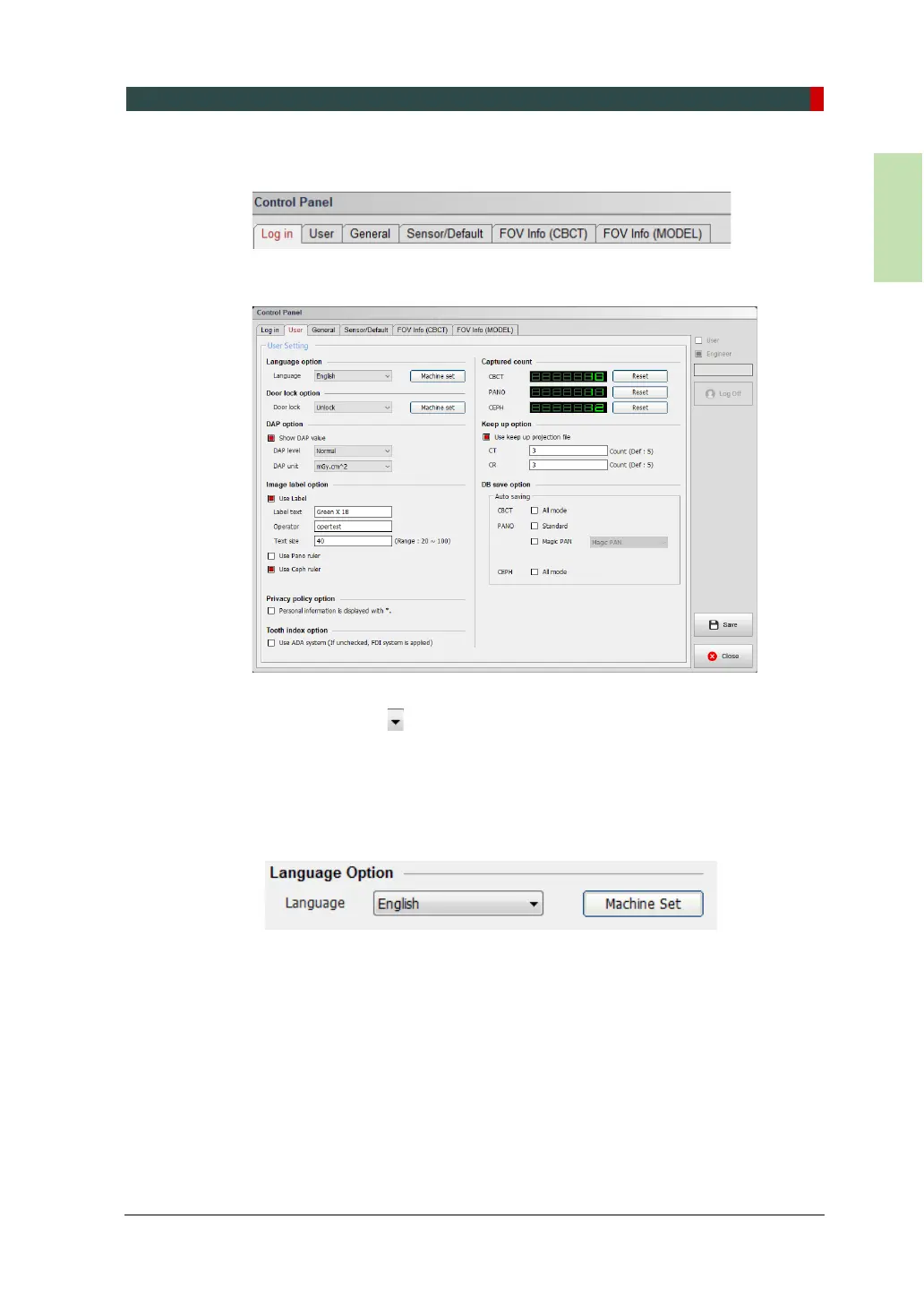
3. Click the User tab.
The user Setting window is displayed below
4. Select a language. English is set as a default language. If you want to change
the setting, click and select a new language from a dropdown list. Click
Machine set
5. Go to Language Option. English is set as a default. If necessary, click next to
the language and select a new option you want. Then click Machine Set.
6. Select the language you want. Then click Machine Set.



 To Next Page