4. Installing the X-ray Unit: Base Stand Type
Green X / X18
(Model: PHT-75CHS) Installation Manual 59
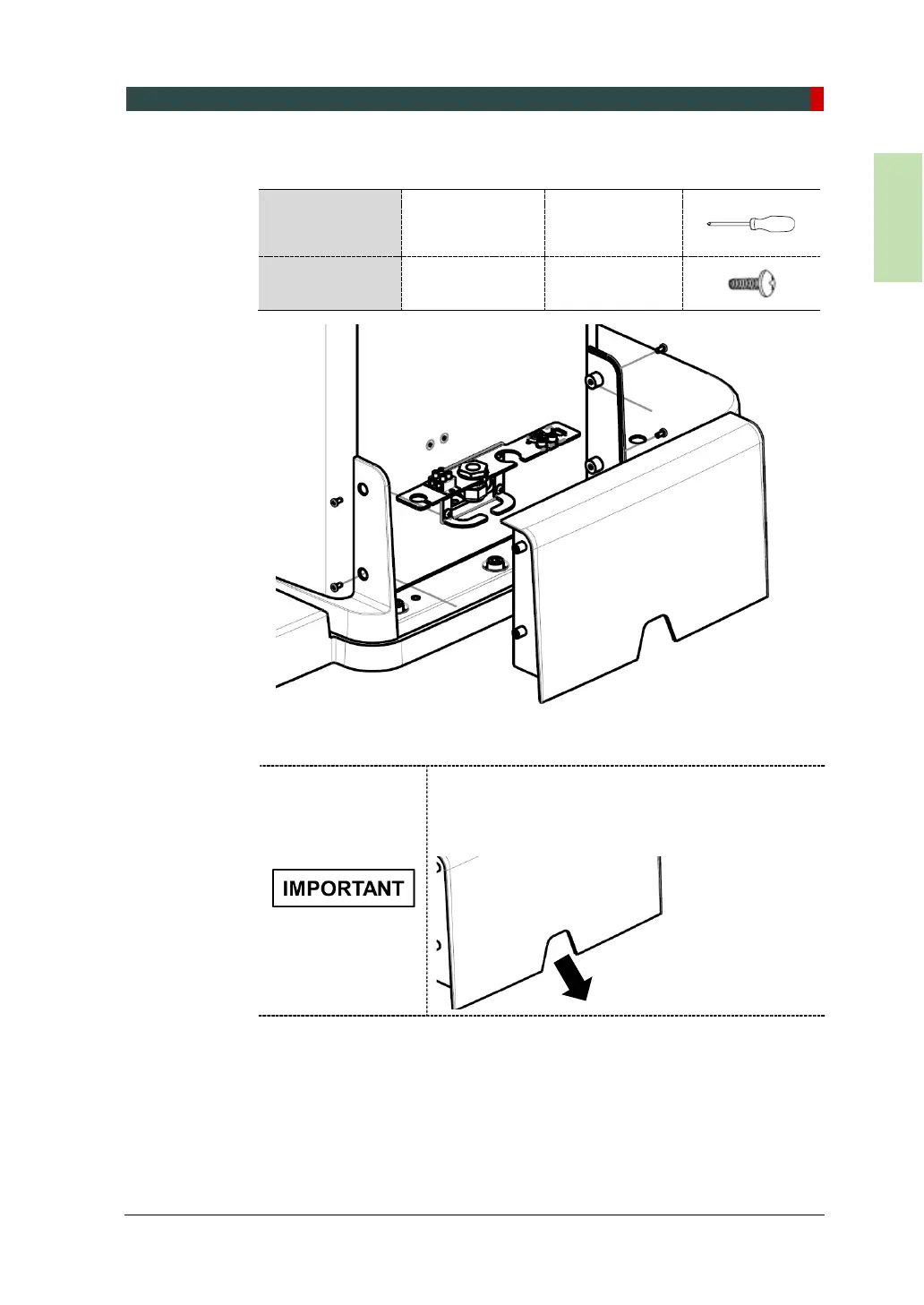
2. Attach the back column cover to the column with M4X10 truss bolts.
Required Tool
Cross Head
Screwdriver w/
Magnetic Tip
6 mm / 0.24”
Parts and
Accessory
Truss Bolt
M4 x 10 – 4 pcs
(Part No. 27)
When you are attaching the cover, make sure that all
optic cables come out through the cover’s hole, as
illustrated below:



 To Next Page