ITNLPL FRES ENG DE
www.vdocyclecomputing.com MC 2.0 WL
The selected bike or is shown at the bottom left of the display ( ).
Note: the transmitter on bike 2 must have been set to bike 2 before
using it the first time.
>>> P02
3.7 Selection of BIKE 1 or BIKE 2 >>> P02
Your VDO computer can be used on two bikes. If you want to change
from bike to bike , the computer detects the transmitter for bike .
The computer then automatically switches to bike . All data is
now saved for bike . If you return to using the computer on bike ,
transmitter is detected. The computer automatically switches to
bike . The data is now saved for bike .
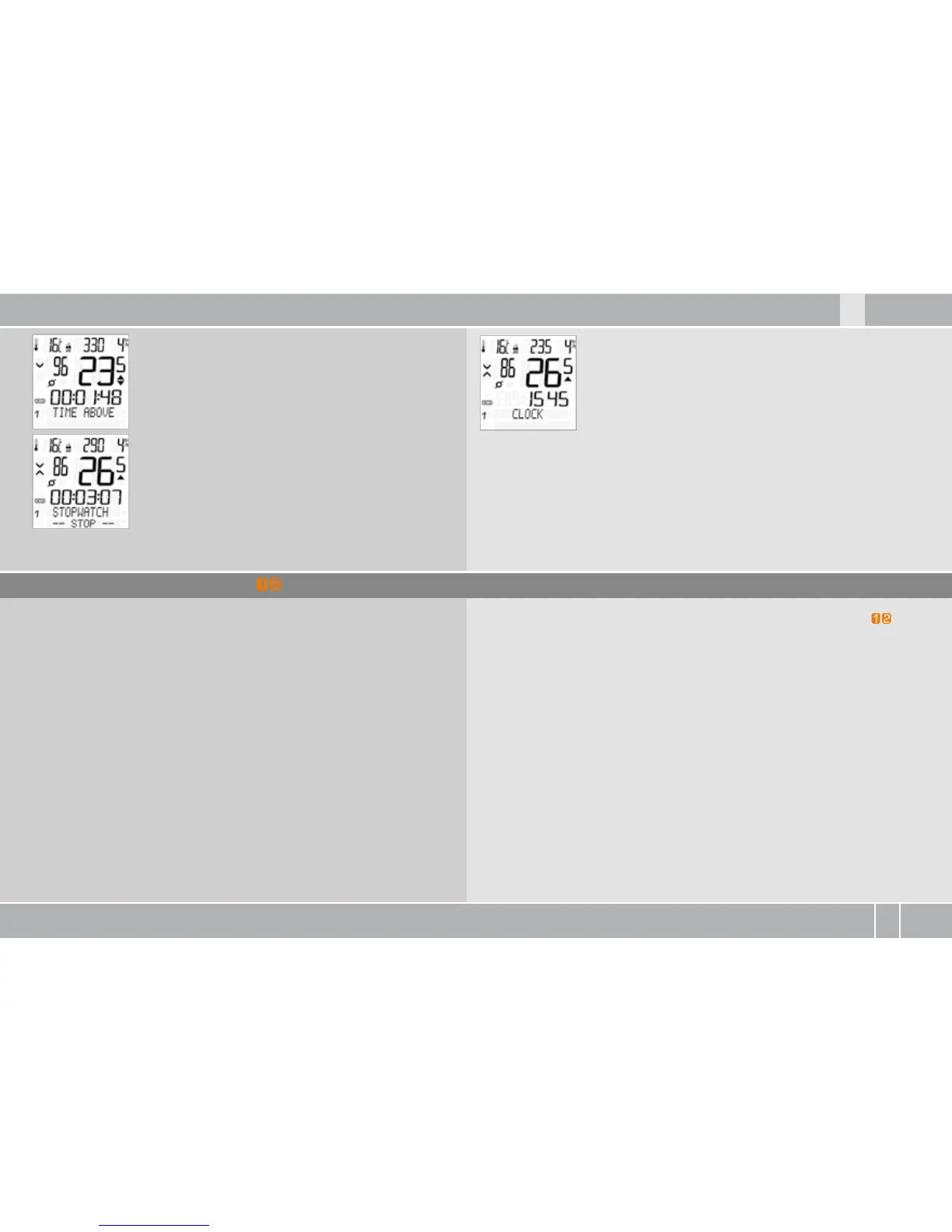
TIME ABOVE: shows the time during which the
cadence was above the upper limit set for the
training zone.
STOPWATCH: independent stopwatch for
measuring times/intervals.
CLOCK: shows the current time.
hour AM/PM or hour-mode possible.



 To Next Page