ITNLPL FRES ENG DE
www.vdocyclecomputing.com MC 2.0 WL
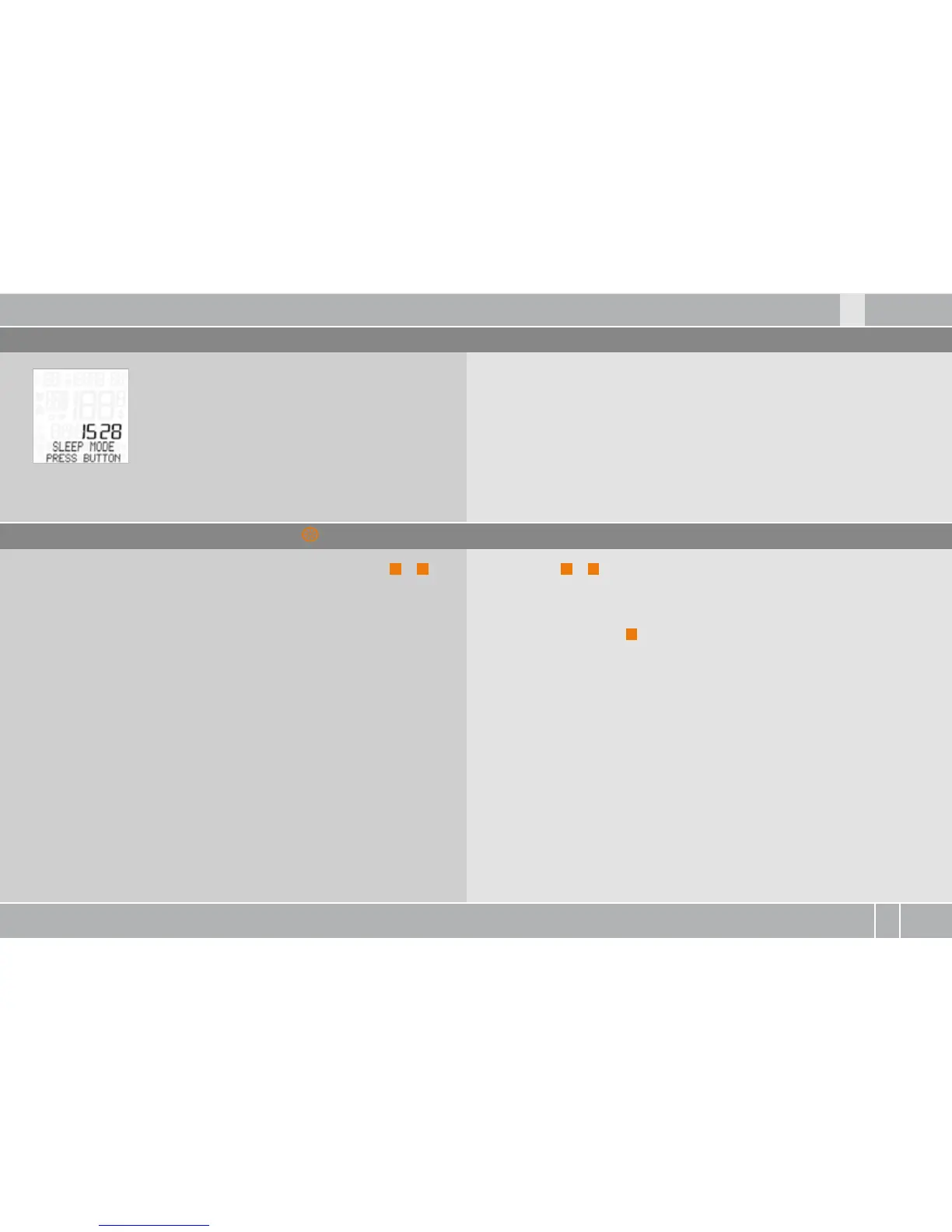
The computer can also be manually activated after a break by
pressing a button.
Pressing ALTI
A
+
P
again stops the stopwatch and displays it
directly on the display.
When shown on the display, the stopwatch can also be started/
stopped by pressing the
M
button.
3.12 Auto-starting/stopping the computer
3.13 Starting/stopping the stopwatch
The MC . has a movement sensor. Following
a break, the movement sensor automatically
triggers the computer again when you start moving.
To access the stopwatch directly, simultaneously press ALTI
A
+
P
.
The stopwatch is shown directly on the display and started.



 To Next Page