ITNLPL FRES ENG DE
www.vdocyclecomputing.com MC 2.0 WL
If the display backlight is activated and a button is pressed,
the backlight illuminates for a few seconds.
ATTENTION: press the buttons BIKE + CLEAR again to switch off the
display backlight during the day. This SAVES BATTERY POWER.
For the FIT zone, the lower limit is calculated at
percent and the upper limit at percent of
the personal maximum heart rate.
For the FAT zone (fat-burning zone), the lower limit
is calculated at percent and the upper limit at
percent of the personal maximum heart rate.
The personal maximum heart rate is set in the
settings under PERS. DATA (see section .).
3.9 Display backlight
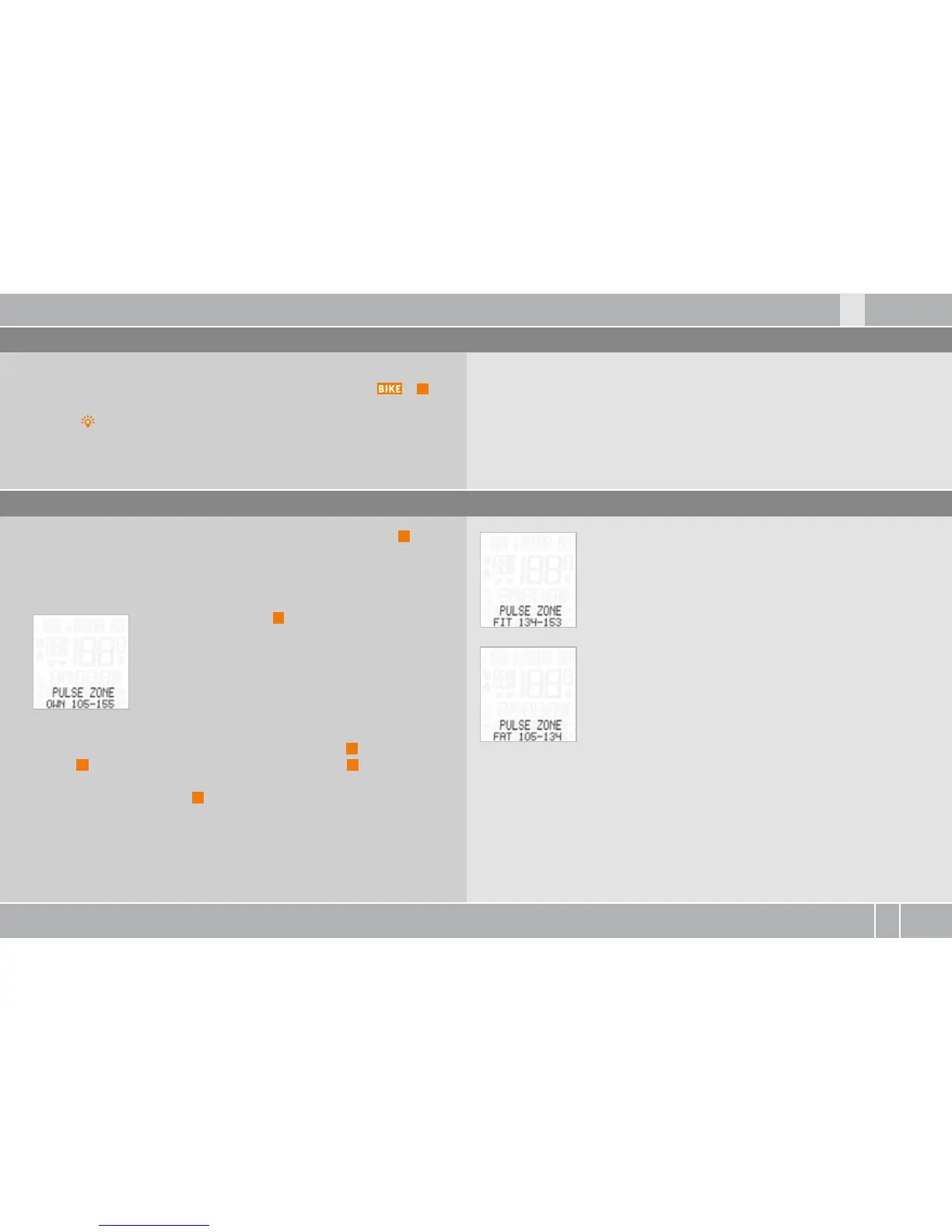
3.10 Selecting a PULSE training zone
The MC . has a display backlight.
The display backlight is activated by pressing the buttons +
C
.
If the display backlight is activated, the LIGHT icon appears on the
display.
If the PULSE transmitter has been selected, the P/CAD button
P
can
be used to select the training zone.
The MC . has three training zones.
Press and hold P/CAD
P
for three seconds.
PULSE ZONE SELECT? flashes.
PULSE ZONE
B
FIT – (numerical example)
B
FAT - (numerical example)
B
OWN - (numerical example)
is displayed.
The desired training zone is selected by pressing the
P
or ALTI
button
A
. The selection is confirmed by pressing the
M
button.
OWN - (numerical example) SELECT OK? Is queried.
Confirmed by pressing the
M
button.
The MC . confirms by displaying PULSE ZONE--SELECT DONE.



 To Next Page