ITNLPL FRES ENG DE
www.vdocyclecomputing.com MC 2.0 WL
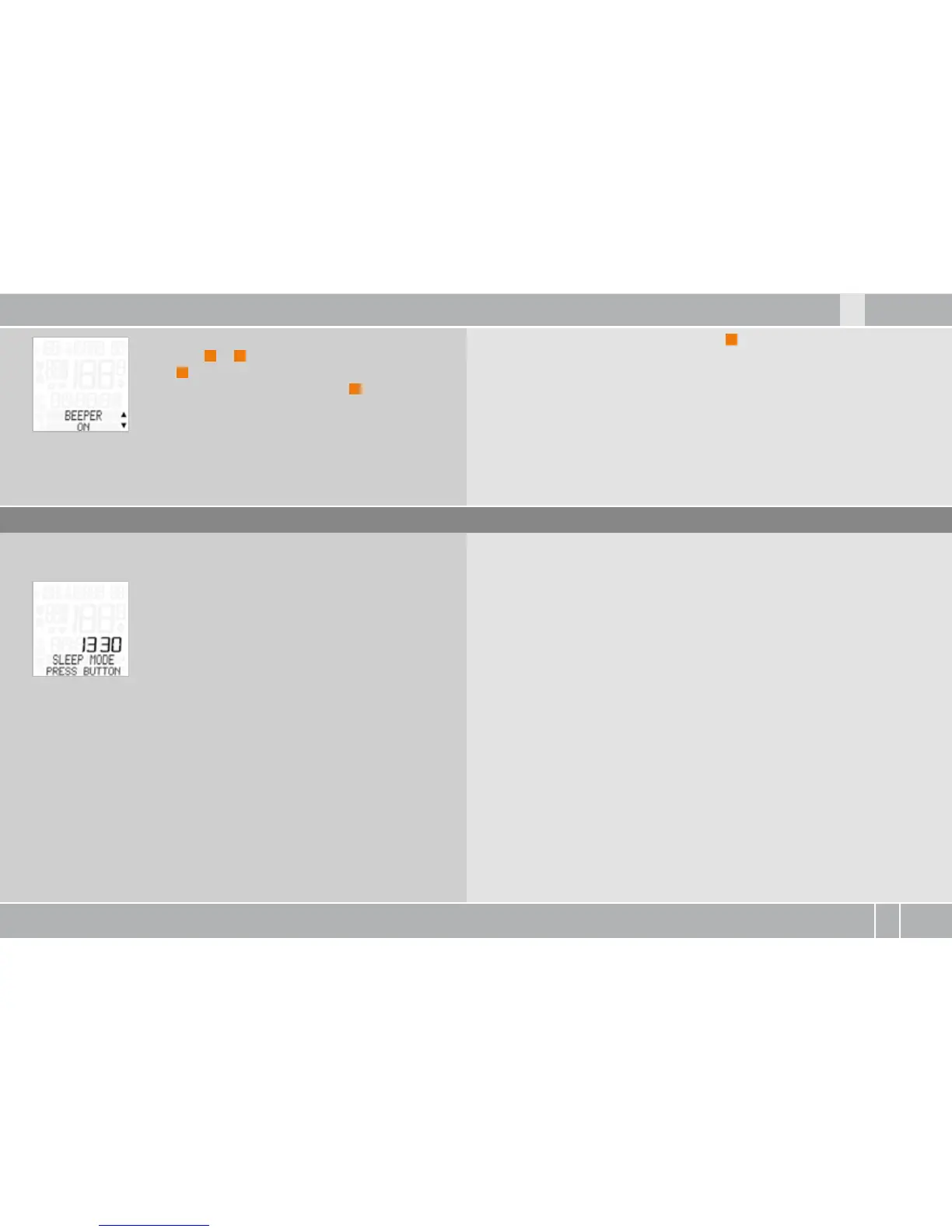
BEEPER--ON or OFF appears on the display.
Press ALTI
A
or
P
to make a selection.
Press
M
in confirmation.
BEEPER ON (or OFF)--SET OK? Press
M
in
confirmation.
The MC . confirms by displaying BEEPER--SET DONE.
To exit settings mode, press and hold the
C
button for three seconds.
SETTINGS--CLOSE? flashes. The MC . switches back to function mode.
7. Sleep mode
The MC . has a sleep mode to save the battery.
The MC . goes into sleep mode after five minutes
if no speed signals are received. SLEEP MODE--
PRESS BUTTON appears on the display.
Pressing any button or moving the handlebars reactivates/wakes up
the MC ..



 To Next Page