Move to next page
Move to previous page
Delete wrong weight
6.2. Deleting data in active file
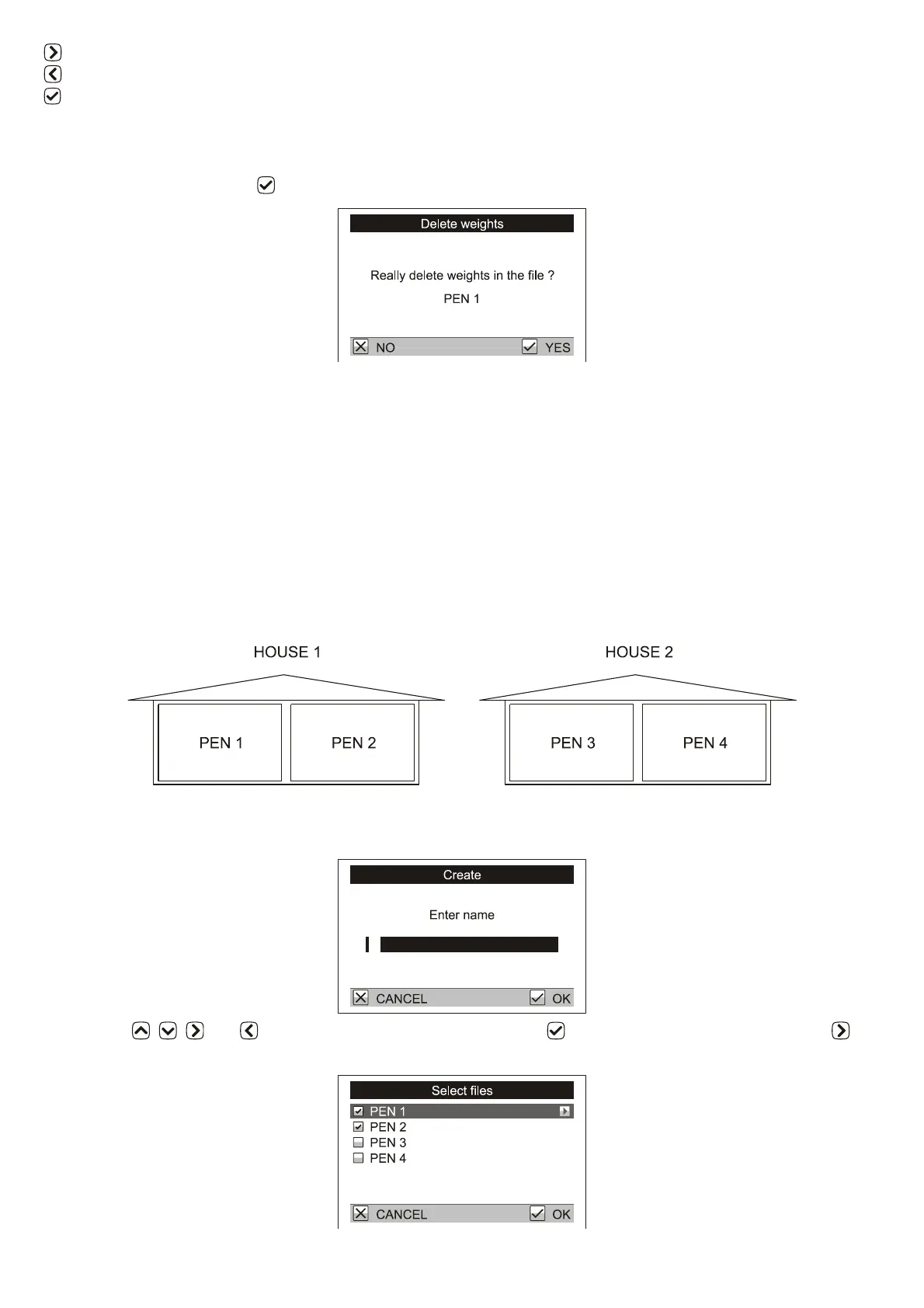
All weights in the active file can be deleted in menu Weighing / Delete weights. Confirmation dialog is
displayed and after pressing the file is deleted.
6.3. Grouping files
For simple display of summary statistics, histograms and printing, individual files can be grouped into file
groups.
Example:
There are two houses on your farm, House 1 and House 2. In House 1 there are two separate pens Pen 1 and
Pen 2. In House 2 there are two separate pens Pen 3 and Pen 4. The scale contains four files named PEN 1, PEN
2, PEN 3 and PEN 4. To be able to calculate the total statistics in the whole House 1, create a file group named
HOUSE 1 which contains files PEN 1 and PEN 2. Similarly, for the House 2 create a file group named HOUSE
2 which contains files PEN 3 and PEN 4. If you want to find statistics for the whole farm, create a file group
named FARM that contains all files PEN 1, PEN 2, PEN 3 and PEN 4.
6.3.1. Creating a group
Select the menu Configuration / File groups / Create. A dialog for entering the file group name is displayed.
Using keys , , and enter the name of the group and press . A list of files is displayed; use the
key to select files that belong to the group.



 To Next Page