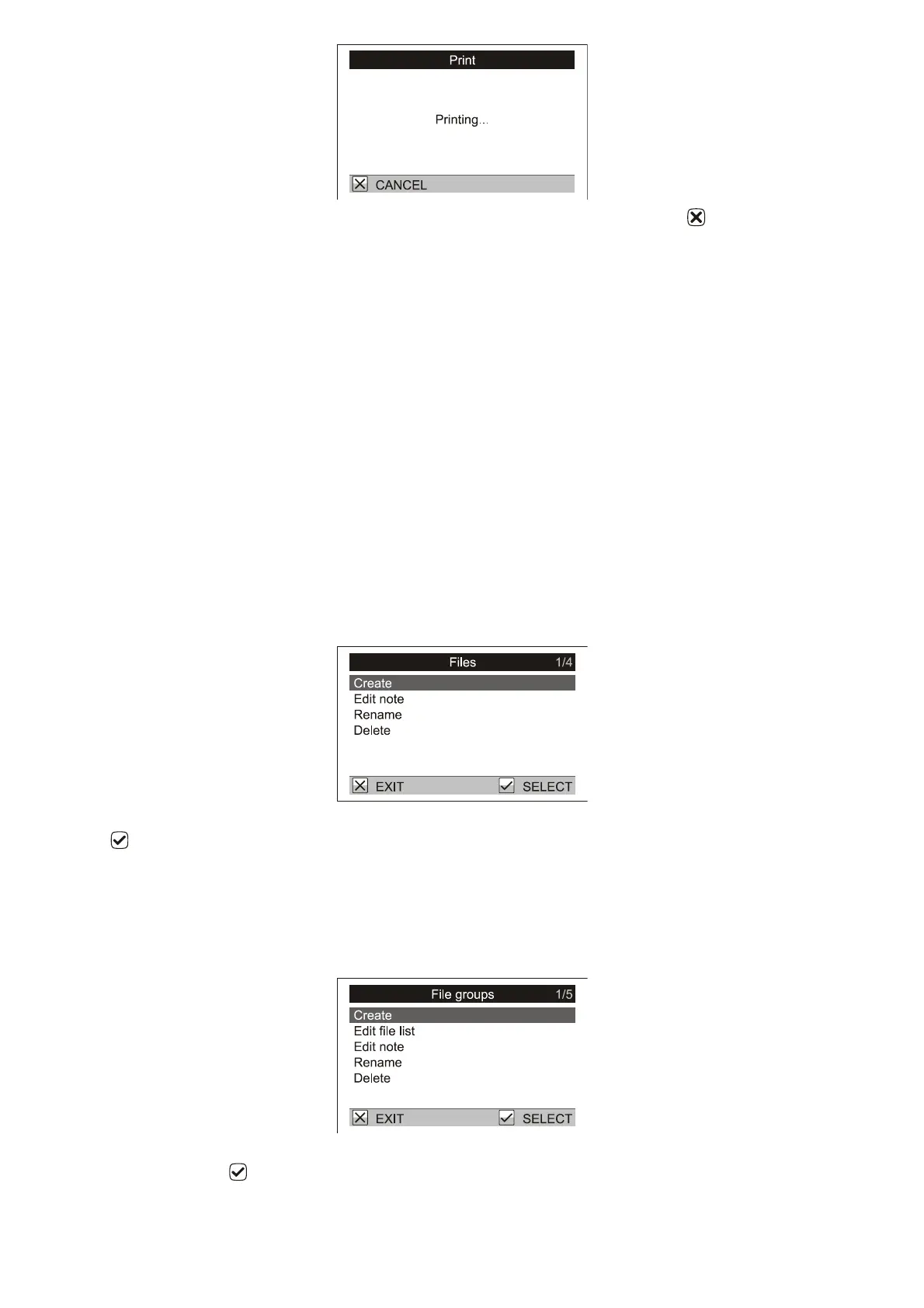
The dialog will close when the printing is completed. To stop the printing early, press .
6.6.1. Printed reports
Select the files you want to print. Select in menu Statistics / Print:
One file: prints one file
One group: prints a report for the selected file group
More files: prints a report for selected files
All files: prints a report for all files in the scale
Select the type of information report:
Statistics and histogram: prints the statistics and the histogram for all selected files and combines the
data for all files in to a single report.
Statistics: prints the statistics of all selected files and combines the data for all files in to a single report.
Total statistics: prints only summary statistics (without a histogram) for all selected files.
Weights: prints each bird weight for all selected files.
7. Scale management
7.1. File management: Rename, Delete, Edit note
To rename a file go to menu Configuration / Files / Rename. Enter the new name of the file and confirm by
pressing .
To permanently remove the file from the scale go to menu Configuration / Files / Delete.
To add a short note to a file go to menu Configuration / Files / Edit note. The note will be displayed with the
data when downloaded to a PC.
7.2. File groups
To rename a file group, go to the menu Configuration / File groups / Rename. Enter the new name of the group
and confirm by pressing .
To permanently remove a file group from the scale, go to the menu Configuration / File group / Delete.



 To Next Page