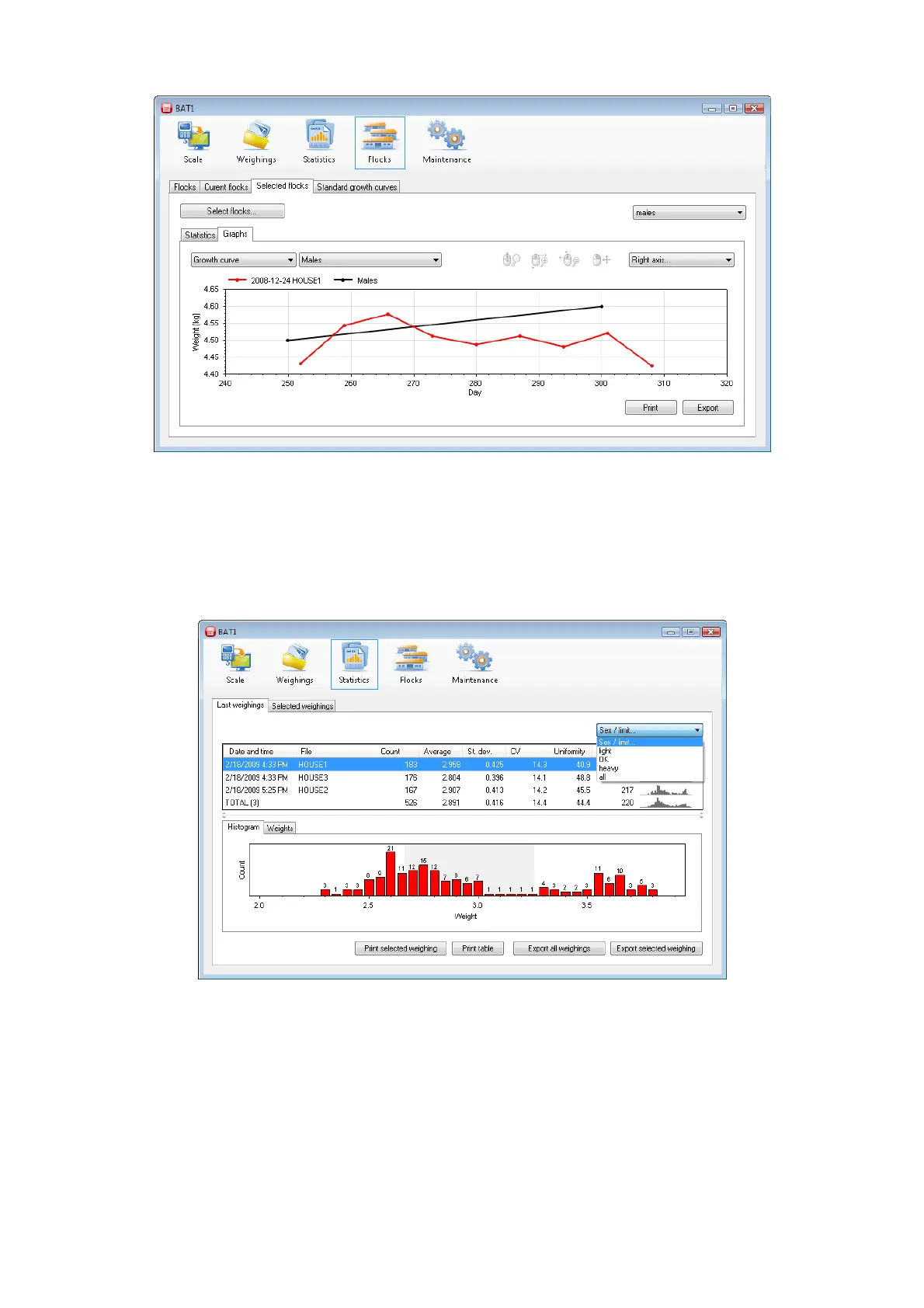
Select the Selected flocks tab and select the prepared flock. Select males in the Sex/limit field. The data related
to males will be displayed. Select the growth curve for males in the Graphs tab, field Standard growth curves....
The same method applies to displaying data for females including the growth curve. When all is selected, the
program will provide the growth curves for both males and females.
8.9.3. Sorting by weight
When the scale mode is “sorting by weight”, the program will receive the sorting data after downloading data
from the scale, and will save it in the database for further processing. Click the Statistics icon and the Last
weighings tab.
Select for example light in the field with text Sex/limit. The table of weighings, histogram, and the list of
weighed weights will be changed to include only data for weighing under the preset limit. In a similar way, by
selecting OK you will display data for weighing within the preset limits, and by selecting heavy weighings
above the preset limit. Selecting all will display all weighings regardless the sorting. The same method will
display the selected statistics in the Selected weighings tab.



 To Next Page