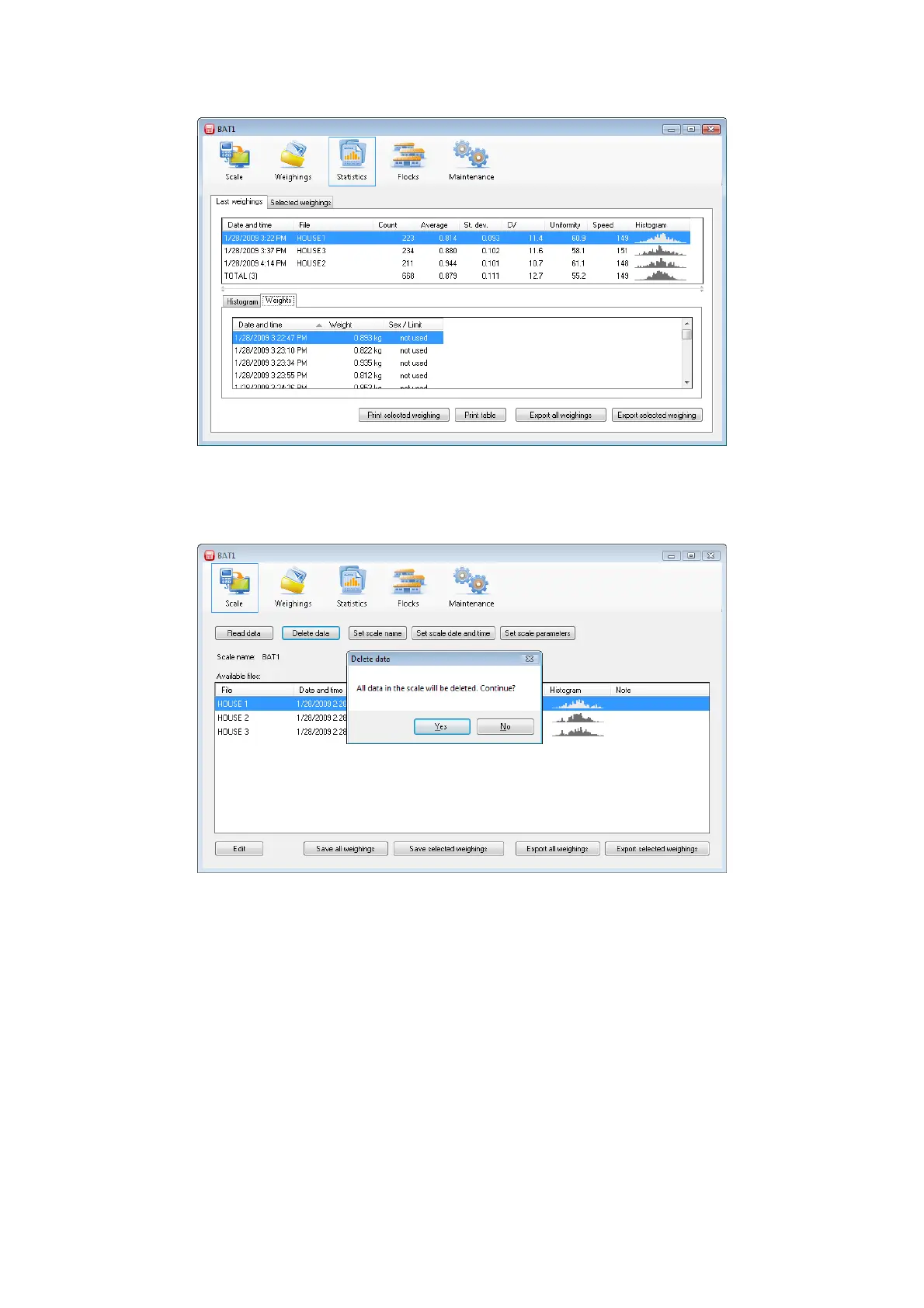
Files that have just been downloaded from the scale will be displayed in the table. The histogram will be
displayed in the lower half of the panel for the highlighted file. Individual weights in this file will be displayed
after clicking the Weights tab.
8.6. Deleting data from the scale
After saving the data on the PC, the data saved in the scale can be deleted. Click the Scale icon and then click
the Delete data button.
Click Yes. The data is deleted from the scale and can be disconnected from the PC.



 To Next Page