8.7. Setup flocks
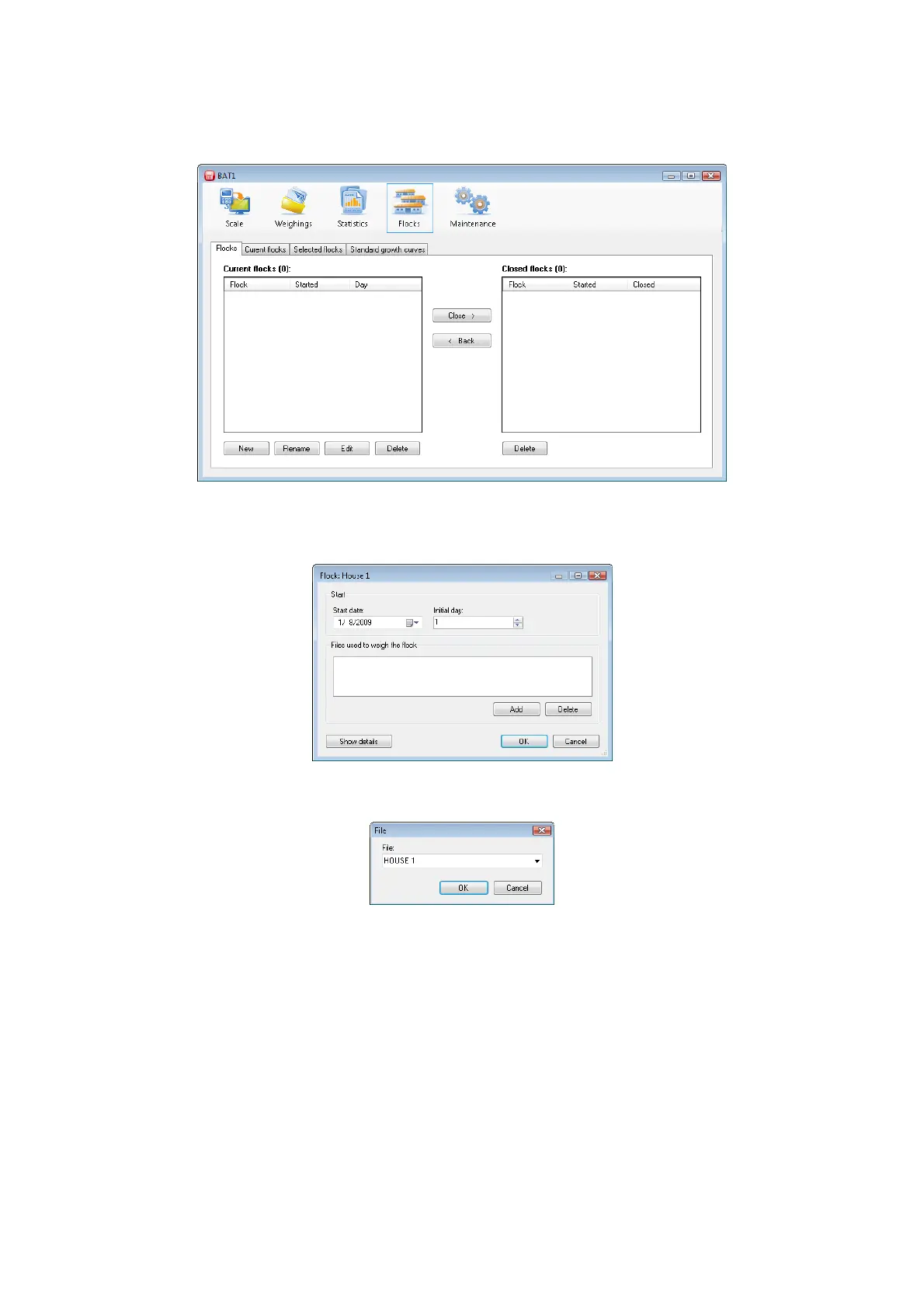
The growth data can be plotted for the entire life of the flock. Click the Flocks icon; the flocks setup panel will
be displayed.
Click the New button to create a new flock. When the question Do you want to use some existing flock as
template? displays, click No. Next dialog will ask for the flock name. Enter a name and click OK. The dialog
for entering the flock parameters will be displayed.
Enter the date when the flock was started in the Start date field. Enter the flock age on the start date in the
Initial day field. Use the Add button to add all files that are designated for this flock.



 To Next Page