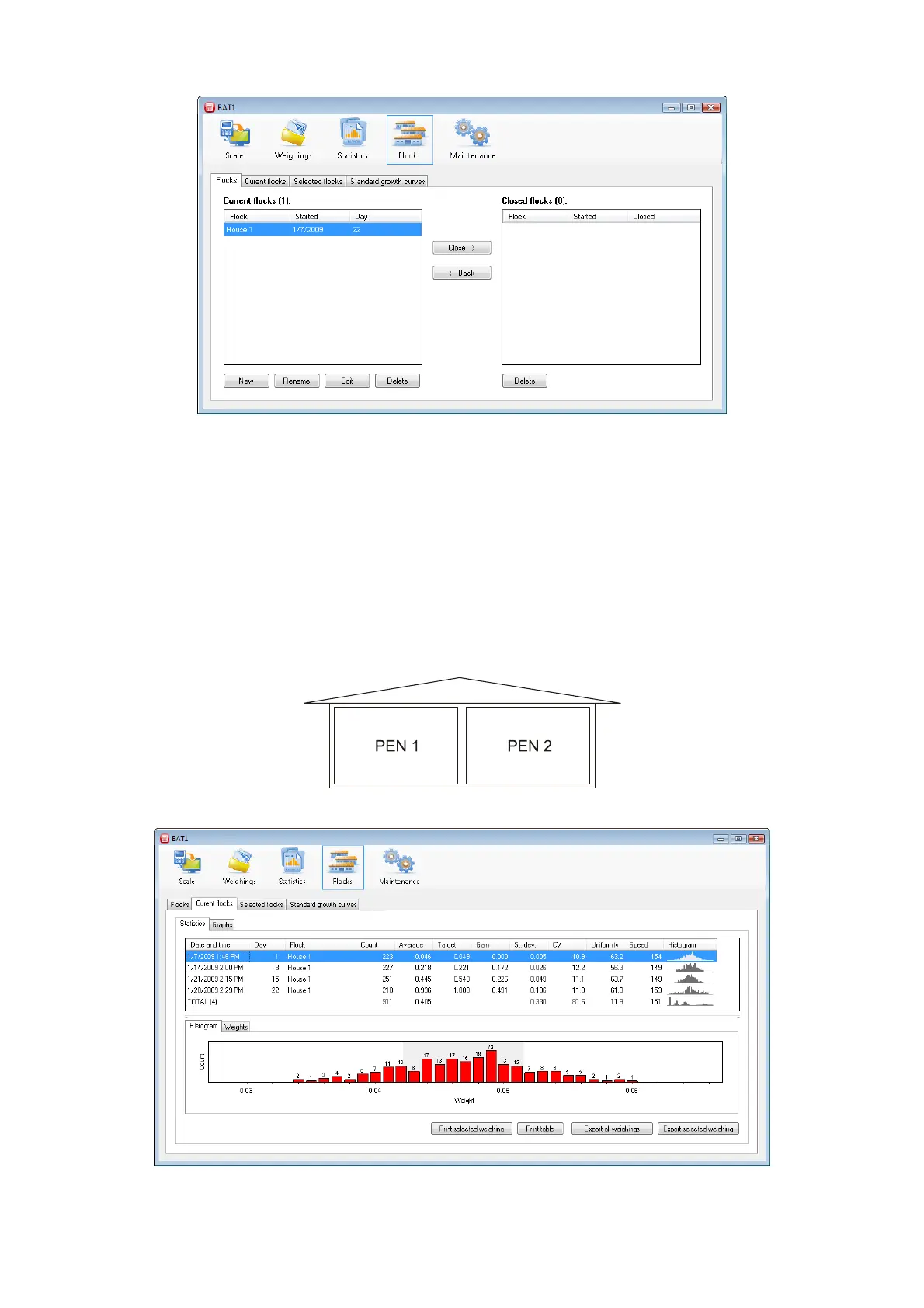
Click OK to close the dialog. The flock is created and included among the working flocks and will be displayed
in the Current flocks table.
All files corresponding to this flock will be used to create the growth record. Any file assigned to this flock will
automatically be logged to this flock each time it is downloaded from the scale.
Example:
There is one house on your farm, which contains two pens with birds, Pen 1 and Pen 2. There are two files
created in the scale named PEN 1 and PEN 2, which you use for weighing the birds. On 01/01/2009, day-old
chicks were placed in both pens. Create a new flock in your computer named Pen 1. Enter 01/01/2009 in the
Start date field, enter day 1 in the Initial day field, and click Add to add file PEN 1. This flock will be used for
monitoring birds in Pen 1. Create another flock Pen 2 in similar way, and add file PEN 2 to this flock. For
monitoring birds in the whole house, create a flock House and add both files PEN 1 and PEN 2. From
01/01/2009, weighing of both files PEN 1 and PEN 2 will automatically fall within the respective flocks.
The progress of growth and other statistics can be monitored in the Current flocks tab.



 To Next Page