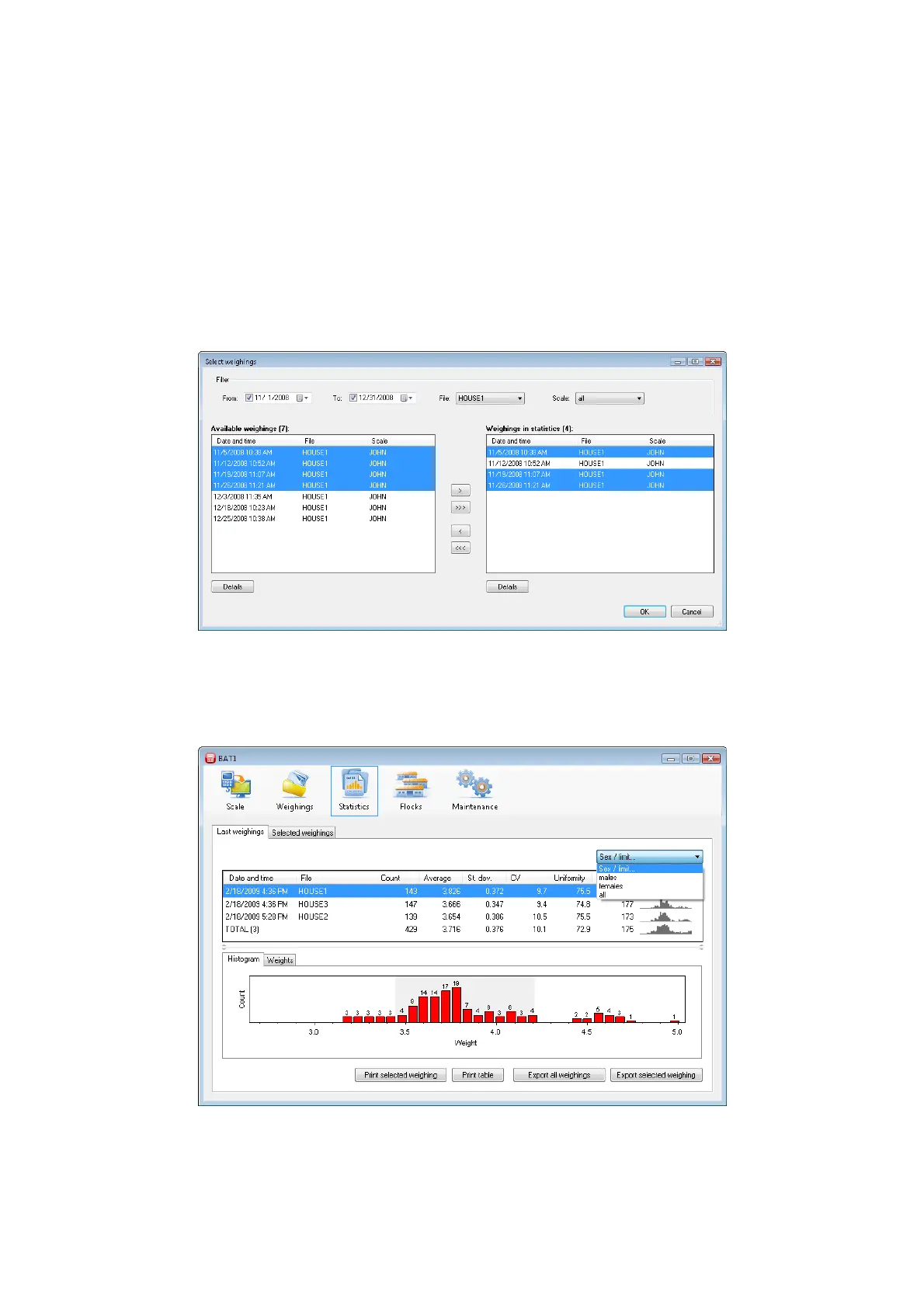
After setting a date in the To field, only weighings acquired prior to the entered date will remain in the
list.
After selecting File, only weighings of the selected file will remain in the list.
After selecting Scale, only weighings acquired by the scale with the selected name will remain in the
list.
You can select more weighings in both lists using procedures common in the Windows operating systems:
Selection of a range of weighings – click on the first weighing. Hold the Shift key and click on the last
weighing. All weighings between the first and last will be selected.
Selection of individual weighings – click on the selected weighing. Hold the Ctrl key. Click on other
required weighings. Release the Ctrl key.
Select all weighings in the list – hold the Ctrl key and press the A key. Release both keys.
Move the selected weighings by clicking < or >.
8.9.2. Weighing with sex differentiation
If the scale is set in the manual saving mode with sex differentiation, the program will receive the gender data
after downloading data from the scale, and save it in the database for further processing. Click the Statistics
icon and the Last weighings tab.
Select for example males in the field with text Sex/limit. The table of weighings, histogram, and the list of
weighed weights will be changed to include only data related to males. In the similar way, by selecting females
you will display data for females. Selecting all will display all weighings without sex differentiation. The same
method will display the selected statistics in the Selected weighings tab.



 To Next Page