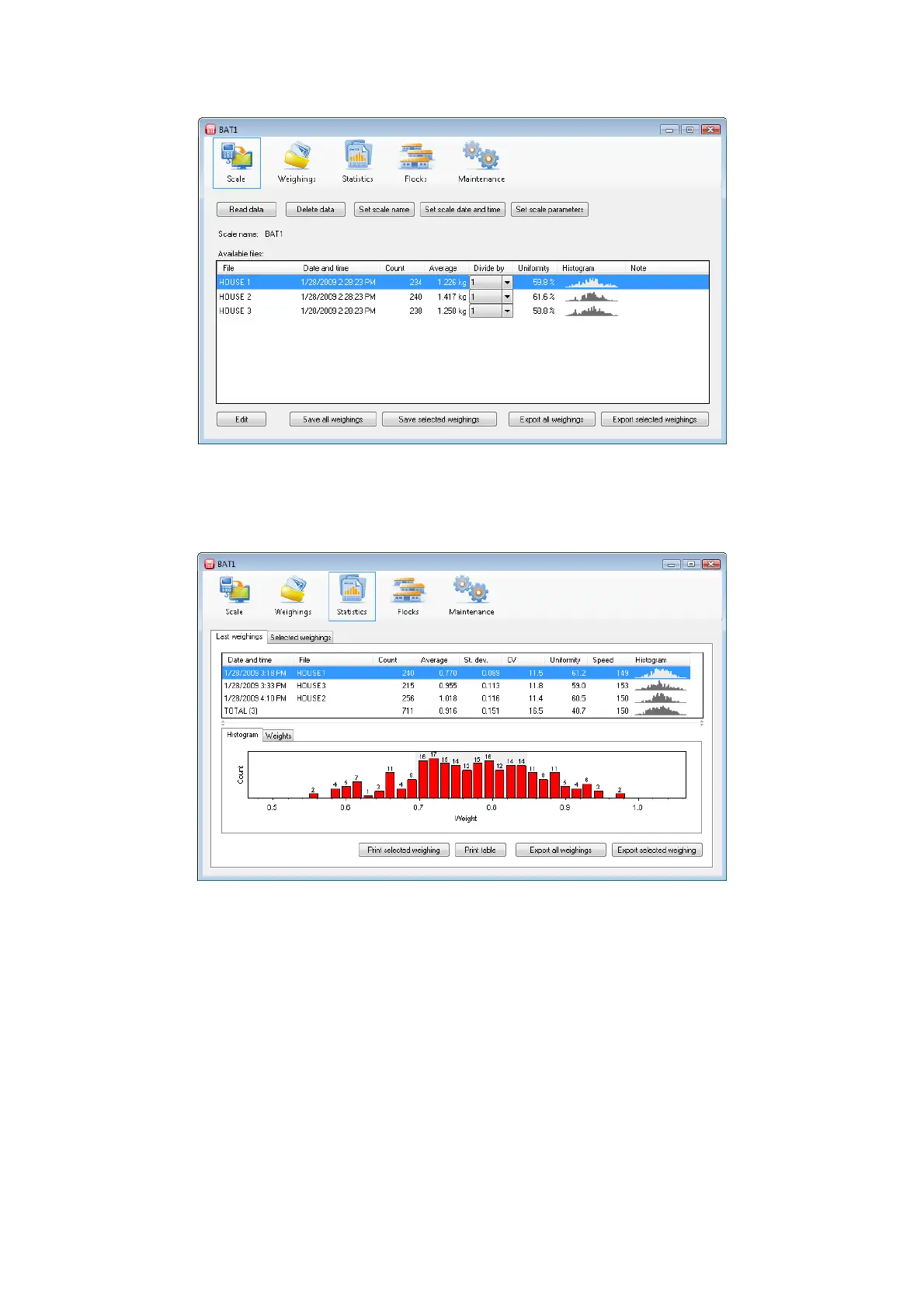
Click the Read data button. A dialog will display notifying you to wait and all data will be downloaded from
the scale. The communication with the scale may last several minutes depending on the amount of data. When
completed, a table with all weight data will be displayed.
Click the Save all weighings button. All displayed files will be saved into the database for further processing.
8.5. Viewing weighing statistics
Click the Statistics icon. The statistics panel will be displayed.



 To Next Page