addition all scale settings can be set and stored on the PC, data can be exported to other programs (Excel, etc.)
and data can be printed.
8.1. Installation
Install the software and the scale driver on the computer as follows:
1. You must be logged as an administrator to be able to install the software.
2. Open the website http://sw.veit.cz/ in your browser
3. Download the software called Bat1 SW by right-clicking on it and then click on Save As…
4. Run the downloaded file bat1.exe and go through the installation clicking on the Next > buttons
5. Connect the scale into a free USB port on the computer. Windows will now detect a new device VEIT
BAT1 Poultry Scale.
8.2. Charging from PC
The scale battery will charge via the USB port while connected to a running PC.
8.3. Program start up
Click on icon Start / Programs / BAT1 v7 / BAT1 to start the program.
8.4. Downloading the weighing results into PC
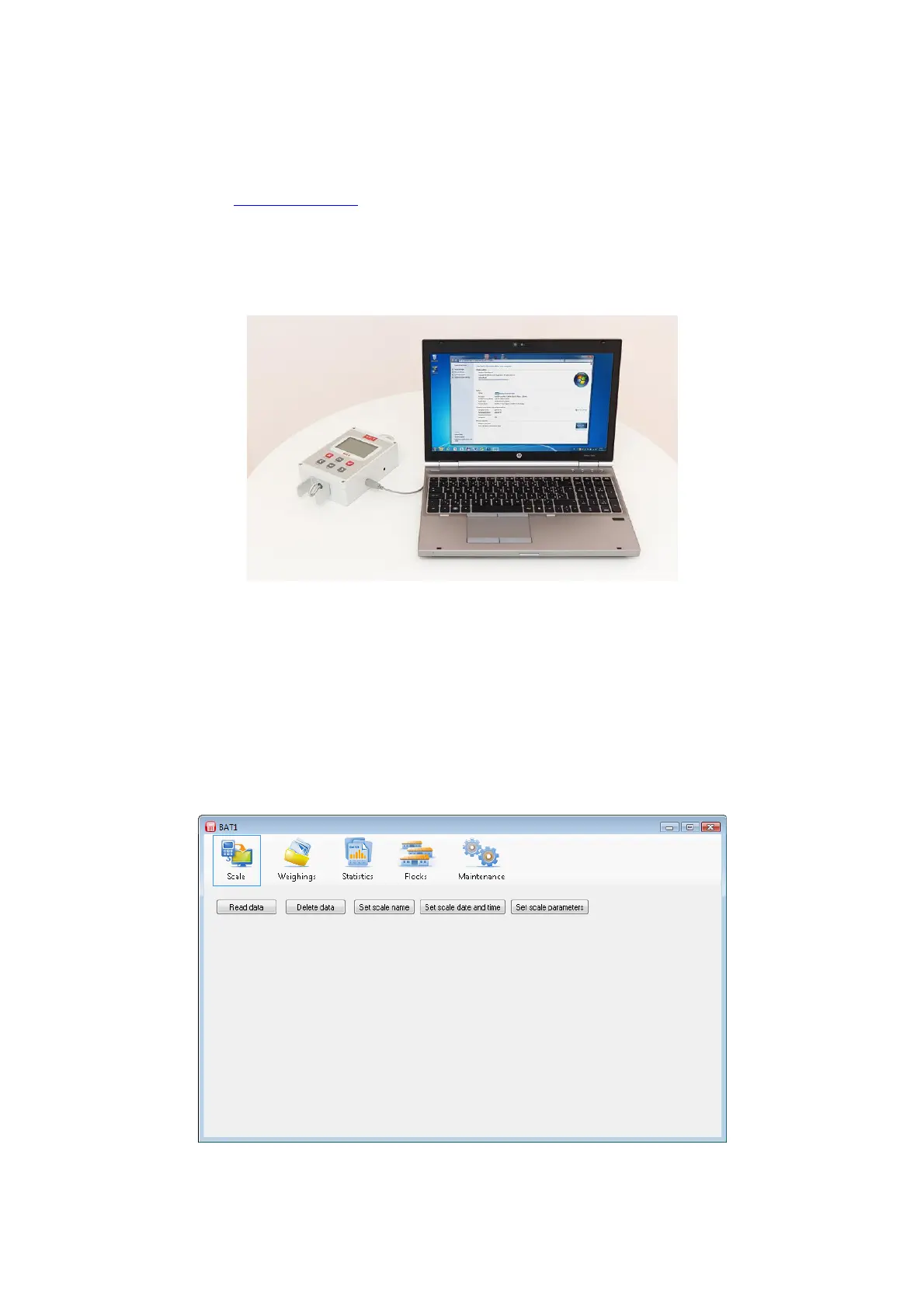
Switch the scale off, connect it to the computer and click the Scale icon. The scale communication panel will be
displayed.



 To Next Page