If the mode of weighing with the sex selection is activated, use keys and to display the statistics for cocks
and hens.
6.6. Printing data
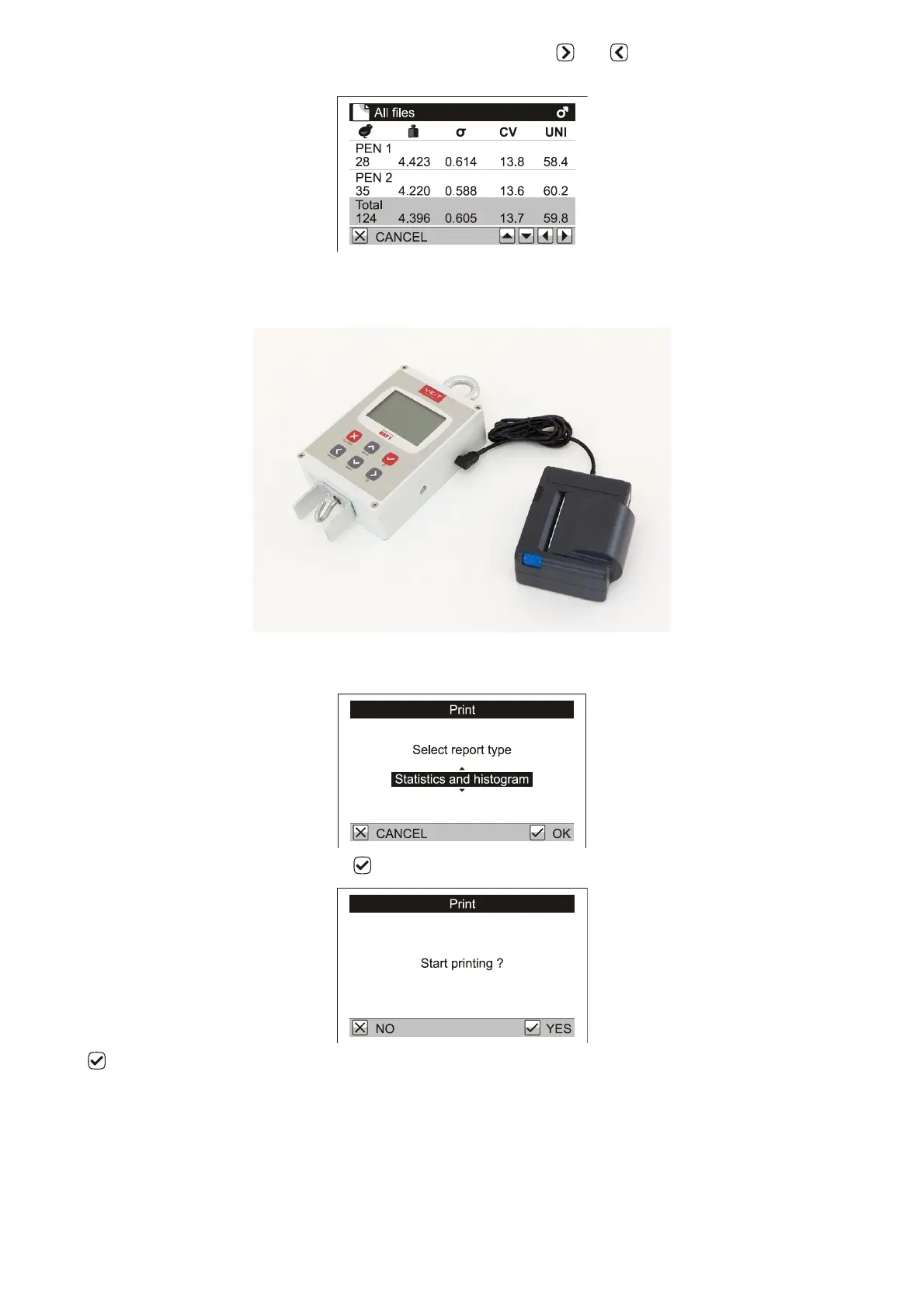
Connect the printer cable into the DB9 serial port on the scale and switch the printer on.
Select Statistics / Print / One file from the menu. Select the file you want to print. Now select the information to
be printed in the next dialog box.
Select Statistics and histogram and press . Start printing will appear.
Press . The printer will print the selected information and the scale will display the printing status.



 To Next Page