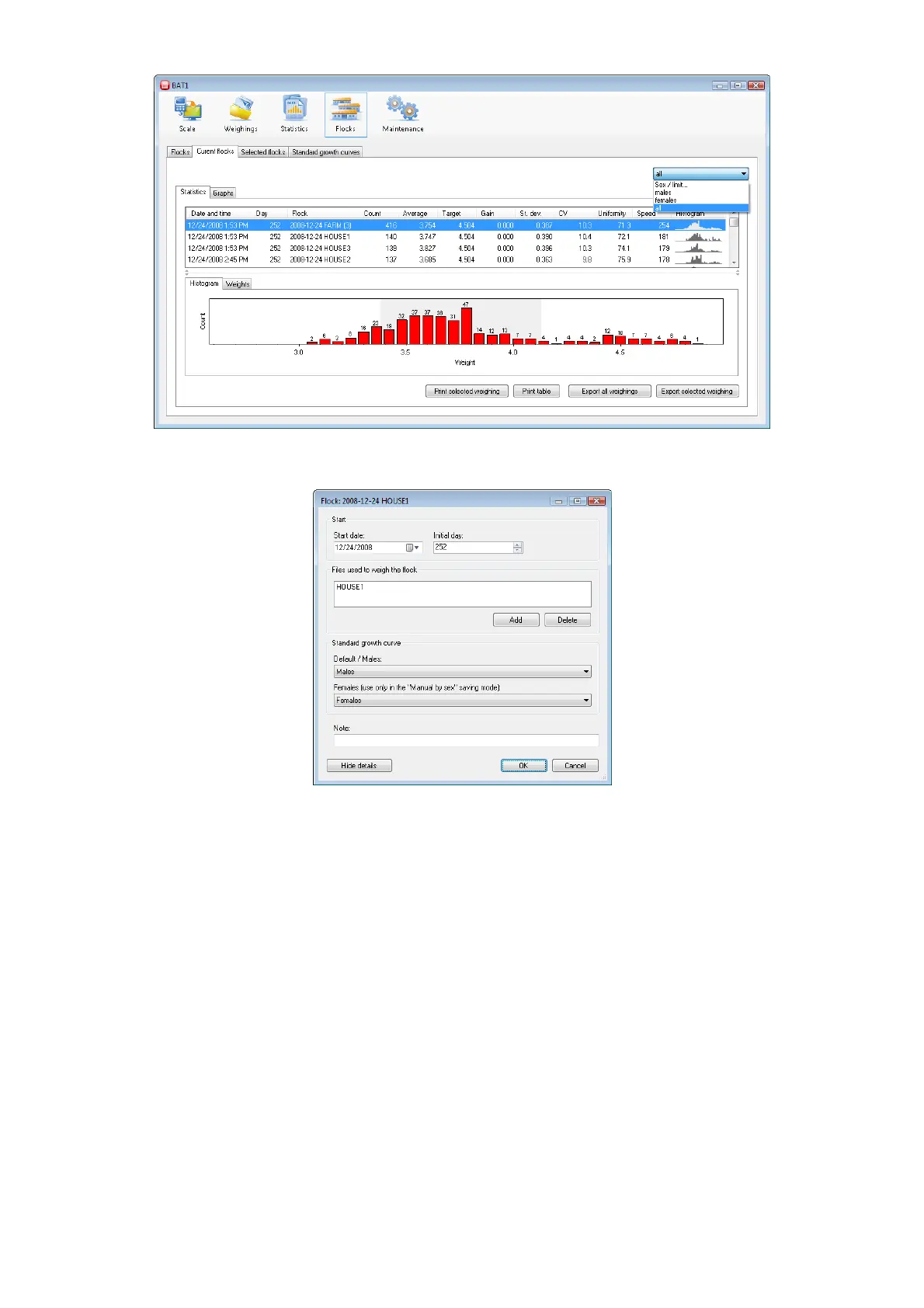
Using a similar method, you can display data in the Flocks panel, in tabs Current flocks and Selected flocks.
In the flocks, it is possible to enter standard growth curves separately for males and females. Select the Flocks
tab; select the flock in the Current flocks table and click Edit.
Select the growth curve for males in the Default/Males field and select the growth curve for females in the
Females field. Click OK.



 To Next Page