Saving data to a PC
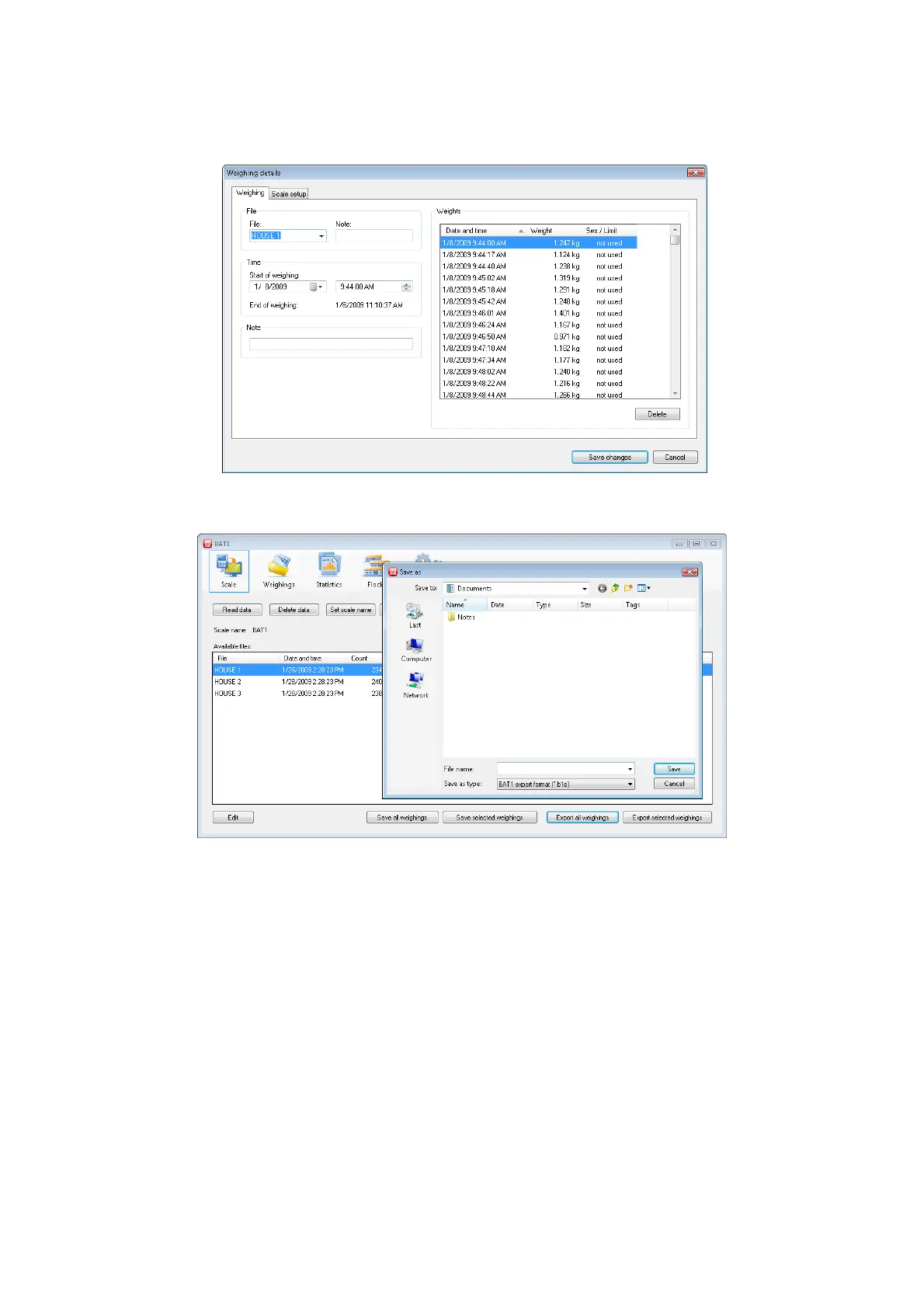
FARM 2 data would be saved as follows. Start the BAT1 program and select the Scale icon. Connect the scale
to the computer and click the Read data button. After downloading the data, click the Save all weighings
button. All displayed files will be saved into the database for further processing. Check the downloaded files by
clicking Edit.
If the downloaded data is ok, click the Export all weighings button. In the following dialog, select the BAT1
export file format and the file for saving the downloaded data.
Click Save. The saved file can be sent as an e-mail attachment to another computer or via a local network or
server (FARM 1 for example). Delete the data in the scale by clicking Delete data, disconnect the scale, and
exit the program.



 To Next Page