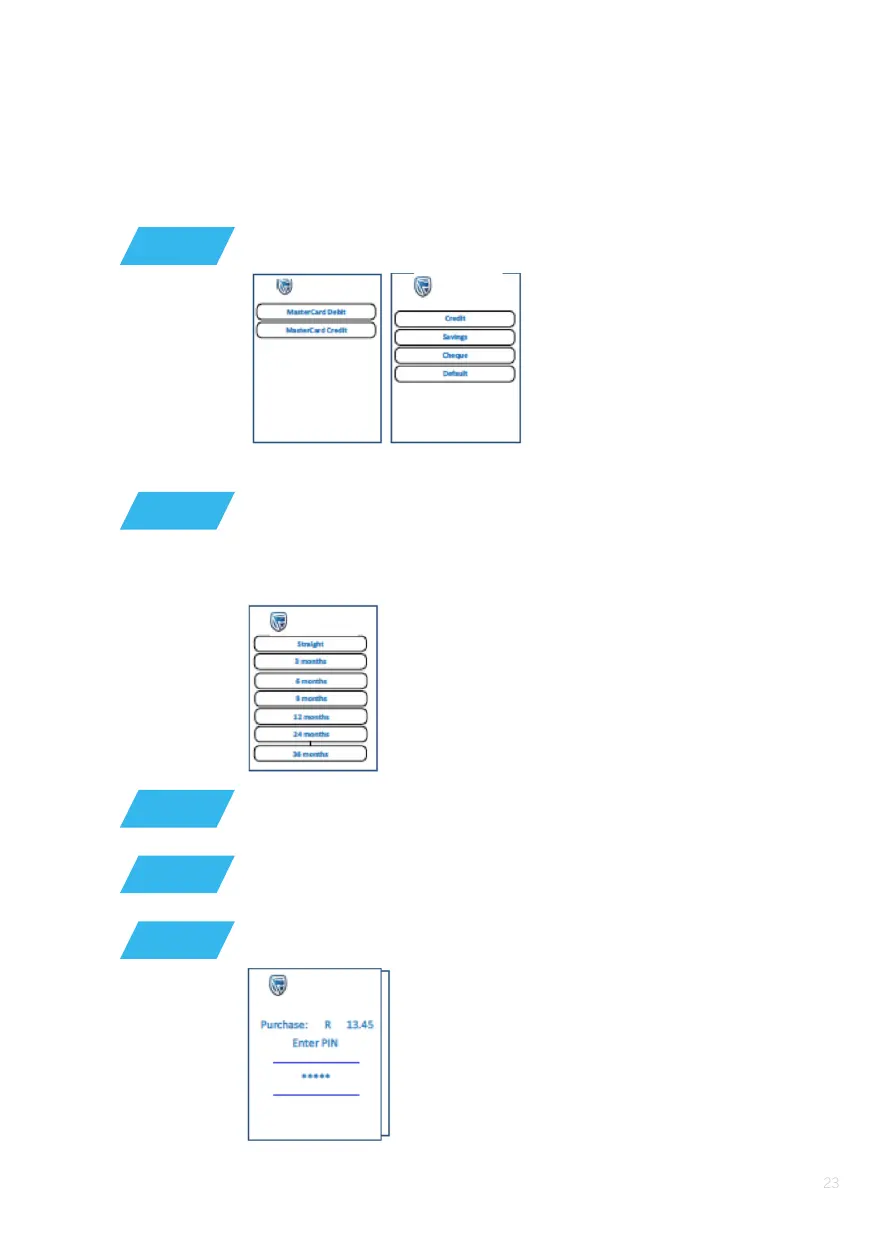
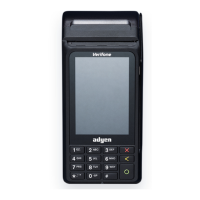
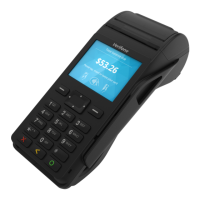
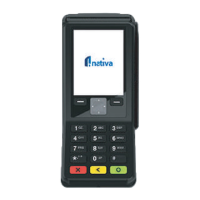
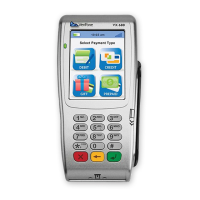
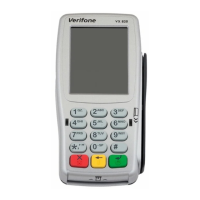
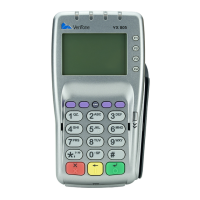
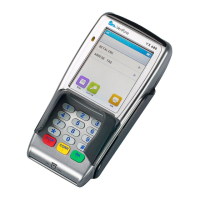
When the card has more than one application linked, the POS device
will display an ‘account selection’ screen (‘savings’, ‘cheque’ or ‘credit’)
If a credit card is used, and budget is allowed, the allowed
‘budget period’ is displayed on the screen. This amount must
be greater than the minimum budget amount
If the card requires a PIN, it will request a PIN and display
the amount on the screen
The customer must enter his/her PIN and press ‘OK’ (O)
If the PIN is not required, then the POS device will
connect for authorisation
STEP 13
STEP 14
STEP 12
STEP 15
STEP 16
EMV card Swipe card
If ‘budget’ was selected, then select the budget period 3 to 60;
conrm screen is displayed.






 To Next Page