Using Other Apps
52 Vernier Software & Technology
XI. USING OTHER APPS
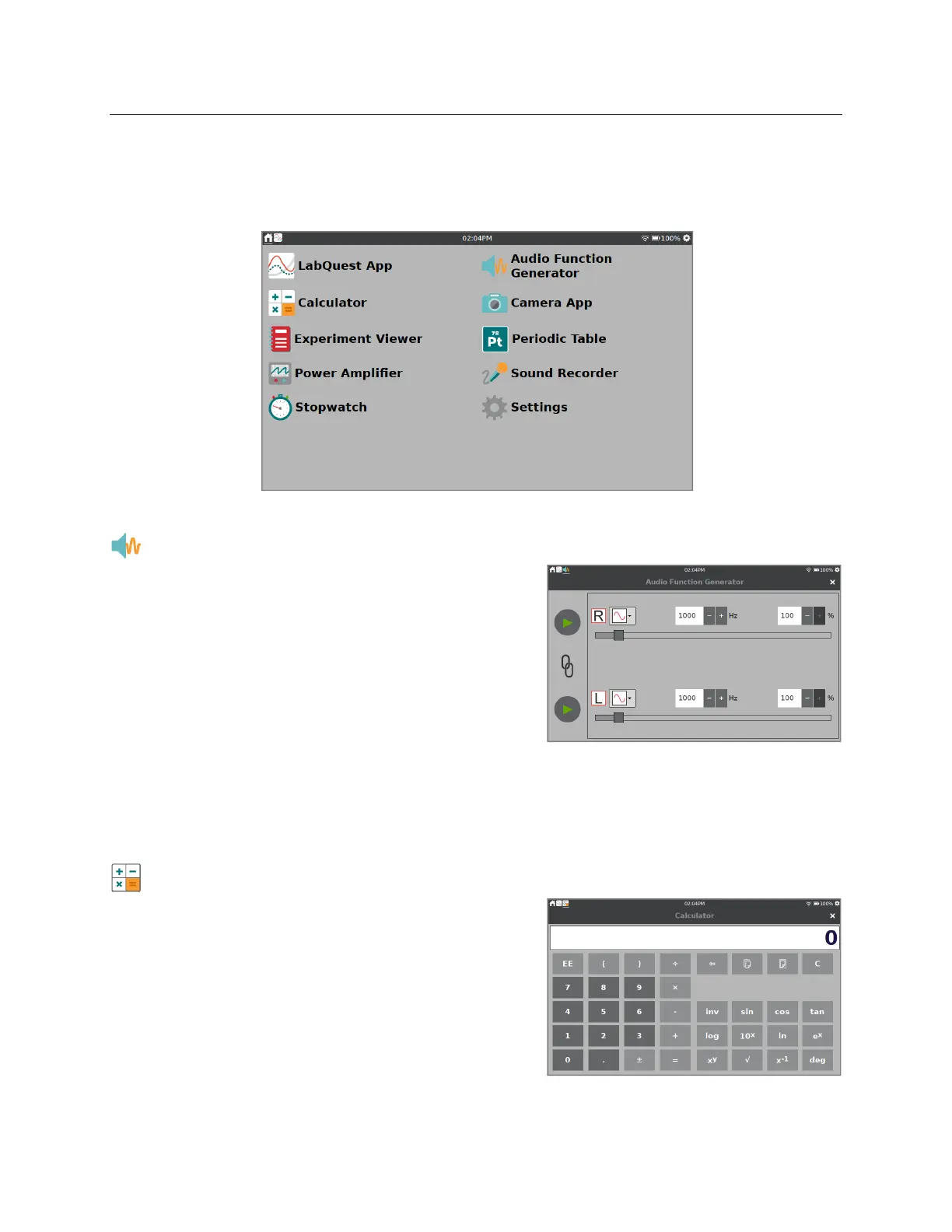
Tap or swipe down from the left side of the Notification Bar to access additional apps on the
LabQuest 3.
Audio Function Generator
The Audio Function Generator is used to create
waveforms in the audio frequency range. Select a
waveform, frequency, and volume for each channel.
The link between left and right channels is on by
default so that both channels start and stop together.
Tap the link icon to control the channels independently.
Use the sliders to adjust the frequency.
A common use of the Audio Function Generator is to create tones and beats for waveform study
using a microphone. For the best waveform quality, connect a powered computer speaker to the
LabQuest audio output jack.
Calculator
The Calculator App is a standard scientific calculator
that uses algebraic notation. You can copy a calculator
result and paste it into the Notes tab or into a manual
column cell.


 To Next Page