Appendix
66 Vernier Software & Technology
Accessories
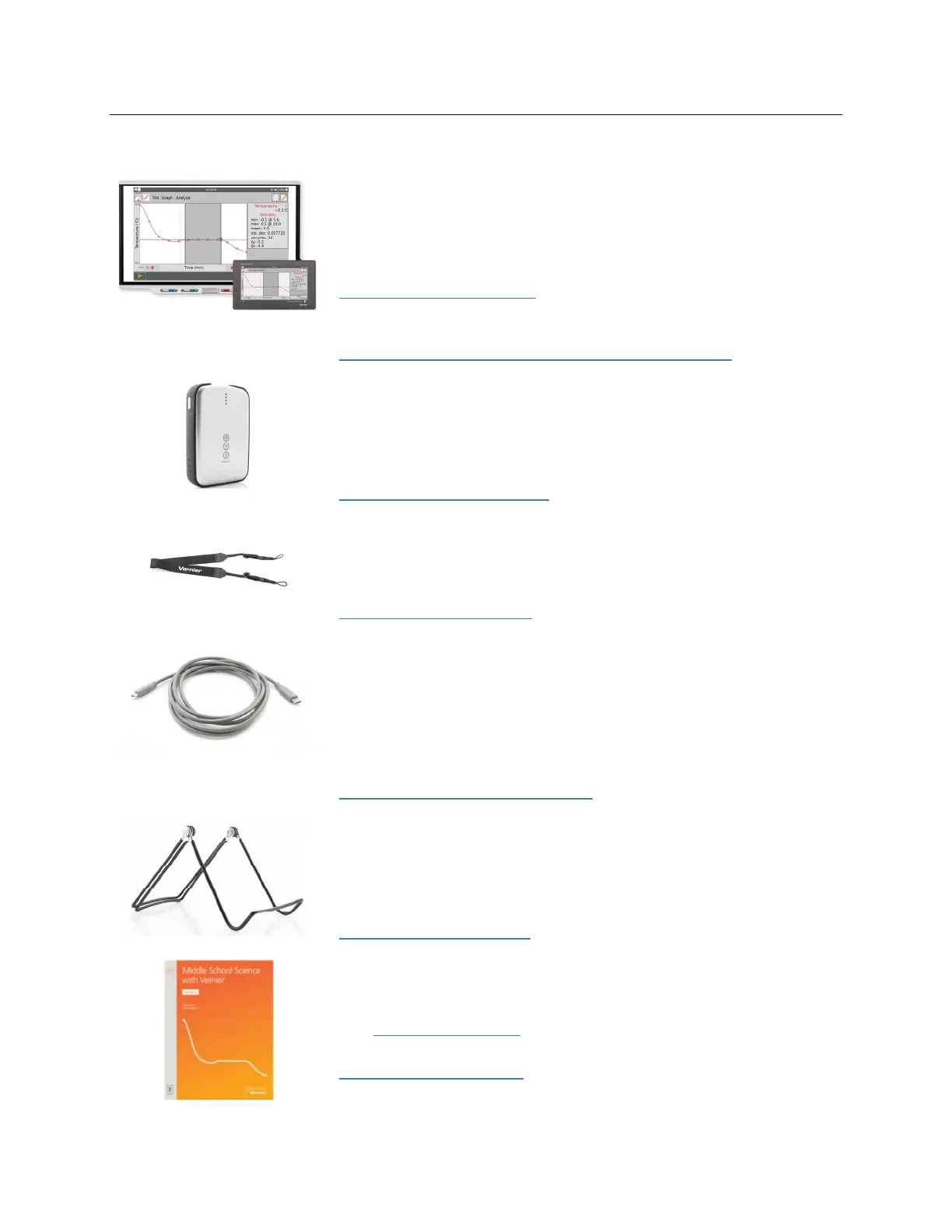
LabQuest Viewer
Display and control LabQuest on a computer to teach students
how to use LabQuest, demonstrate experiments, or share class
data.
www.vernier.com/lq-view
Also available, LabQuest Viewer for iPad
www.vernier.com/product/labquest-viewer-for-ipad/
LabQuest Battery Boost 3
With the added power of an external battery, data can be
collected for extended periods in the field where AC power is not
available.
www.vernier.com/lq-boost3
Vernier Lanyard
The LabQuest neck strap helps prevent accidental drops during
field studies.
www.vernier.com/lq3-lan
LabQuest Micro to USB-C Computer Cable
LabQuest to computer USB-C cable
The cable has a USB micro plug and USB-C plug. This cable is
recommended for computers and Chromebook™ notebooks that
only have USB-C ports.
www.vernier.com/cb-usb-c-micro
LabQuest Stand
Use the LabQuest stand to prop your LabQuest off the lab bench
to protect it from accidental spills and to provide a natural
viewing angle for your screen.
www.vernier.com/lq3-stn
Curriculum Resources
In addition to the experiment files included on the LabQuest 3
(see Experiment Viewer
), Vernier offers a complete set of lab
books for elementary through college. For more information, see
www.vernier.com/books
.


 To Next Page