4
Operating Manual Reprint
button more than 2 seconds (or press the MONI-
TOR button twice) to quiet the noise and resume
normal (quiet) monitoring.
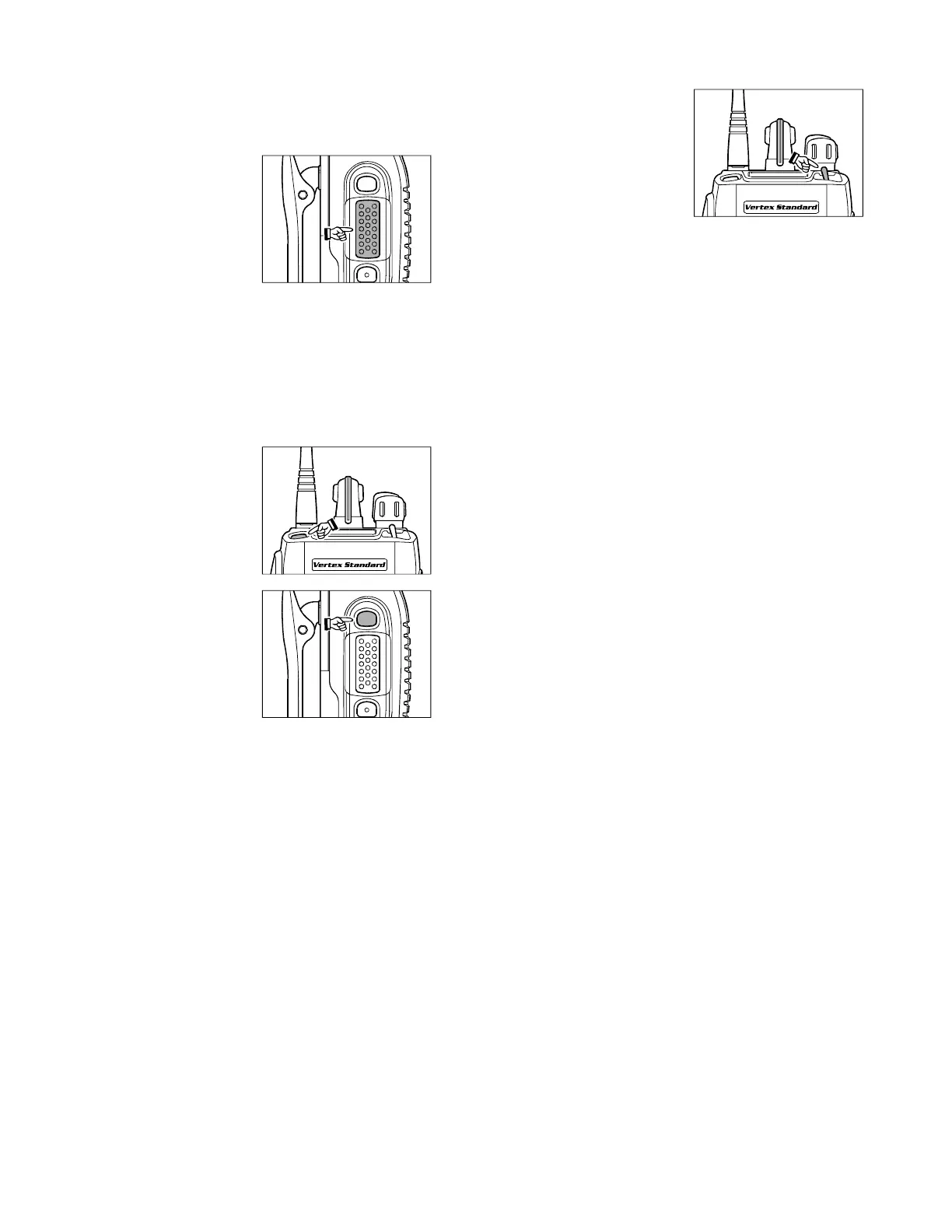
To transmit, press and
hold the PTT switch.
Speak into the micro-
phone area of the front
panel grille (above the
[
D
]
key) in a normal voice
level. To return to the Re-
ceive mode, release the PTT switch.
Press the Soft key (if assigned to the Scan func-
tion) or switch the TOGGLE Switch to the as-
signed “Scan” position (when so programmed by
your dealer) to start the scanner. The scanner rap-
idly steps through each of the dealer-programmed
channels, looking for incoming calls.
Press the TOP SEL key
(on the top panel) or
SIDE SEL key (the top
button on the left side) to
activate one of the
preprogrammed func-
tions which may have
been enabled at the time
of programming by the
dealer. Similarly, when
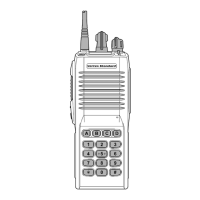
using the 16-key version,
the
[
A
]
,
[
B
]
,
[
C
]
, and
[
D
]
function keys activate
one of these functions, if
programmed by the dealer. See the next section
for details regarding the available features.
Switch the top panel’s
TOGGLE switch to the
[A], [B] or [Center] posi-
tion to activate one of the
pre-programmed func-
tions which may have
been enabled at the time
of programming by the dealer. When this switch
is in the [A (left)], [B (right)] or [Center] position,
the feature programmed (by your dealer) to that
switch position will be activated. See the next sec-
tion for details regarding the available features.
Press the DTMF keys on the telephone keypad
while pressing the PTT switch to send DTMF
tones (16-key version only).
If a Speaker/Microphone is available, remove the
plastic cap and its two mounting screws from the
right side of the transceiver, then align the con-
nector of the Speaker/Microphone on the trans-
ceiver body; secure the connector pin using the
screws supplied with the Speaker/Microphone.
Hold the speaker grille up next to your ear while
receiving. To transmit, press the PTT switch on
the Speaker/Microphone, just as you would on the
main transceiver’s body, and speak into the mi-
crophone on a normal voice level.
Note: Save the original plastic cap and its mount-
ing screws. They should be reinstalled when not
using the Speaker/Microphone.







 To Next Page