Chapter 6 Operator Control And Display Panel 55
LIEBERT APM UPS Module And Parallel System 30kVA~150kVA User Manual
7.5 Detailed Description of Menu Items
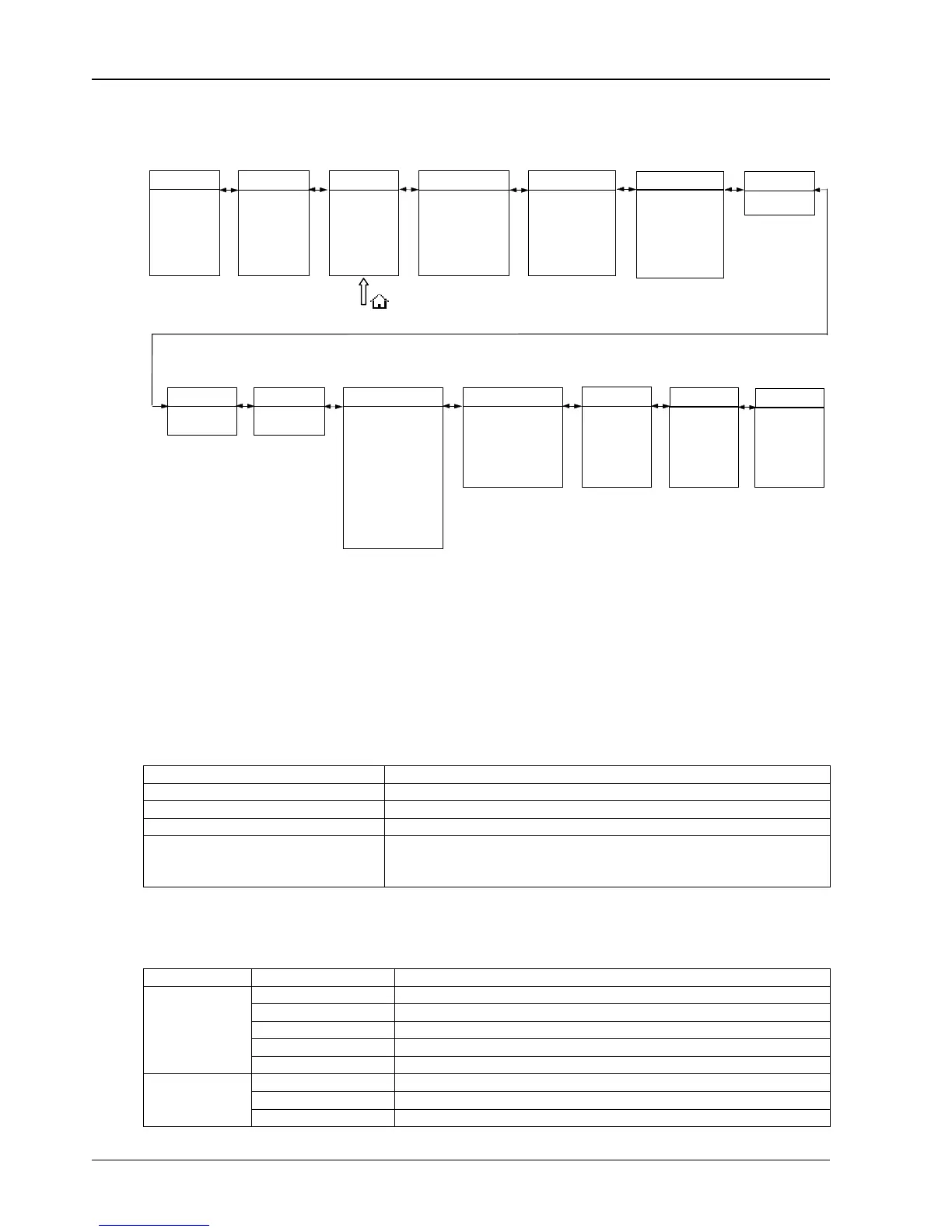
Fig.
7-4:
Menu tree structure
The LCD menu tree shown in Fig.
7-4 is described in details below.
UPS System window
Display basic information of UPS, including current time, date, UPS name, configuration and status. This window
displays the UPS basic information and is not necessary for the user to operate. The information of this window is
given in the following table.
Display contents Meanings
Liebert APM UPS Name
10:07:55 Current Time (format: 24 hours, hour, minute, second)
1# Unit 1
(Status)
Normal, alarm and fault
Normal: UPS in normal condition
Alarm: UPS has general alarm, such as AC input fault
Fault: UPS fuse or hardware fault
Tab.
7-11: UPS information window Items description
UPS menu and data window
Use left key or right key to select UPS menu and data window.
Menu name Menu item Meanings
L-N Voltage (V) The Phase Voltage
L-N Curent (A) The Phase Current
Frequency (Hz) The Frequency
L-L Voltage (V) The line-line Voltage
Main
PF Power factor
L-N Voltage (V) The Phase Voltage
Frequency (Hz) The line-line Voltage
Bypass
L-L Voltage (V) The line-line Voltage
System
Language
Baud rate of serial port 1
Baud rate of serial port 2
Baud rate of serial port 3
Call back times
Call back number 2
Call back number 3
Control password setting
Main
Phase voltage (A)
Frequency (Hz)
Line voltage (V)
PF
Bypass
Output
Single UPS system has
Battery voltage (V)
Battery temperature (
Remaining time (Min)
Battery capacity (%)
Battery in boost charging
Battery in float charging
Battery not connected
Records
Setting
LCD contrast setting
Date format setting
Date and time setting
UPS address
Comm. mode setting
Call back number 1
Command
Events
(Current events log)
Line voltage (V)
Phase current (V)
Phase voltage (A)
Frequency (Hz)
Line voltage (V)
Apparent power (kVA)
Load %
Crest factor
Apparent power (kVA)
Active power (kW)
no parallel system data
(History Records)
Battery capacity test
System test
End test
Eff. Curve
Load %
Runtime
UPS Runtime
Byp. runtime
Versions
UPS model
Monitor Version
Rect. Version
Inv. Version
Byp. Version















 To Next Page