Vertiv | Liebert CRV+ | User Manual 66
EEV Set
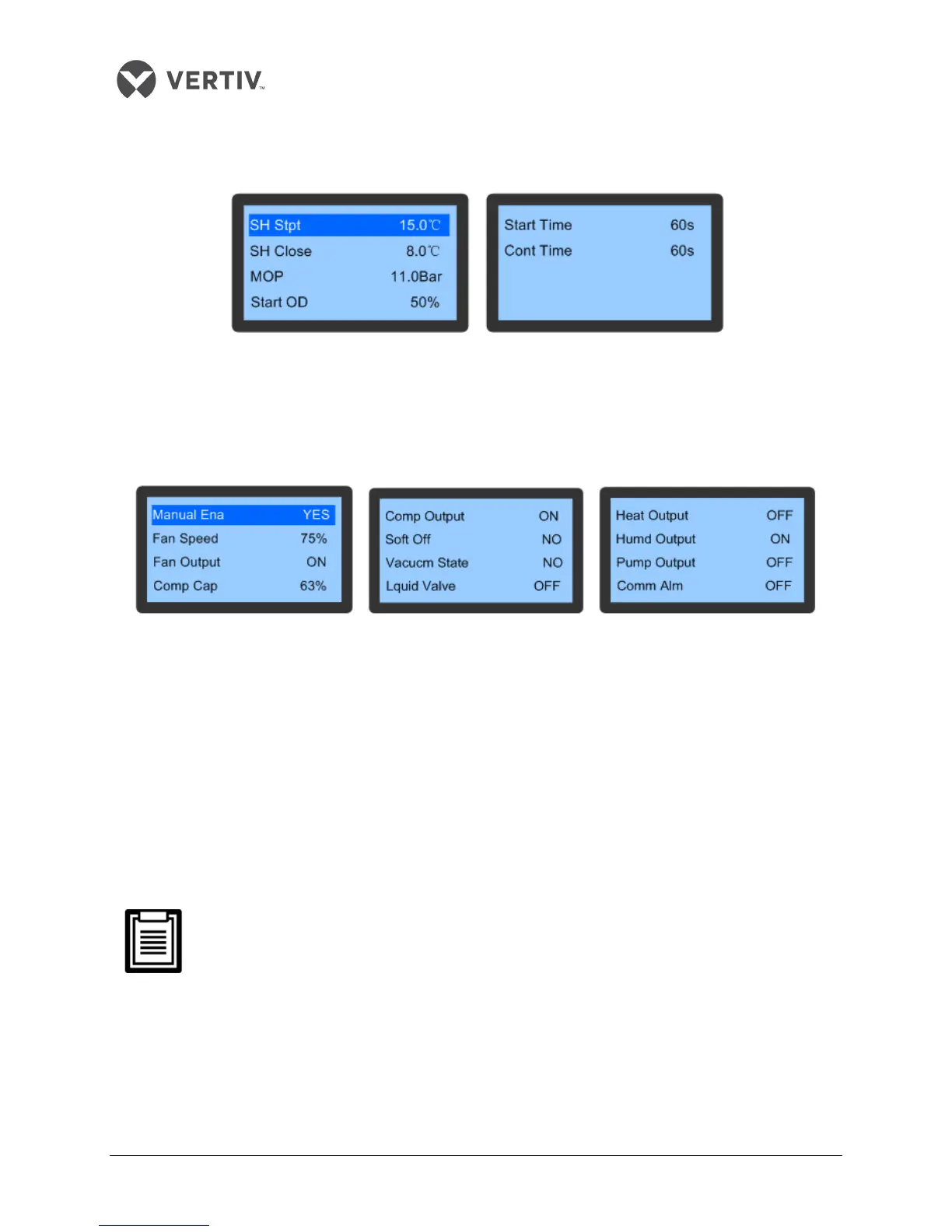
The EEV Set screen is depicted in Figure 3-29.
Figure 3-29 EEV Settings
Manual Mode
The Manual Mode helps set the parameters of certain components while a few settings cannot be altered
as they are only read-only attributes.
Figure 3-30 Manual Mode
If the manual mode for a component is selected, the output can be manually controlled. For example, if
Yes is selected for Manual Ena, then the Fan Speed can be set at 75% and the Output can be changed to
the ON state.
Some components have dependencies and that should be taken into consideration, prior to configuring
the settings for those utilities. For example, the fan has to be started, prior to setting the Comp Output,
Heat Output, and Humd Output values.
Some parameters such as Soft Off and Lquid Valve cannot be set as they are read—only attributes.
Exiting the manual mode has to be done manually.
Preferably, only qualified personnel or trained professionals should be allowed to use the
system in Manual Mode.









 To Next Page