Vertiv | Liebert CRV+ | User Manual 53
3.1.5 Password interface
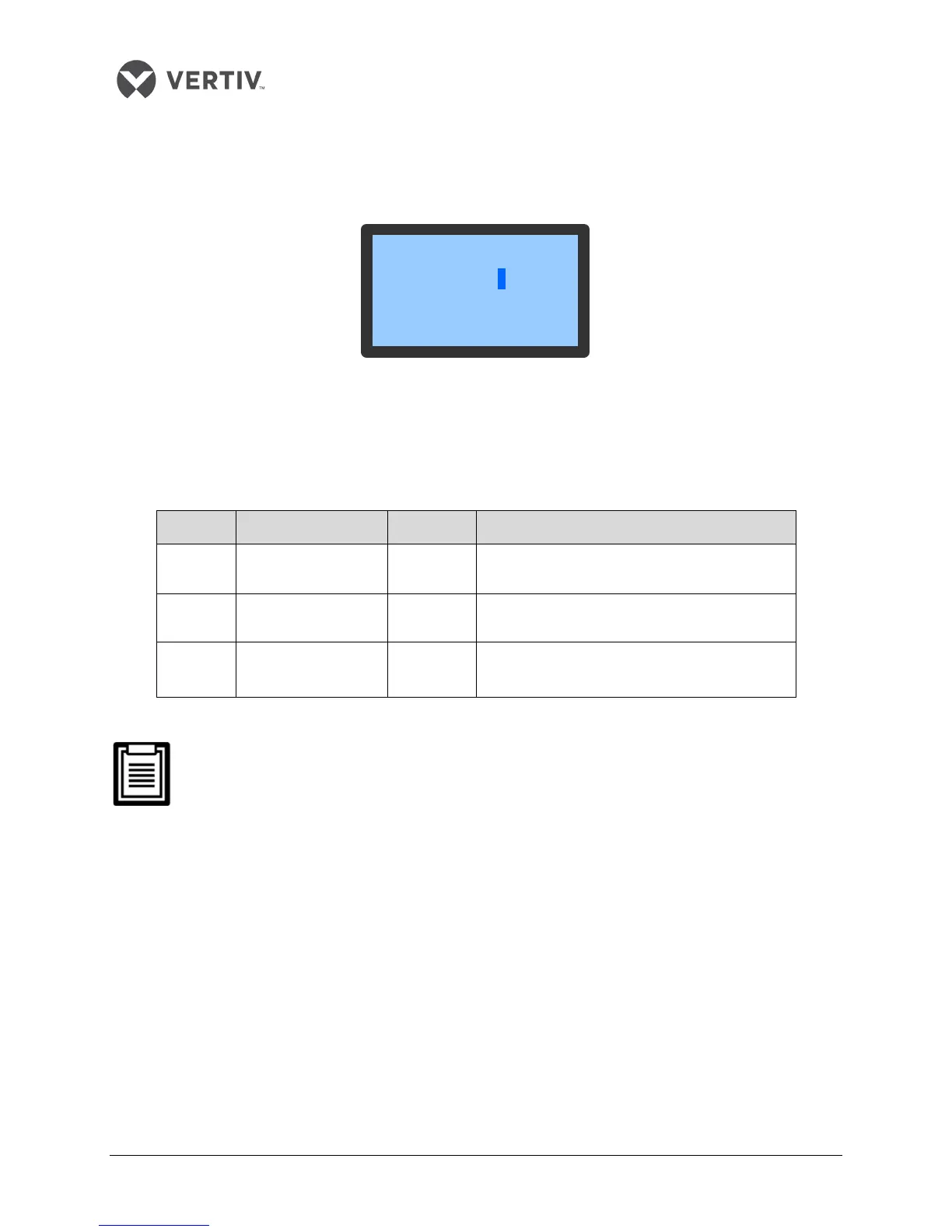
Press the Enter button on the Normal screen following which the Password screen appears as depicted in
Figure 3-4.
Figure 3-4 Password Interface
The table in Listing 3.3 depicts the 3 levels of passwords for accessing the menu. The detailed explanation
is provided in the same table:
Listing 3.3
User
Remark
Level 1 General operator 1490
Browse all menu information. Only set
temperature and humidity Setpoints (see Figure
5-19) and cannot change any values and settings
Level 2
Maintenance
personnel
/ Browse all menu information. Set all parameters
Level 3 Factory technician / /
On entering an incorrect password, the users cannot change the settings; however, they can
view the menu. To go back to the Normal screen, press the Esc button and then click on the
Enter button to get access to the Password interface again. If the users do not enter a
password and press the Enter button, then similar to the incorrect password example, the
users can view the menu settings but cannot change any parameters.
3.1.6 Menu Structure
In this section, the different kinds of menu and sub-menu options will be discussed to help users get a grip
on the Controller functions.









 To Next Page