Vertiv | Liebert CRV+ | User Manual 54
Main Menu
By entering the correct credentials for the password and confirming it, the Main Menu screen will be
accessible. For more information, refer to the Appendix 2 Menu Structure which defines the menu
structure of the Micro-processing controller.
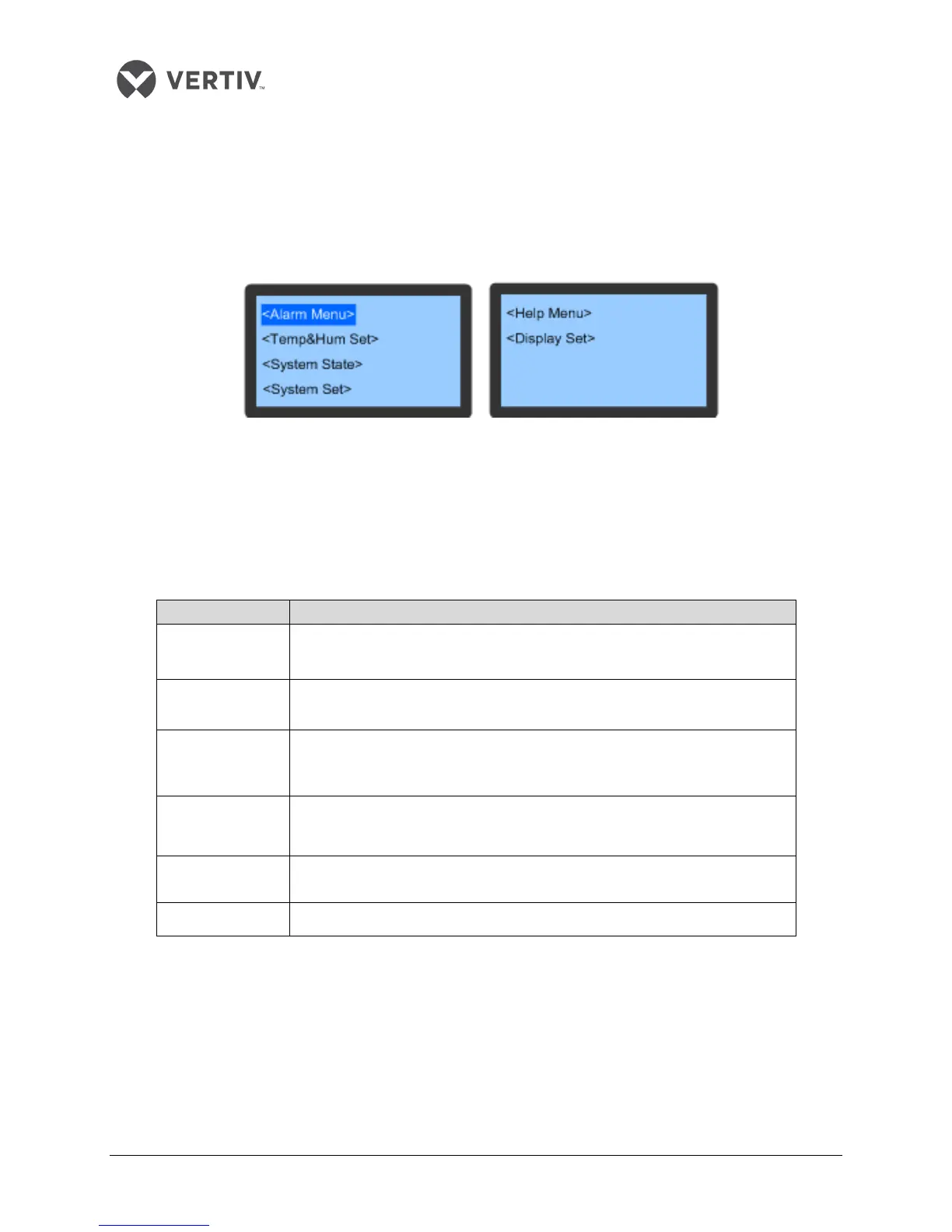
On selecting a menu item, that item will be highlighted. Figure 7-5 depicts the Main Menu screen:
Figure 3-5 Main Menu Screen
Remember that the users can change the settings of most of the parameters; however, there are some
parameters that cannot be modified or altered (basically cannot be set).
The table in Listing 3.4 describes the different menu items on the Main Menu screen:
Listing 3.4
Menu item Descriptions
Alarm Menu
The users can perform various tasks such as viewing the alarm status,
historical records, abnormal high pressure records and, resetting and modifying
the alarm parameters to mention a few
Temp & Hum Set
The users can perform tasks such as setting the Compressor or Fan mode,
defining the temperature and humidity Setpoints, and other relevant
parameters among other tasks
System State
The users can perform various tasks ranging from viewing the system
operating state, ambient temperature and humidity, system input and output,
system operating time, and calibrating the analog signals among others
System Set
The users can set the basic parameters of the system and operating
parameters of the compressor, fan, and the EEV, configure optional functions
and set the manual mode in addition to several other tasks
Help Menu
The users can define the Time, change the password and view important
version information.`Set the time; change password; view version information
Display Set The users can adjust the screen contrast and alter the language
Alarm Menu
On the Main Menu screen, click on the Alarm Menu to gain access to the Alarm Menu interface.
Press the Up and Down button to scroll up or down the menu items.









 To Next Page