Vertiv | Liebert CRV+ | User Manual 55
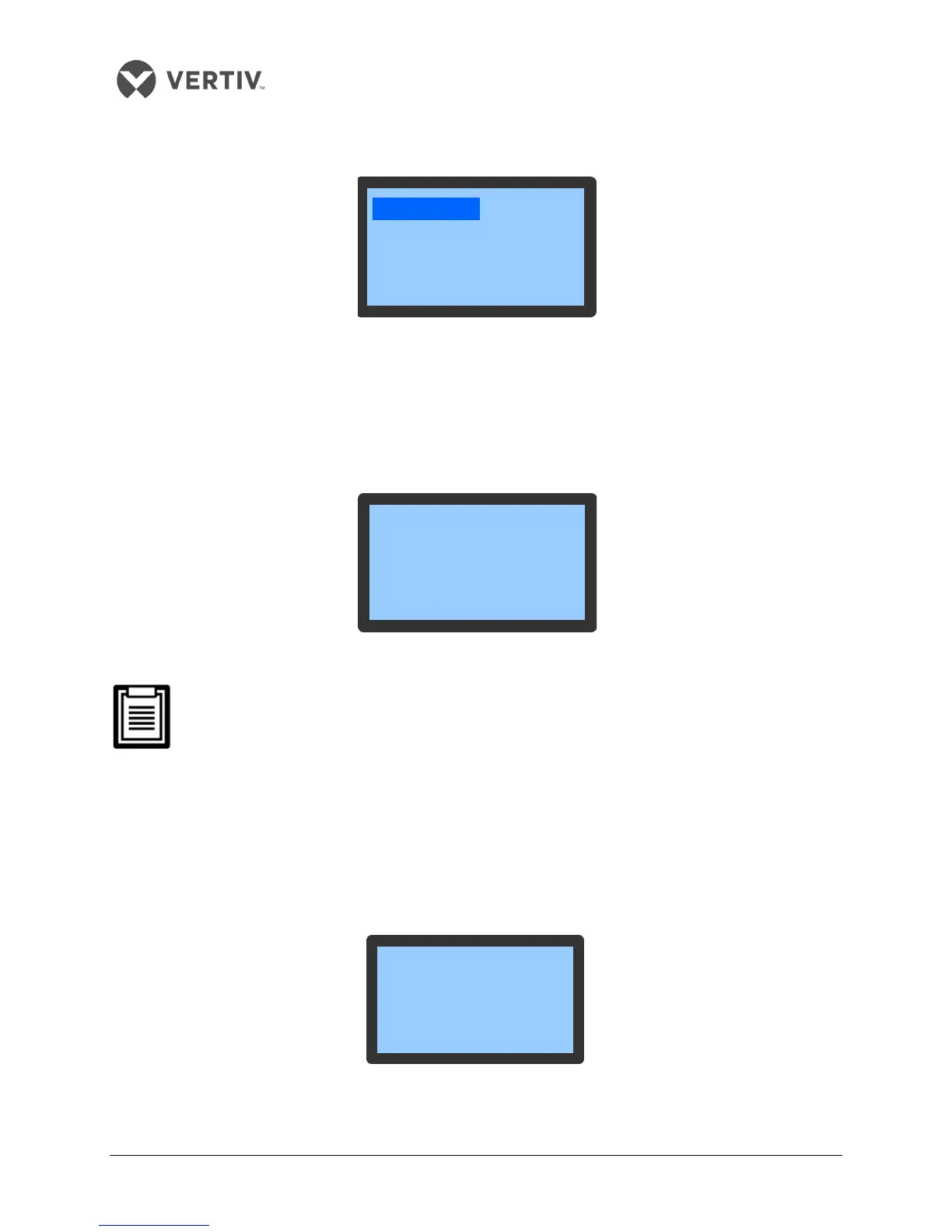
Figure 3-6 shows the Alarm Menu screen:
Figure 3-6 Alarm Menu
Active Alarm
The Active Alarm menu is used to monitor the present alarm status of the AC unit. It prompts with No
alarm and detailed alarm status information.
Figure 3-7 shows the Active Alarm menu:
Figure 3-7 Active Alarm
The latest Alarm SN is the biggest number.
Press the UP or Down button to scroll through the Alarm status records if more than one
alarm is activated. The Alarm status records will be automatically cleared when the system
is powered off.
Alarm History
The Alarm History menu is used to view the historical alarm records of the AC unit. It also displays the
Alarm type, Alarm Start time and Alarm End time.
Figure 3-8 depicts the Alarm History screen:
Figure 3-8 Alarm History menu
<Alarm History>
<HP Abnormal>
<Alarm Set>
<Active Alarm>
HP Alarm
Actv Alm 1/8
2012/01/01 00:00
HP Alarm
Alm Hist 1/4
2012/01/01 00:00
2012/01/01 00:02









 To Next Page