VI.BE.MAC.S.p.A. 3022LV
Page 10
12. MEMORIZING THE SETTINGS IN THE PANEL (BACKUP)
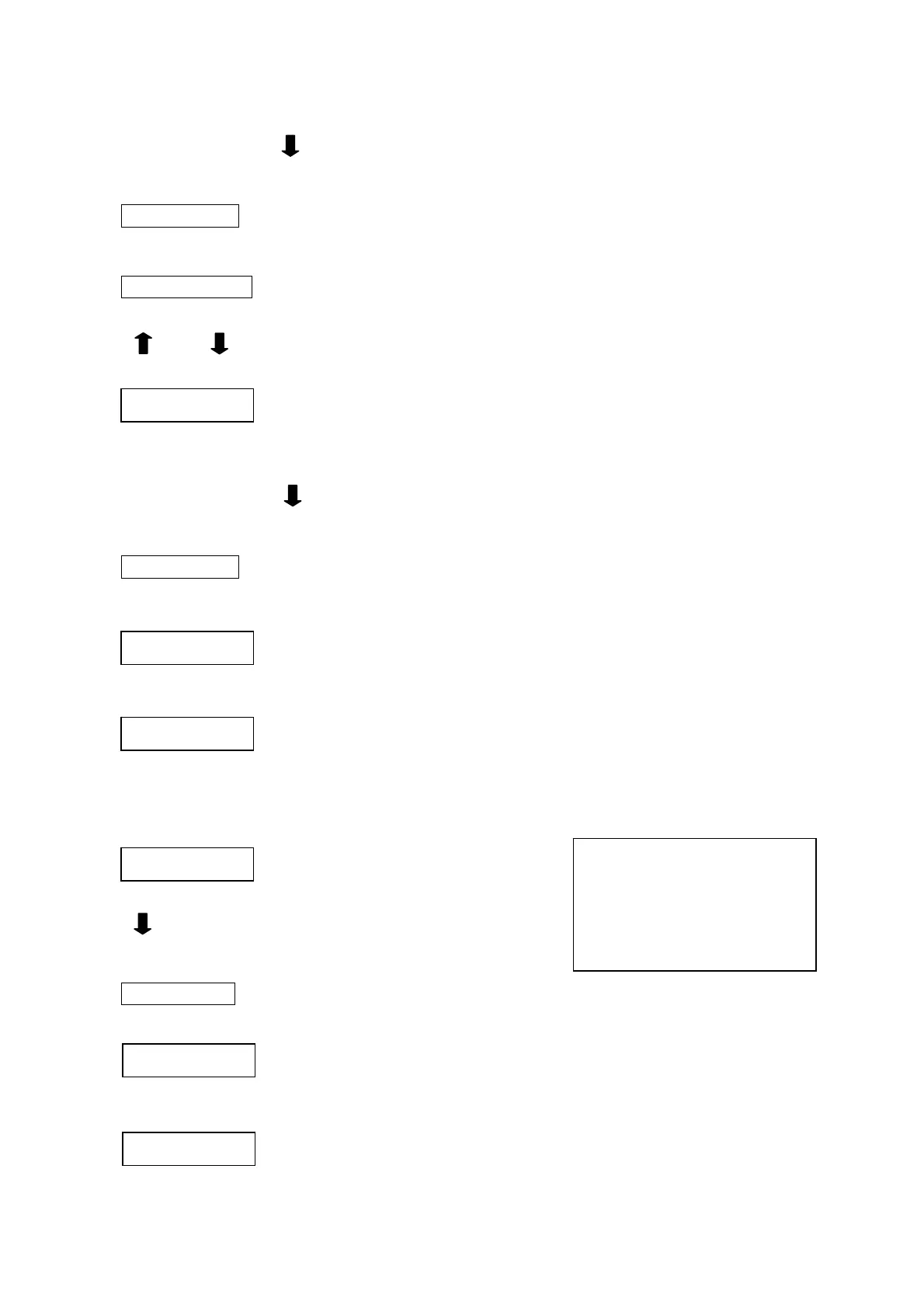
Switch the machine on by pressing the down arrow and buttons A and C at the same time.
Switch on + + A + C
The following will then appear on the display:
P - q (q mode)
Keep the THREE buttons pressed down until this changes to:
U C S. o f
Press the up and down arrows at the same time in order to exit this mode
+
The following appears on the control panel display:
2
9 9
IN THE MOTOR PANEL
Switch the machine on by pressing the down arrow and buttons A, B and D at the same time.
Switch on + + A + B + D
The following will then appear on the display:
P - u (u mode)
Keep the buttons pressed down until this changes to:
B a c k u
Press button D in order to start the copy cycle. It normally takes around 5 seconds to transfer all the data.
If the following message appears
M - 5
switch the machine off and repeat the operations described above.
13. RESETTING THE PANEL MEMORY (RESET)
The following appears on the control panel display:
WARNING: If this operation is
carried out, the next time the
machine is switched on the panel
memory will either be programmed
with the standard basic type
(280M) or with the programmining
entered by the Backup operation.
2
9 9
Press the down arrow and button B and C at the same time.
+ B + C
The following will then appear on the display:
P - r (r mode)
Keep the THREE buttons pressed down until this changes to:
R E S E T
Press button D in order to start the resetting cycle and keep it pressed down until the writing flashes three times.
The following appears on the control panel display:
2
9 9



 To Next Page