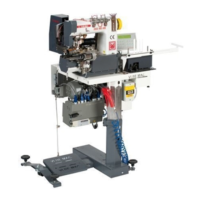
VI.BE.MAC.S.p.A. 3022LV
Page 9
11. FINAL AUTOMATIC CYCLE END STOP
On the control box appears on the display:
2
9 9
Press the UP arrow key one time
On the control box appears on the display:
b x x _ _
On the first and second place we have a symbol and a number but they are not used
On the third place we have a symbol
(x = symbol)
b _ _ x _
Change the value from OFF to ON by C key to able the automatic stop function.
Inserted the function it appears the following symbol ON =
On the fourth place we have a number
b _ _ _ x
It determines the slow down final stop type. Please set it always to the number
2 (TWO)
Press the UP arrow key one time, on the control box appears on the display:
M _ _ X X
(Insertion of the number of slow end stitches)
On the first and second place we have a numbers but they are not used.
Set how many stitches you need for the slow end stop function by the C and D keys.
Increase the number to stop later or reduce the number to stop earlier by C and D keys
Please set it normally to the number
3 and 3
In this case the unit will be stops after 3 + 3 = 6 SIX stitches from end material detection by the Photocell. Normally the material
stops exactly when it exit from Presser Foot end
Press down and upper arrows keys in the same time together to go out
+
On the control box appears on the display:
2
9 9



 To Next Page