VIDEONICS DIGITAL VIDEO MIXER PAGE 35
or other action immediately — you do not need to wait for the PREVIEW
screen.
Reverse
A transition is often used to show a change to another point of
view or to another time or location. The same effect, moving in the
opposite direction, shows a return to the previous viewpoint, time,
or place.
For example: In a documentary about a famous violinist, a wipe
is used to transition from scenes of the musician on stage to old
footage of early appearances. The director wants a right-moving
wipe when going to the old scenes and a left-moving wipe when
returning to the present day. The reverse feature would be used to
accomplish this.
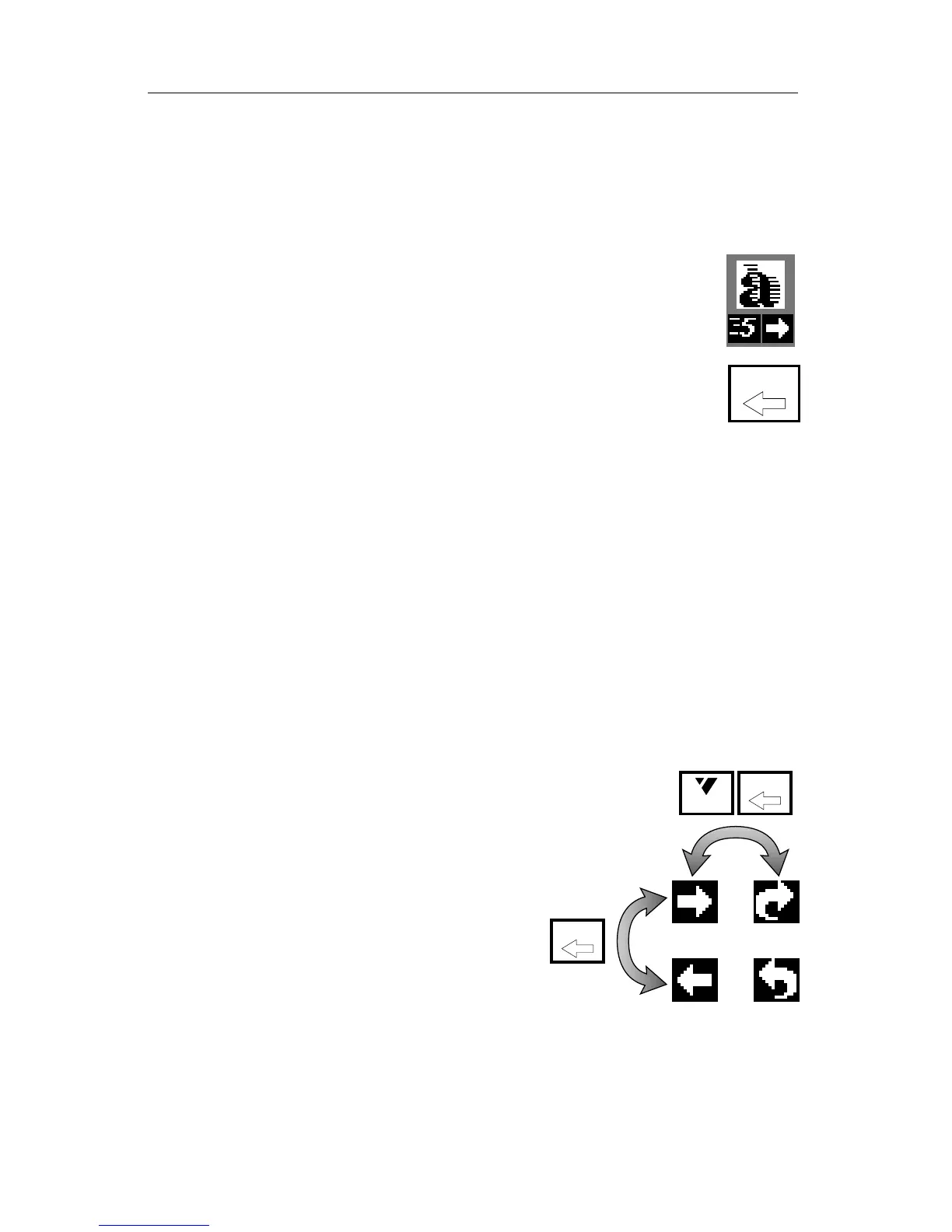
The REVERSE button changes the direction of effects. An arrow under the
highlighted effect’s symbol shows whether the effect is reversed. When the
arrow points to the right, the effects are set to the normal forward direction.
Reversed effects are indicated when the arrow points left.
Note that it is the direction of the effect’s motion that is reversed — the
sources are not changed. For instance, a vertical wipe from A to B will go
from the top of the screen to the bottom, replacing A with B. Reversed, that
wipe will still replace A with B, but now it will go from the bottom of the
screen to the top.
All effects remain reversed until the REVERSE button is pressed again.
REVERSE has no effect on the simple cut (effect 0) and dissolve (effect 1)
transitions, because reverse has no meaning for them.
Note: Some transitions only work in one direction when starting from a
frozen picture (that is, when you press FREEZE before
performing the effect). These are indicated by a * in the
Effects List.
Auto-Reverse vs. One-Way Reverse
In the example discussed previously, the
transitions are continuously reversed: A for-
ward transition goes to the old footage and
a reverse direction is used for returning to
the present. The MX-1 has an auto-reverse
feature to make this easy.
The auto-reverse setting automatically
changes the effect’s direction after each tran-
sition. So if a wipe went from left to right,
the next wipe would be right to left and the next one would be left to right
again.
When auto-reverse is off, the transitions are one-way — that is, they
always go in the same direction.
REVERSE
REVERSE
SHIFT
REVERSE



 To Next Page