Page 59
MNVADCJ01_1729_EN
5.17 Everfocus DVR
5.17.1 Description
Everfocus Digital Video Recorders (EDSR400, EDSR100, EDSR900, EDSR1600 and the respective H
versions) are professional devices used to record video signals. Each video input provides a videoloop. Each
unit features a main video output and a call video output.
Communication from keyboard to DVR is monodirectional.
5.17.2 Connections
5.17.2.1 Cable
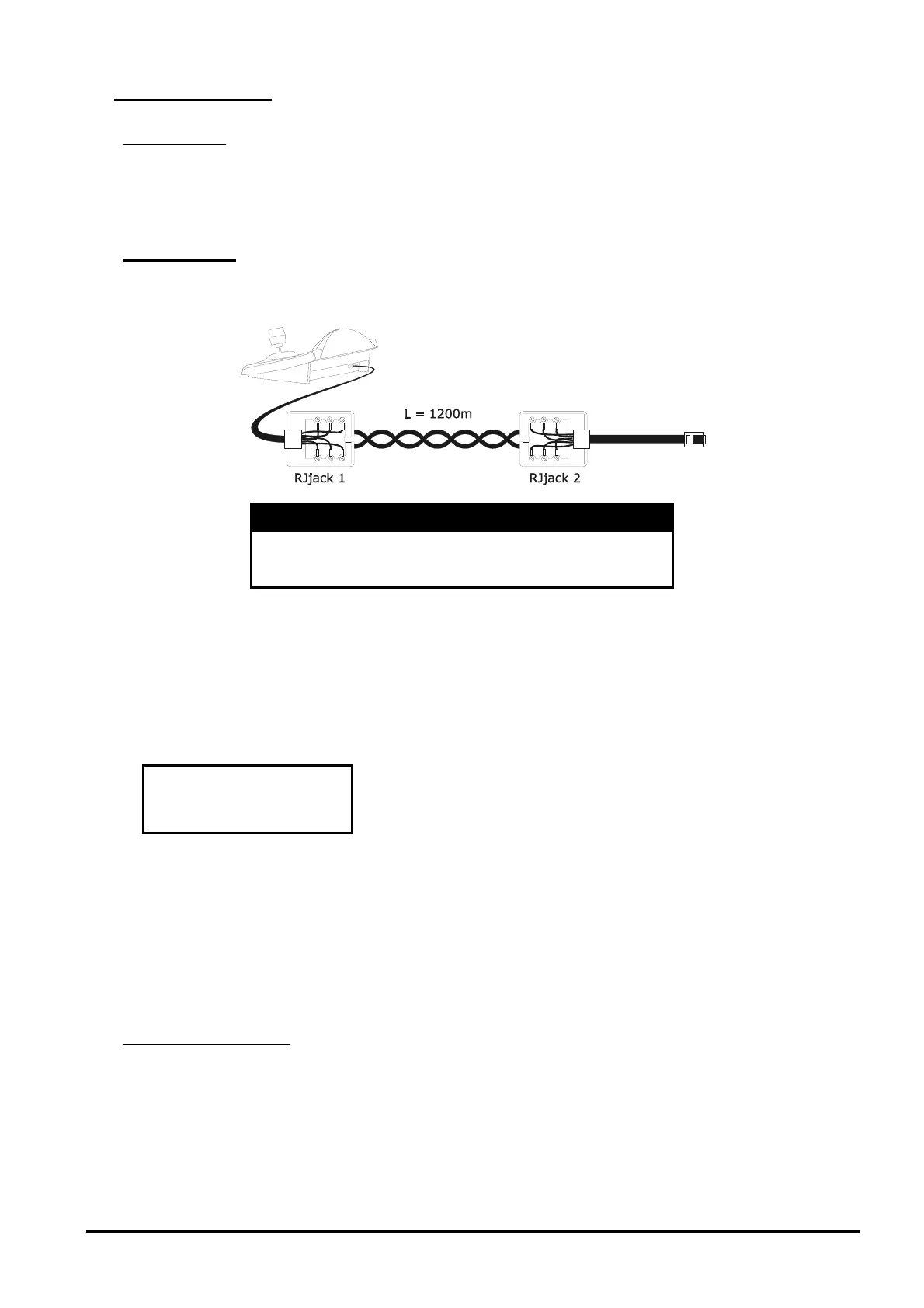
DCJ RJjack 1 RJjack 2 DVR
RS485A white yellow RS485A
RS485B yellow black RS485B
5.17.2.2 DVR settings
Using the local DVR keyboard set the communication baudrate and a proper ID number in RS232/RS485
SETTING MENU. Only RS485 parameters have to be considered: set STOP BIT 1, parity NONE, data bit 8.
5.17.2.3 Keyboard settings
During keyboard setup, submenu must be suitably set:
Select the proper baudrate and DVR model.
5.17.2.4 Operational test
When the keyboard is connected directly to the DVR, using a cable as shown above, it should be immediately
possible to switch video channels:
push [
DEVICE
] and choose a DVR number
push [
CH
] , [
CH
] to select a video channel (confirm with when required)
5.17.3 DVR Configuration
The DVR is configured by On Screen Menu. Refer to the corresponding manual for an explanation of the
various configuration items.
Configuration controlled by a remote keyboard is allowed only in DVR mode, pushing [
MENU
].



 To Next Page